Some video doorbells can still record locally or ring a chime without Wi-Fi, but most app alerts and remote viewing stop. The best setup depends on whether you need offline recording, a wired chime, or cloud access.
Do video doorbells work without wifi is a common question. Many people want security when the internet is down. The short answer is that some video doorbells can still do a few things offline. But most smart features depend on Wi-Fi or a hub connection.
Do Video Doorbells Work Without Wi-Fi? The Short Answer
A video doorbell can sometimes keep recording, ring a chime, or save clips locally without Wi-Fi. But live view, phone alerts, cloud uploads, and remote access usually stop when the internet drops. The exact behavior depends on the model, power source, and storage setup.
If you are choosing a system for a home with weak service, focus on what still works during an outage. That usually matters more than marketing claims about “offline” use. For a deeper look at setup choices, see this video doorbell installation guide.
What a Video Doorbell Can Still Do Offline
A video doorbell can still record locally and detect motion without Wi-Fi.
Some doorbells keep limited functions when Wi-Fi is unavailable. The key is whether the device has local storage, a base station, or a wired chime connection. Without one of those, the doorbell may only act like a button and camera.
Local recording, motion alerts, and chime behavior
Local recording means the device saves video on a memory card, onboard memory, or a hub in the home. That can let you review events later, even if the internet is out. Some models also keep the indoor chime working through existing wiring or a base station.
Motion alerts are different. If the alert must travel through a cloud service to reach your phone, it usually will not arrive during an outage. A wired chime may still sound inside the house, but app alerts often will not.
What stops working when the internet drops
Most remote features stop first. That includes live video, two-way talk through the app, cloud clips, package alerts, shared-user access from outside the home, and voice assistant routines. If the vendor stores events in the cloud, those clips may not upload until the connection returns.
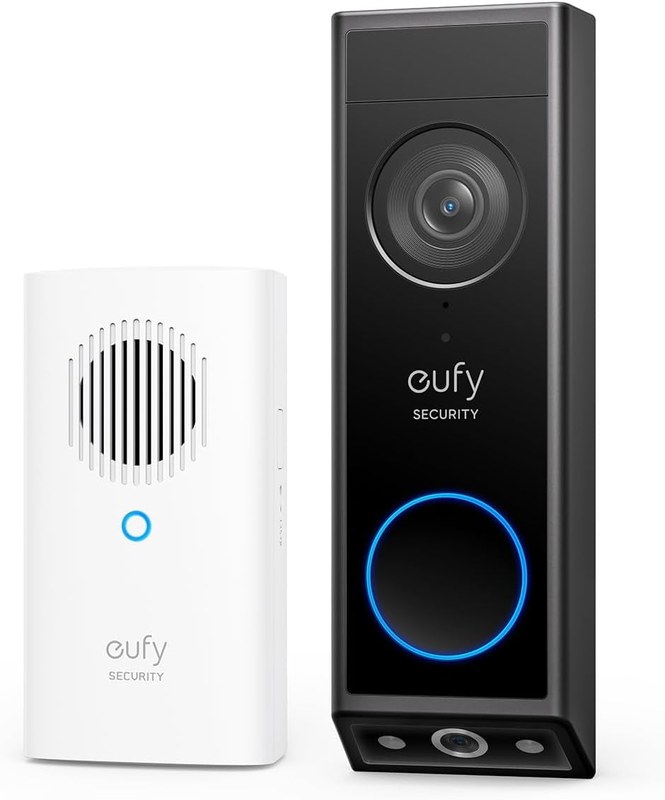
That is why local storage matters. A doorbell can still be useful offline, but only if it has a way to save footage at home. If you want a model that works more like a self-contained camera, compare it with a model that uses a hub, such as the Eufy E340 without HomeBase.
Local Storage
Saves clips at home on a card, device, or base station.
Can keep recording during an internet outage.
May be harder to access if the device is stolen or damaged.
Cloud Storage
Saves clips on the vendor’s servers.
Usually depends on working Wi-Fi and internet service.
Often adds a subscription cost and account dependence.
Wired vs. Battery Models: Which Setup Matters Most
Power setup affects offline behavior, but it does not replace Wi-Fi. Wired models can stay powered longer and may work better with an existing chime. Battery models are easier to place, but they still need charging and may lose features during long outages.
Power source, charging, and backup limitations
Battery doorbells are useful where wiring is missing or not allowed. They are also common for renters. But the battery still needs regular charging, and cold weather can shorten runtime. If the battery runs low, the doorbell may miss events or shut down.
Wired models use low-voltage power from the home’s doorbell circuit. That can reduce charging concerns, but it does not guarantee internet access. A wired doorbell can still lose remote alerts if the router or modem goes offline.
Installation Warning
Doorbell wiring, transformers, and exterior mounting can be safety-sensitive. Turn off power before touching wires, and use a qualified installer when voltage or chime compatibility is unclear.
How existing doorbell wiring affects installation
Existing wiring can make setup easier, but only if the transformer and chime match the new doorbell’s requirements. Some video doorbells need a power kit, bypass, or adapter. Others do not support certain mechanical or digital chimes without extra parts.
Storage Options Without Wi-Fi: Local, Hub-Based, and Cloud<
Storage options include local, hub-based, and cloud recording without Wi-Fi.
Storage is the biggest difference between a doorbell that is truly useful offline and one that is not. Local storage and hub-based storage can preserve clips during an outage. Cloud storage is convenient, but it usually depends on the internet and an active account.
SD cards, onboard memory, and base stations
Some doorbells use a microSD card or internal memory. Others send video to a hub or base station inside the home. These options can keep recordings available even if the router fails. They also reduce dependence on a monthly plan in some cases.
Still, local storage has tradeoffs. Cards can fill up, fail, or be removed. A base station may need its own power and network connection. If the hub is unplugged or stolen, your clips may be harder to recover.
Subscription plans and what they change
Cloud plans often unlock longer retention, richer notifications, or person detection. They may also allow easier sharing and remote playback. Without a plan, some brands limit history or disable certain alerts.
Plan details vary a lot by model and region. Check the exact product page before you buy. For example, if you are comparing a battery camera with a doorbell, this subscription guide for Blink Outdoor 4 shows how plan limits can change daily use.
Home Layout, Placement, and Signal Considerations
Even a strong doorbell can struggle if it is mounted too far from the router or behind dense walls. Placement affects both video quality and alert speed. A front porch, garage entry, or apartment hallway can each create different signal problems.
Front porch distance, walls, and router location
Wi-Fi weakens with distance, brick, metal, stucco, and concrete. That means a doorbell at the front door may have a worse connection than devices inside the house. If the router sits at the back of the home, the signal may be too weak for reliable video.
Before mounting, check the app’s signal test if the brand offers one. A simple test can save time and drilling. It is also worth checking whether the device supports 2.4 GHz, 5 GHz, or both, since many doorbells rely on 2.4 GHz for range.
When mesh Wi-Fi or a hub improves performance
Mesh Wi-Fi can help when the front door is far from the main router. A mesh node placed closer to the entry can improve signal strength. A hub can also help when the doorbell uses a separate bridge for storage or alerts.
That said, mesh is not a cure-all. If the internet service itself is unstable, the doorbell may still miss cloud features. A hub can help with local storage, but it does not replace a working power source or good placement.
Privacy, Cybersecurity, and Neighbor Considerations
Video doorbells can capture more than the front door. They may record sidewalks, shared hallways, parked cars, and voices. That makes privacy settings and account security important, especially in apartments, townhomes, and close neighborhoods.
Account protection, MFA, and shared-user access
Use a unique password and turn on multi-factor authentication, or MFA, if the app supports it. MFA adds a second check, such as a code or app prompt. That helps protect recordings and live access if a password is stolen.
Also review shared users and guest access. Remove old household members, contractors, or tenants who no longer need access. If the app offers session controls, check them after a move, remodel, or account recovery.
Audio capture, privacy zones, and recording boundaries
Audio recording rules can be sensitive. Some users want doorbell audio off, or they want privacy zones that block a neighbor’s window or part of a sidewalk. These settings can reduce unnecessary capture, but they do not remove all privacy obligations.
Before mounting, aim the camera only where you need coverage. Avoid pointing into a neighbor’s home, yard, or private entry. If your model supports activity zones or privacy masks, use them to narrow the field of view.
Installation and Setup for Renters and Homeowners
Renters usually need a no-drill or low-drill setup. Homeowners may have more options, but they still need to check wiring, HOA rules, and exterior mounting limits. In both cases, the goal is a secure mount that does not damage the property or block access.
Mounting options, drilling concerns, and lease restrictions
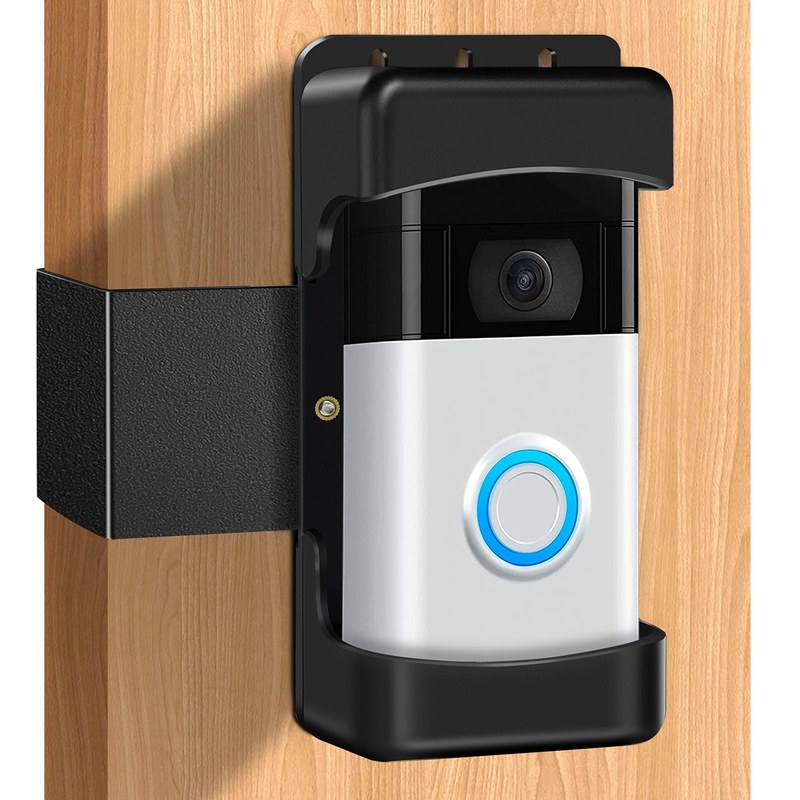
Adhesive mounts, wedge kits, and no-drill brackets can help renters avoid permanent changes. But adhesive strength can vary with heat, cold, and surface texture. If the building has a lease rule or HOA rule, review it before mounting anything outside.
For homeowners, drilling into brick, siding, or trim may require the right anchors and weather sealing. If the doorbell sits in direct rain or sun, check the manual for outdoor placement limits. If you need a practical reference for placement, see the installation height guide.
Installation Warning
Mounting near doors, stairs, or shared walkways can affect safety and privacy. Check lease rules, HOA rules, and local access needs before drilling or wiring.
Compatibility with existing chimes and smart home systems
Some doorbells work with existing mechanical chimes. Others need a digital chime, a bridge, or no chime at all. Smart home links can also vary. A doorbell may work with one voice assistant or app ecosystem, but not another.
Do not assume every badge on a product page means full support. Verify the exact model, firmware, and plan requirements. If you want a model-specific setup example, the Eufy E340 setup guide can help illustrate what to check before installation.
Troubleshooting Common Problems When Wi-Fi Is Unstable
When Wi-Fi is unstable, start with safe checks first. Look at signal strength, router distance, app permissions, and power. Most problems are caused by weak signal, crowded networks, or missed setup steps rather than a broken camera.
Missed notifications, delayed clips, and app reconnect steps
If alerts are late, check whether the device is still connected in the app. Then confirm the phone has notification permission, background app access, and no battery saver limits. A simple reboot of the router and doorbell can also restore the connection.
If clips are missing, look at storage limits and event settings. Local memory may be full. Cloud clips may not upload during an outage. If the device keeps dropping offline, move it closer to the router or add a mesh node.
Firmware updates, router settings, and bandwidth issues
Firmware updates can fix bugs and improve stability. Update the doorbell, hub, app, and router when possible. Some routers also need a band-steering change or a separate 2.4 GHz network for better compatibility.
Bandwidth matters too. A home with many cameras, TVs, and game consoles may crowd the network. If the upload speed is low, live view and clip uploads can lag. In that case, a local-storage model may feel more reliable than a cloud-first one.
Ownership Costs, Maintenance, and the Best Next Step for Your Home
The real cost of a video doorbell is not just the device. You may also pay for batteries, storage accessories, installation help, or a cloud plan. Over time, maintenance matters as much as the first purchase.
Battery care, weather exposure, and long-term upkeep
Battery models need charging, and all outdoor devices need weather checks. Inspect the mount, lens, and seals after heavy rain, snow, or heat. Clean the camera face gently so dust and pollen do not blur the image.
Also review the app every few months. Check who has access, whether firmware is current, and whether recordings are still saving where you expect. If the device uses a removable card, back up important clips before the card fills up.
When a no-Wi-Fi workaround is enough and when it is not
A no-Wi-Fi workaround is enough if you mainly want local recording, a door chime, and basic awareness during outages. It is not enough if you need live remote viewing, instant phone alerts, or cloud access from away from home. In that case, a stronger network or a hub-based system may be the better fit.
Before you buy, check the exact model’s manual, storage rules, and outage behavior. If you want more model-specific context, the video doorbells category is a useful starting point for comparing setup styles.
Some models can record locally to a memory card, onboard storage, or hub. Others need Wi-Fi to save clips or send them to the cloud.
It may still ring a wired indoor chime or sound through a local hub. App alerts and remote notifications usually stop until service returns.
Battery power helps the doorbell keep running during a power outage, but it does not replace Wi-Fi. Wired models may be better for chime support, while battery models are easier to place.
Not always. Some brands offer local storage without a plan, while others reserve features like extended history or smart alerts for paid tiers.
Move the router closer, add a mesh node, or use a model that supports a hub or local storage. Also check for 2.4 GHz support, firmware updates, and app permissions.
Review audio recording, activity zones, privacy masks, shared users, and retention settings. Aim the camera only at your own entry area and confirm how recordings are deleted or exported.
Hi, I'm Marcus Sterling, a smart home security expert with over 5 years
of hands-on experience testing and reviewing hundreds of security cameras, smart locks, and alarm systems. My mission is to make smart home security accessible, affordable, and easy to understand—and every review I publish is 100% independent, unbiased, and honest. I don't accept payments for positive reviews, just practical advice to help you secure your home with confidence.
Setting up the eufy Video Doorbell E340 gives us a clear view of our entryway and phone alerts when someone arrives. We can install it with battery power or connect it to compatible existing doorbell wiring. We can complete the setup by charging the battery, choosing a suitable mounting spot, installing the hardware, and connecting…
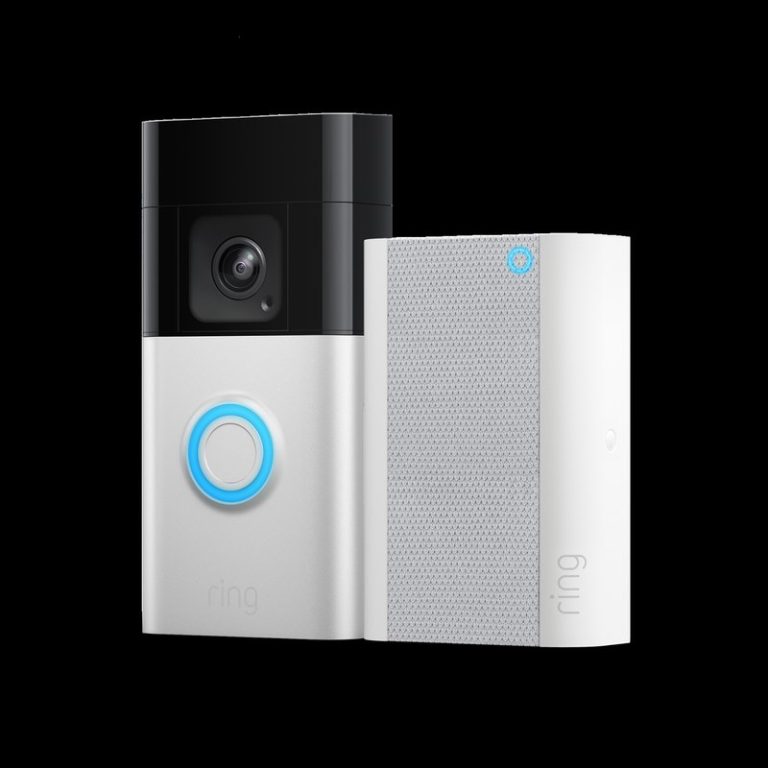
Quick Security Answer Choose the alternative that matches your power source, Wi-Fi strength, and privacy needs. For many homes, the best fit is the model that installs cleanly and stores video the way you prefer. Ring battery doorbell alternatives matter when you want video at the front door without Ring’s battery setup, app rules, or…
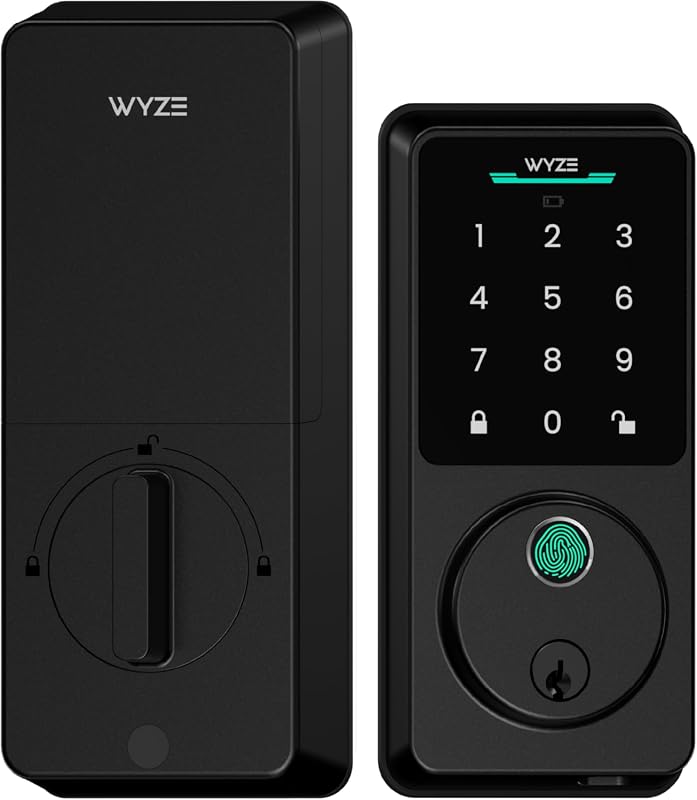
Compare the best smart deadbolts for front door use: fingerprint, keypad, Wi-Fi, Matter over Thread, and key backup options for U.S. homes. Check prices.
Quick Security Answer The add-on chime is useful when you want louder, room-based alerts beyond the phone app. It works best when your exact Eufy model, Wi-Fi setup, and placement all match the manual. The eufy security video doorbell add-on chime is a simple way to hear doorbell alerts inside your home. It does not…
Quick Security Answer A ring battery doorbell chime setup can be a practical choice if you want flexible installation and indoor alerts. Check Wi-Fi, privacy, battery charging, and any subscription needs before you mount it. ring battery doorbell chime setup usually means pairing a battery-powered video doorbell with a compatible indoor alert device, app notifications,…
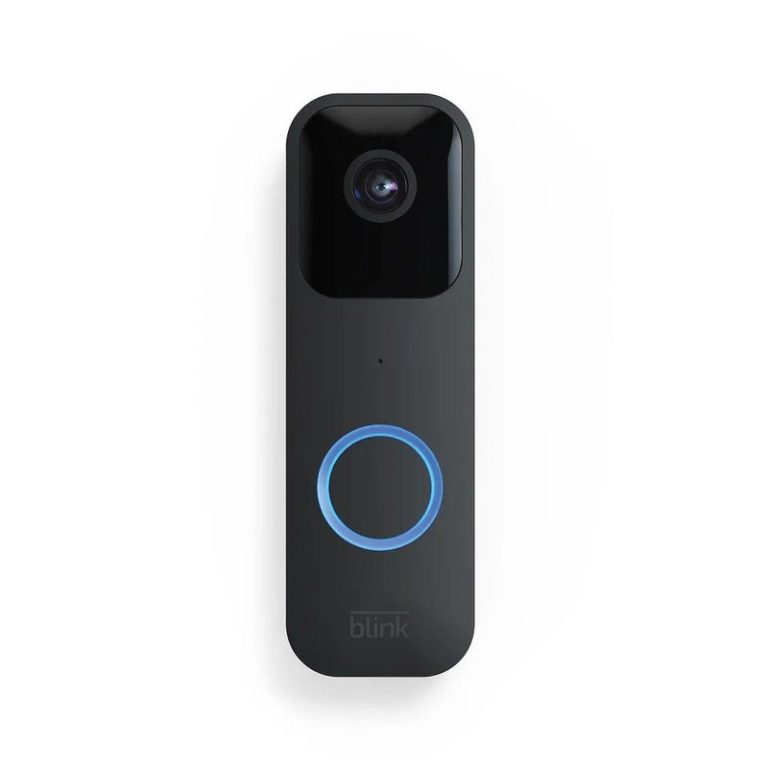
Quick Security Answer Yes, a Blink video doorbell can be used without a subscription for basic live viewing, motion alerts, and two-way talk. The main tradeoff is reduced video history and fewer convenience features, so storage and placement matter more. The blink video doorbell without subscription question has a simple answer. You can use core…


5 Comments