Do Security Cameras Need Internet to Record Explained
No. Cameras record to local storage without internet, so footage keeps saving during outages. Remote viewing, cloud backup, and app alerts stop until the connection returns.
Do security cameras need internet to record? The short answer is no. Many cameras record to local storage without any internet connection. This guide explains how offline recording works. It also covers what stops during an outage. Use it to build a setup that fits your home, budget, and privacy needs.
Do Security Cameras Need Internet to Record? The Short Answer
No. Most security cameras record locally without internet. They save footage to a microSD card, a network video recorder (NVR), or a digital video recorder (DVR).
The “smart” part needs internet. It includes live viewing from your phone, cloud storage, motion alerts, and two-way audio. Recording itself is a local task. You can set up a camera that records 24/7 with no internet at all.
How Cameras Record Without an Internet Connection

Cameras record without internet because the storage is on the device or on a local recorder. The footage never leaves your property until you upload it or view it remotely.
SD Card Storage and Local Playback
Many Wi-Fi cameras have a microSD card slot. The camera writes video clips directly to the card. You can play them back in the app when your phone is on the same home network.
Some models let you remove the card and read it on a computer. Card capacity usually ranges from 32 GB to 512 GB. Higher resolution and continuous recording fill cards faster.
NVR and DVR Systems
An NVR works with IP cameras. IP cameras connect by Ethernet cable or Power over Ethernet (PoE). A DVR works with older analog cameras. These connect with coaxial cable. Both store footage on a hard drive inside the recorder.
These systems are built for continuous recording. They can store weeks of footage on a single drive. They also keep recording when the internet drops. The cameras talk directly to the recorder.
Continuous vs. Motion-Triggered Recording
Continuous recording captures every moment. It uses more storage and wears out SD cards faster.
Motion-triggered recording saves clips only when the camera detects movement. It saves space and makes review easier. The risk is missing events that happen outside the detection zone.
When You Do Need Internet: Cloud Storage and Remote Access
Internet becomes necessary when you want footage stored off-site or accessed from anywhere. These features depend on a stable connection. If you only need recording, local storage is enough.
Cloud Subscriptions and Footage Retention
Cloud storage uploads clips to the manufacturer’s servers. That requires internet. Most brands sell monthly or yearly plans. These plans set how long footage is kept, often 30 to 60 days.
Without a plan, many cameras offer limited or no cloud access. Local storage works, but you lose the off-site backup. That backup survives a stolen or damaged camera.
Live View, Push Alerts, and Two-Way Audio
Live view from your phone needs internet on both ends. Push alerts also need internet. Two-way audio needs it too. The audio stream travels through the cloud.
If your internet goes out, these features stop. Recording to local storage usually continues.
Camera Types and Their Offline Recording Limits
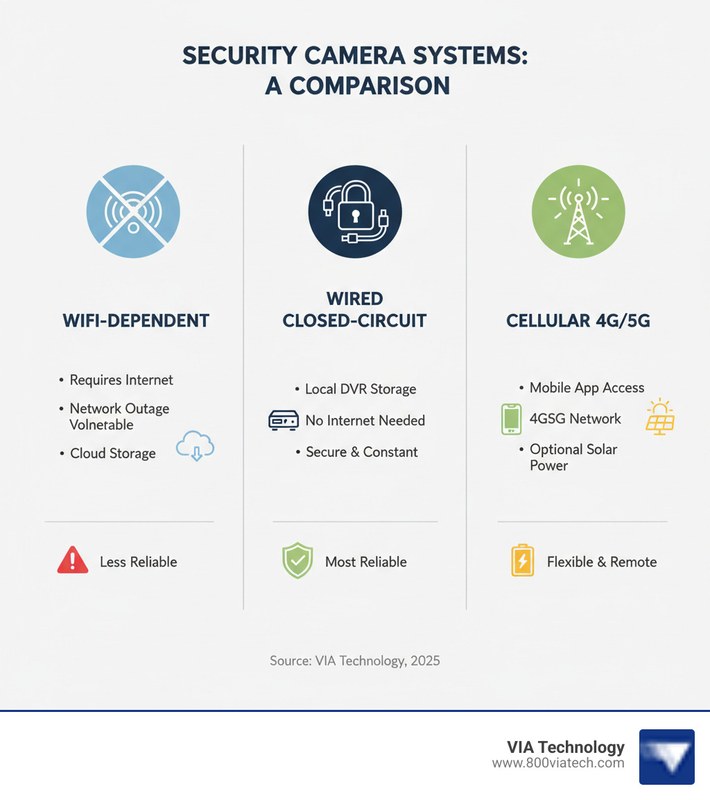
Not all cameras behave the same offline. The camera type, power source, and storage method decide what keeps working.
Wi-Fi, PoE, and Cellular Cameras Compared
Wi-Fi cameras record to SD cards when the internet drops. But the app may not show live video. They still need a local Wi-Fi network for setup and playback.
PoE cameras use one Ethernet cable for power and data. They connect to an NVR or a PoE switch. This setup is the most reliable for offline recording. It does not depend on Wi-Fi at all.
Cellular cameras use LTE networks and need a data plan. They work where Wi-Fi is weak. But they stop recording if the cellular signal fails. For a full breakdown, see our guide on a security camera without Wi-Fi.
Video Doorbells: Offline Limits and Local Backup
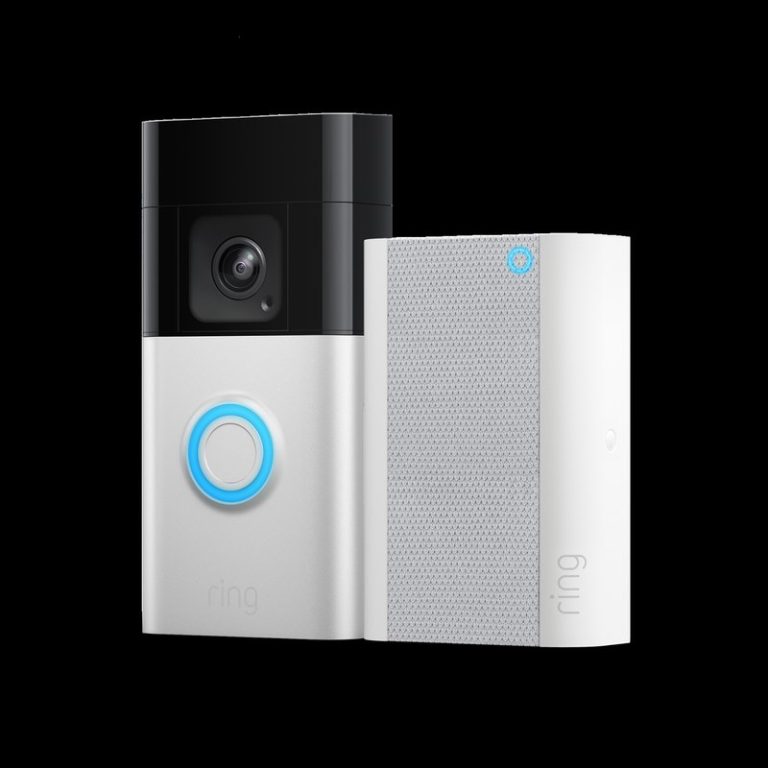
Video doorbells are more dependent on internet than most cameras. Many do not record at all without a connection. They rely on cloud storage.
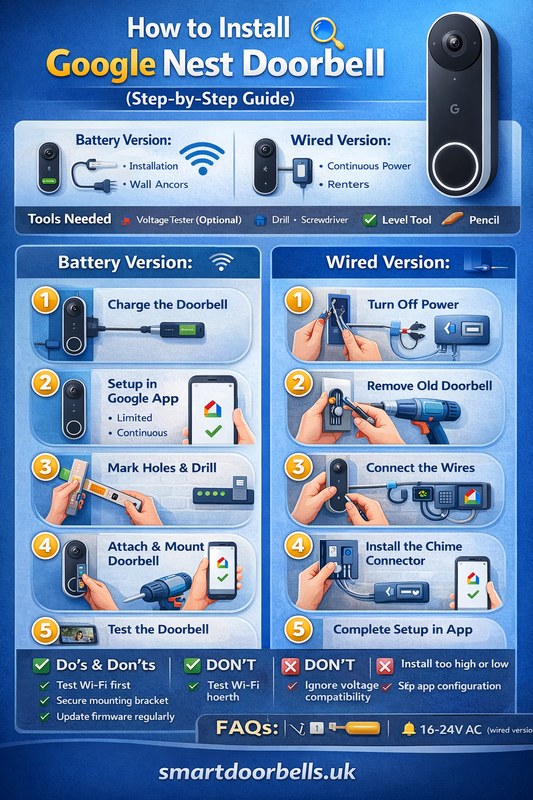
Some newer models offer local storage through a base station or SD card. Even then, doorbell presses and app notifications may stop during an outage. Learn more about how video doorbells work without Wi-Fi.
What Happens During an Internet or Power Outage
Outages are the real test of a camera system. The outcome depends on storage, power, and network design.
Internet Outage: What Keeps Recording and What Stops
Local recording continues during an internet outage. SD cards and NVRs do not need the cloud. Cloud uploads pause. Remote viewing stops.
When the connection returns, some cameras upload missed clips. Others skip them. Check the manual to know which behavior your model uses. See our guide on how a security camera works during an internet outage for more detail.
Power Outage: Battery Backup and Cellular Failover
Wired cameras stop recording when the power goes out. A battery backup can keep them running. Battery cameras keep recording for days or weeks, depending on usage.
Some NVR systems support an uninterruptible power supply (UPS). A UPS keeps the recorder running for a short time during an outage. Cellular backup can keep alerts flowing when your home internet is down. But it needs a plan and a compatible device.
Setting Up a Camera System That Works Offline
A reliable offline camera system starts with good planning. Storage, placement, and power all matter.
Storage Capacity, Overwrite Settings, and Maintenance
Choose a card or hard drive large enough for your recording mode. Continuous recording needs more capacity than motion-triggered recording.
Enable overwrite settings so old footage is replaced automatically. Format the card every few months to prevent corruption. Check the manual for the recommended card type and speed class.
Placement, Field of View, Night Performance, and Weather
Mount cameras 8 to 10 feet high for a clear view of faces. Angle them to cover entry points, not just open space.
Check the field of view. A wide lens covers more area but makes details smaller. For outdoor cameras, check the weather rating and operating temperature range. Night performance depends on infrared LEDs and sensor size. Review the specs before buying.
Power Options and Renter-Friendly Installation
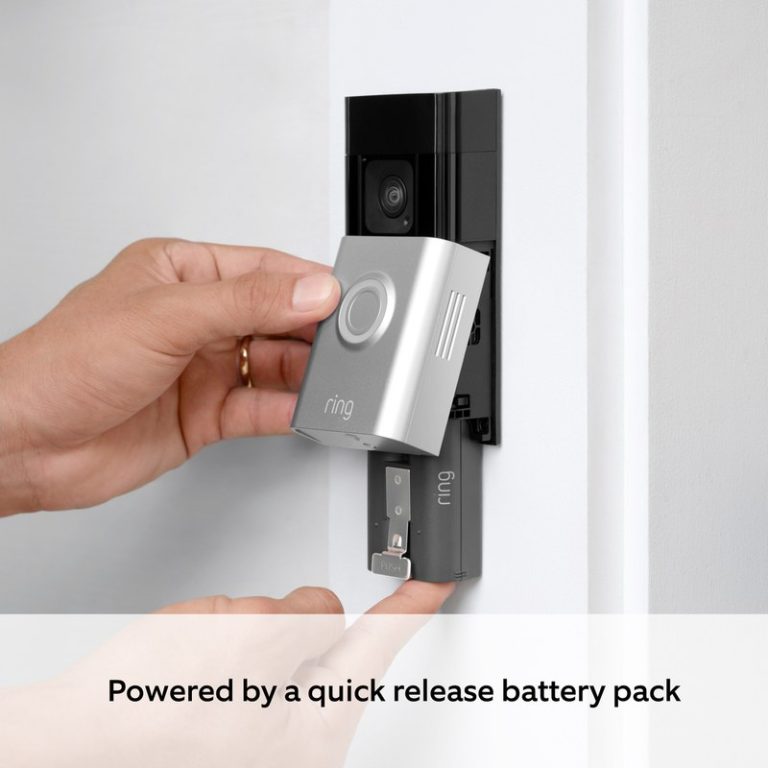
Battery cameras are the easiest for renters because they need no wiring. Plug-in cameras are reliable but need an outlet nearby. PoE cameras offer the best performance but require running cables.
If you rent, check your lease before drilling. Use adhesive mounts or command strips where allowed. Keep the original packaging so you can restore the property when you move.
Privacy, Cybersecurity, and the Real Cost of Ownership
Offline recording reduces some privacy risks. But it does not remove them. Local footage can still be accessed by anyone with physical access to the device.
Securing Local Footage: Firmware, MFA, and Vendor Support Lifecycle
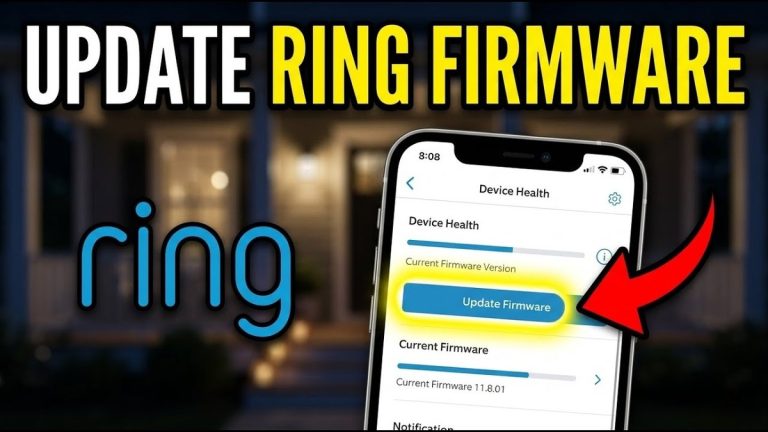
Update firmware regularly. Manufacturers patch security flaws over time. Enable multi-factor authentication (MFA) on your camera account. Use a unique, strong password for each device.
Check how long the vendor supports the model. A camera that stops receiving updates becomes a security risk. If the vendor ends support, plan to replace the device.
Neighbor Privacy, Privacy Zones, and Placement Laws
Point cameras at your own property. Avoid recording neighbors’ windows, yards, or public sidewalks where people expect privacy.
Many cameras let you set privacy zones that block out specific areas. Audio recording has its own rules in some states. Check local laws before enabling audio capture.
Subscription Fees vs. One-Time Ownership Costs
Local storage has no monthly fee beyond the cost of the card or drive. Cloud plans add recurring costs. But they provide off-site backup and easier remote access.
- No monthly fee after the hardware purchase.
- Footage stays on your property.
- Works during internet outages.
- Risk of loss if the camera is stolen or damaged.
- Requires a paid plan on most brands.
- Footage is backed up off-site.
- Needs internet to upload clips.
- Account access and retention are controlled by the vendor.
Limitations, Smart Home Integration, and Next Steps
Offline cameras are reliable, but they have limits. Know them before you buy.
What Offline Cameras Can’t Do
Offline cameras cannot send push alerts to your phone. They cannot stream live video when you are away. They cannot upload clips to the cloud for safekeeping.
They also cannot integrate with cloud-based voice assistants in real time. Some local integrations work. But many smart home features depend on internet.
Alarm Systems, Smart Locks, and Matching the Setup to Your Home
If you want a complete security setup, think about how cameras work with alarms and locks. Many alarm systems use cellular backup to stay connected during outages. Smart locks usually need internet for remote control. But they work locally for keypad entry.
Match the system to your home, not to the marketing. A renter in an apartment may prefer battery cameras with local storage. A homeowner with a large property may benefit from a PoE NVR system. If you want a deeper look at different brands, see our comparison of Eufy, Ring, Arlo, and Nest cameras.
Recording does not require internet. SD cards, NVRs, and DVRs keep footage on your property. They continue working during outages. You give up remote viewing, cloud backup, and instant alerts when the connection drops. Choose local storage for reliable recording with no monthly fee. Add internet features only when they fit your budget and privacy needs.
Frequently Asked Questions
No. Most cameras record to a microSD card, NVR, or DVR without internet. Internet is needed for cloud storage, remote viewing, and push alerts.
Local recording continues during an outage. Cloud uploads pause, and remote viewing stops. Some cameras upload missed clips when the connection returns.
Many video doorbells do not record without internet because they rely on cloud storage. Some models with local storage can record offline, but doorbell notifications may stop.
It depends on resolution, recording mode, and the number of cameras. A 64 GB SD card can hold several days of motion-triggered clips. Continuous recording needs much more capacity.
Yes. Battery cameras keep recording during a power outage because they do not depend on wall power. Wired cameras stop unless they have a battery backup or UPS.
Local recordings are more private than cloud storage because footage stays on your device. You still need firmware updates, unique passwords, and MFA to secure the camera.



3 Comments