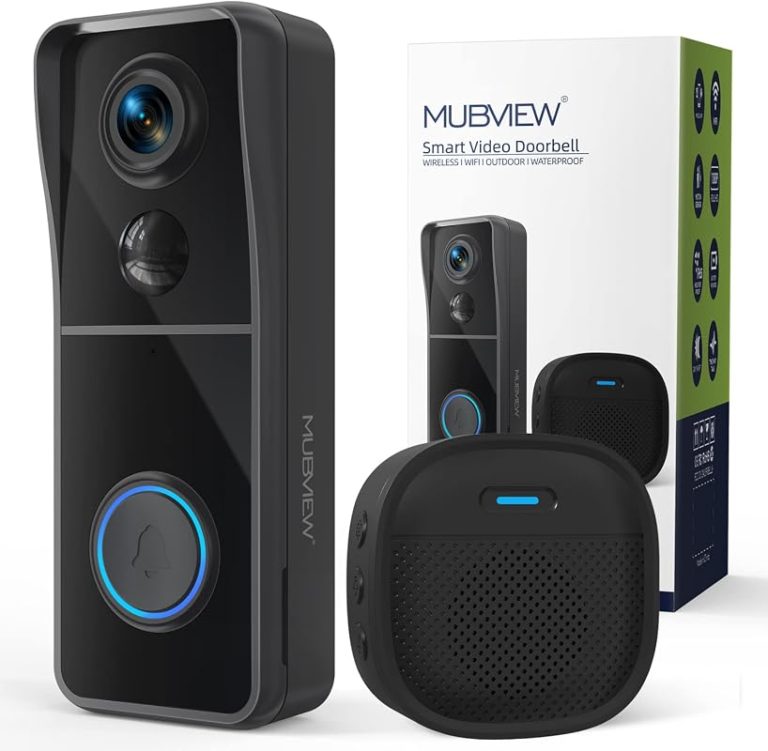
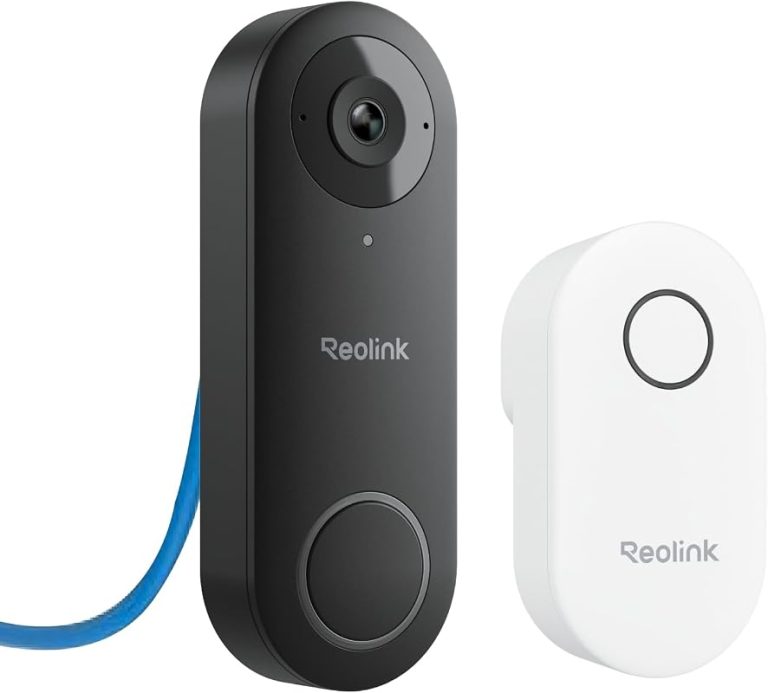
A Ring video doorbell can work in an apartment if the lease allows it and the mount is removable. The biggest checks are Wi-Fi strength, privacy in shared hallways, and whether you need a subscription for recording.
Ring video doorbell apartment setups can work well for many renters. But the right choice depends on your lease, power source, Wi-Fi, and mounting limits. This guide explains what usually works, what to check first, and how to avoid problems in shared buildings.
Can You Use a Ring Video Doorbell in an Apartment?
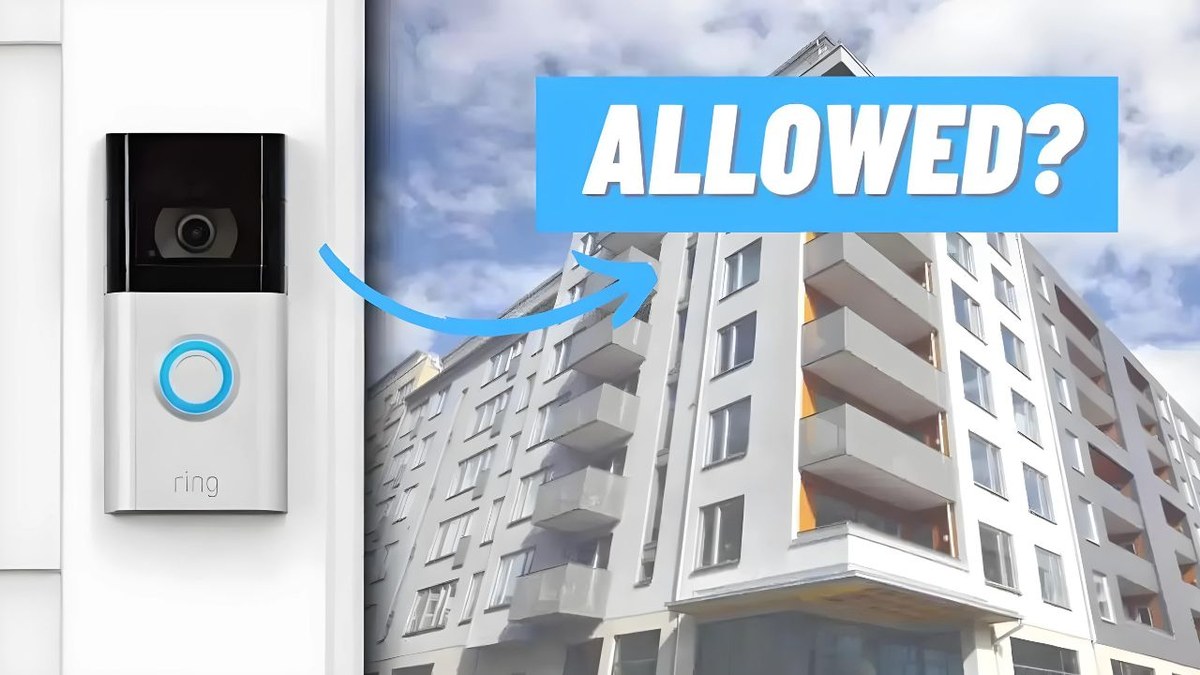
Yes, many apartment residents can use a Ring video doorbell if the building rules allow it. The main question is not only whether it works. It is also whether you can install it without breaking the lease or disturbing shared spaces.
Quick answer for renters: what usually works and what often does not
Battery models and removable mounts are usually the easiest path for renters. Hardwired models can work only when the door area already has compatible wiring and the landlord approves the change.
What often does not work is drilling into doors, frames, or hallway walls without permission. In some buildings, even adhesive mounts may be restricted if they leave marks or block common areas.
Lease rules, landlord approval, and building policies to check first
Start with your lease, condo rules, or building handbook. Look for clauses about exterior changes, cameras, common areas, and hardware attached to the door.
If you rent, get approval in writing before you install anything permanent. That is especially important if the doorbell faces a shared hallway or uses existing wiring.
What Makes Apartment Installation Different from a House?
Apartment doorbell installation often uses existing wiring or removable mounting methods.
Apartment entry doors create tighter placement limits than house porches. You often have less wall space, more neighbor traffic, and fewer wiring options.
Door placement, shared hallways, and limited mounting options
Many apartment doors open into narrow hallways. That makes camera angle and door clearance more important than in a house.
You also need to think about shared space. A camera that points too far into the hall can raise privacy concerns for neighbors and building staff.
Wired, battery, and no-drill setup constraints in rentals
Battery-powered units are usually simpler for renters because they do not depend on a transformer or hardwired chime. For a wired setup, you need compatible low-voltage power and a place to connect it safely.
How door swings, peepholes, and entryway geometry affect camera view
The door swing can block part of the view if the camera sits too close to the hinge side. Peepholes, trim, and security bars can also narrow the usable angle.
In many apartments, a peephole-style camera or a door-mounted accessory gives a cleaner view than a standard side mount. Placement matters more than model name when the entry is tight.
Choosing the Right Power and Connectivity Setup
The best power choice depends on what your apartment already supports. In rentals, battery power is often the least disruptive option. Wired power can be better only when the building already has compatible wiring.
Battery-powered vs. wired power in a rental environment
Battery models are flexible and easier to remove when you move. They still need charging, so they work best if you can reach the device without hassle.
Wi-Fi strength, 2.4 GHz vs. 5 GHz, and mesh coverage near the entry door
Doorbells need a reliable signal where they are mounted, not just near the router. Walls, metal doors, elevators, and concrete can weaken Wi-Fi in apartment buildings.
Many video doorbells use 2.4 GHz Wi-Fi because it reaches farther through walls. Some also support 5 GHz, which can be faster but may not travel as well through dense building materials. Mesh Wi-Fi can help if the entry door is far from the main router.
Chime, hub, and app notifications: what is needed and what is optional
Most renters need the mobile app, a stable internet connection, and the right account setup. A chime, hub, or smart speaker may be optional, depending on the model and your apartment layout.
If you want sound inside the apartment, check whether the doorbell works with a plug-in chime, Alexa device, or another compatible alert method. That can matter in larger units where phone alerts are easy to miss.
How to Install a Ring Video Doorbell in an Apartment Without Creating Problems<
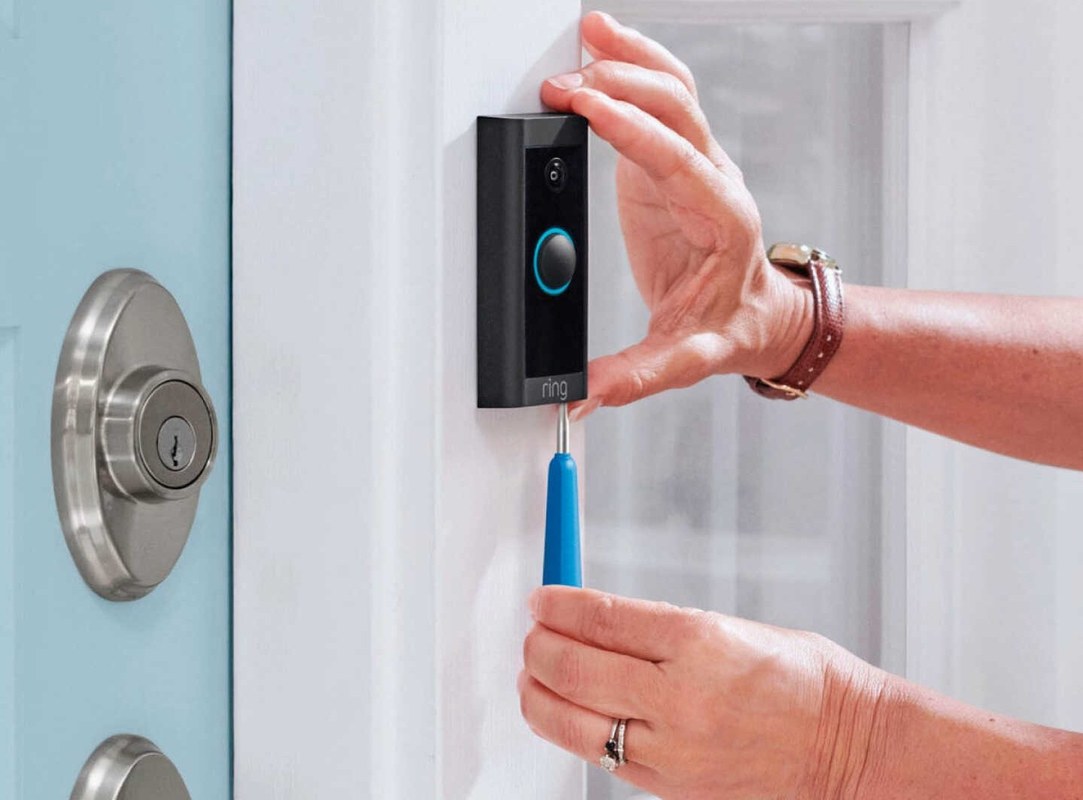
A video doorbell can be installed on an apartment door with minimal hardware.
The safest apartment setup is usually removable, neat, and easy to explain to a landlord. The goal is to improve entry security without damaging the door or creating privacy issues.
No-drill and removable mounting approaches
No-drill mounts, adhesive bases, and removable brackets are common renter-friendly options. They are useful when the lease forbids drilling or when you want to restore the door later.
Check that the mount keeps the camera steady. Loose mounting can trigger false motion alerts and poor video framing.
Using existing door hardware, adhesive mounts, or peephole-style alternatives
If your door already has a peephole, a peephole adapter may be the cleanest option. It can avoid drilling and may place the camera at a better height for a narrow hallway.
Adhesive mounts can work on smooth surfaces, but they are not ideal for rough paint or textured doors. Existing hardware can also help, as long as it does not block the latch, deadbolt, or fire-safe exit path.
Positioning for a usable field of view without blocking the doorway
Mount the device high enough to see visitors’ faces, but not so high that it loses package or floor detail. For placement basics, DecatHome’s Ring Video Doorbell installation height guide can help you think through angle and coverage.
In apartments, the better view is often the one that covers the person at the door, the threshold, and part of the hall. Do not place it where it blocks normal entry or sticks out into traffic.
Basic setup steps for the app, motion zones, and alert preferences
After mounting, connect the device in the app, confirm the Wi-Fi network, and test live view. Then adjust motion zones so the doorbell watches the entry area instead of the whole hallway.
Set alert timing, motion sensitivity, and shared-user access before daily use. That reduces false alerts and makes the device easier to manage in a shared household.
1
Confirm requirements
Verify the exact model, power, network, storage, placement, household, rental, and platform requirements.
2
Plan safe placement
Consider privacy, field of view, weather, height, doors and windows, wiring, and emergency access.
3
Install and secure
Follow the exact manual, update firmware, use a unique password, and enable MFA.
4
Test and maintain
Test alerts, recording, outage behavior, batteries, users, permissions, and backup procedures.
Privacy, Neighbor Courtesy, and Cybersecurity for Shared Buildings
Apartment doorbells need more privacy care than house doorbells. You are often closer to neighbors, and your camera may capture shared hallways or passing residents.
Managing privacy zones and motion settings in hallways and close quarters
Use privacy zones when available. A privacy zone blocks part of the image. This helps keep the camera focused on your doorway instead of the whole hall.
Lower motion sensitivity if the hallway is busy. That can reduce constant alerts from people walking by.
Audio capture, neighbor expectations, and common-sense placement limits
Audio recording can be more sensitive than video in a shared building. Even when allowed, it is wise to keep the camera aimed at your entry and avoid pointing into neighboring doors or windows.
Common courtesy matters here. A well-placed doorbell should help you see visitors, not monitor the whole floor.
Account security: strong passwords, MFA, shared users, and recovery options
Use a unique password for the account and turn on multi-factor authentication, or MFA. MFA adds a second check when someone signs in.
If family members or roommates need access, add them through the app instead of sharing one login. Also review recovery email and phone settings so you can regain access if you move or change devices.
Firmware updates, app permissions, and reducing exposure on shared networks
Keep the device firmware and phone app updated. Updates often fix bugs and security issues.
Also review app permissions, especially microphone, camera, and location access. If you use a shared or building network, ask whether you can isolate smart devices on a separate network.
Recording, Storage, and Subscription Costs Explained
Storage and subscription details matter because they affect the real cost of ownership. Some features may work without a plan, while others depend on cloud storage or a paid subscription.
What you can use without a subscription and what cloud storage adds
Without a plan, you may still get live view, alerts, or basic app access, depending on the model. Cloud storage usually adds recorded event history and easier review of past clips.
Because plan features change, check the exact Ring plan page before you buy. For a deeper look at plan tradeoffs, see DecatHome’s Ring battery doorbell subscription guide.
Video retention, event history, and how alerts differ with and without a plan
Retention means how long clips stay available. If your plan includes event history, you can review earlier motion or button-press clips instead of only seeing the live feed.
Without storage, alerts may still arrive, but you may have less history to review later. That can matter if you are trying to confirm a delivery or a missed visitor.
Ownership-cost analysis for renters: device price, accessories, and ongoing fees
For renters, the full cost is more than the doorbell itself. Add any no-drill mount, chime accessory, replacement battery, or subscription fee you expect to pay.
If you move often, removable accessories can be worth more than permanent hardware. A lower upfront price may not be cheaper over time if the setup is hard to reuse.
US Price & Subscription
Typical device priceVaries by model and retailer
Accessories or installationNo-drill mount, chime, or adapter may add cost
Cloud planVaries by current Ring plan
Professional monitoringNot a standard doorbell feature
ContractVerify current terms before purchase
Compatibility and Feature Limits Apartment Renters Should Know
Apartment users need to check more than the app. Building network rules, smart home integrations, and hallway geometry can all affect how well the doorbell works.
Building Wi-Fi restrictions, captive portals, and network access issues
Some apartment networks use captive portals. These require a web sign-in before internet access works. That can make setup harder or block the doorbell entirely.
Other buildings restrict unknown devices or isolate tenant traffic in ways that affect smart products. If the network is managed by the landlord or HOA, verify the rules before you buy.
Compatibility with smart locks, Alexa, Google Assistant, and shared access
Ring products often work with Alexa features, but exact compatibility depends on the model and current software support. Check the current support page before assuming voice control or lock integration will work.
Shared access is also important in apartments. Roommates, partners, caregivers, or family members may need separate app access, not a shared password.
Limitations of motion detection, package detection, and hallway camera angles
Motion detection can be less reliable in narrow hallways because people pass close to the camera. Package detection can also be limited if deliveries are left in a lobby, mailroom, or out of view.
In some apartments, a doorbell camera is best for visitor alerts, not full package monitoring. That is a useful role, but it is not the same as covering a porch or yard.
Advantages
Can help you see and speak with visitors at the door.
Removable mounts can fit many rental rules.
App alerts can help when you are away from the entry.
Limitations
Shared hallways can create privacy and placement limits.
Wi-Fi and building network rules may block setup.
Some features depend on a subscription or supported accessories.
Troubleshooting, Maintenance, and When the Setup Is Not a Good Fit
Most apartment doorbell problems come from signal, placement, or power issues. Start with simple checks before you assume the device is faulty.
Common issues: weak signal, delayed alerts, battery drain, and false motion
If alerts are delayed, check Wi-Fi strength at the door and confirm the phone app has notification permission. Weak signal is one of the most common causes of poor performance.
Fast battery drain can come from high motion sensitivity, frequent live view use, or extreme temperatures. False motion alerts often improve after you tighten the motion zone and reduce sensitivity.
Routine maintenance: charging, cleaning the lens, checking mounts, and testing alerts
Clean the lens gently so the image stays clear. Check the mount after a few days and again after the first battery charge or weather change.
Test the button, motion alerts, and live view on a regular schedule. That helps you catch problems before you miss a real visitor.
When to consider a different doorbell, a peephole camera, or a landlord-approved solution
If drilling is not allowed, the hallway is too narrow, or the Wi-Fi is too weak, another option may fit better. A peephole camera or landlord-approved device can solve some of those problems.
Choose the setup that fits the building, not just the product box. In apartments, the best security choice is the one you can use safely and keep in place without conflict.
Final Takeaway
A Ring doorbell can be a good apartment fit when the lease allows it, the mount is removable, and the Wi-Fi reaches the entry door. The safest next step is to verify building rules, choose the least permanent setup, and confirm privacy and subscription details before you install.
Often yes, but it depends on your lease, landlord approval, and building rules. Renters usually need a removable or no-drill setup.
Yes, a video doorbell needs a reliable internet connection for alerts and live view. Weak hallway signal or building network limits can cause setup problems.
Some basic features may work without a plan, but recorded video and event history often depend on a subscription. Check the current plan details before buying.
Use privacy zones, reduce motion coverage, and aim the camera only at your entry. Avoid pointing into neighboring doors or common areas.
Try a mesh extender, a better router location, or a different mounting spot if allowed. If the building network blocks smart devices, the doorbell may not be a good fit.
Keep the lens clean, charge the battery when needed, and test alerts and live view regularly. Also review motion settings if you get too many false alerts.
Hi, I'm Marcus Sterling, a smart home security expert with over 5 years
of hands-on experience testing and reviewing hundreds of security cameras, smart locks, and alarm systems. My mission is to make smart home security accessible, affordable, and easy to understand—and every review I publish is 100% independent, unbiased, and honest. I don't accept payments for positive reviews, just practical advice to help you secure your home with confidence.
Quick Security Answer The Ring Battery Doorbell Plus is usually manageable for renters and homeowners if you check mounting rules, Wi-Fi strength, and app setup first. The biggest long-term factors are battery upkeep, privacy settings, and whether you need a paid cloud plan. ring battery doorbell plus install is usually a straightforward project for renters…
View on Amazon Quick Security Answer A typical US home works well with three to five motion sensors, plus one per extra exterior door and one on the main traffic path. Adjust the count for open or compartmentalized layouts, pets, and professional monitoring choices. Smart Home Security Guide Wondering how many motion sensors do i…
Quick Security Answer Yes, a Blink video doorbell can be used without a subscription for basic live viewing, motion alerts, and two-way talk. The main tradeoff is reduced video history and fewer convenience features, so storage and placement matter more. The blink video doorbell without subscription question has a simple answer. You can use core…
Quick Security Answer Most Ring Wi-Fi connection problems come from weak signal, band mismatch, or power trouble. Start with the router, password, and battery or wiring before you reset anything. When a ring video doorbell not connecting to wifi problem shows up, the cause is usually simple. It is often weak signal, a setup mismatch,…
Compare wireless video doorbell with chime for home coverage, privacy, power, storage, subscriptions, and value. Read the guide before choosing a system.
Compare best wired video doorbell by security features, privacy, smart home fit, setup, fees, and value. Read the guide to find the right option for your home.