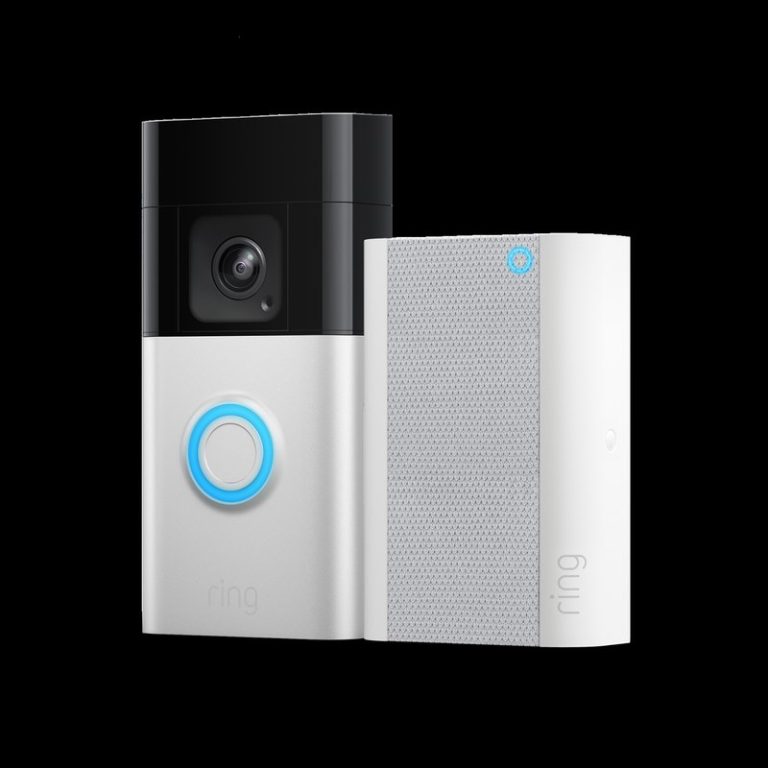
Google Nest Doorbell battery life depends mostly on motion, placement, Wi-Fi, and how often you open the app. In busy homes, expect more frequent charging than in quiet ones.
Google Nest Doorbell Battery Life is usually best understood as “how busy is your front door?” not a fixed number on the box. In most homes, motion alerts, live views, Wi-Fi strength, and cold weather matter more than the battery itself.
Google Nest Doorbell Battery Life: the short answer for 2026
The short answer is that battery life can vary a lot from home to home. A quiet entryway may go much longer between charges than a busy porch with frequent motion, live checks, and lots of alerts.
That is why advertised battery estimates are only a starting point. Your real result depends on how the doorbell is placed, how often it records, and how many people use the app.
What actually affects battery life day to day
Motion, live view, and temperature can all change a doorbell battery’s daily life.
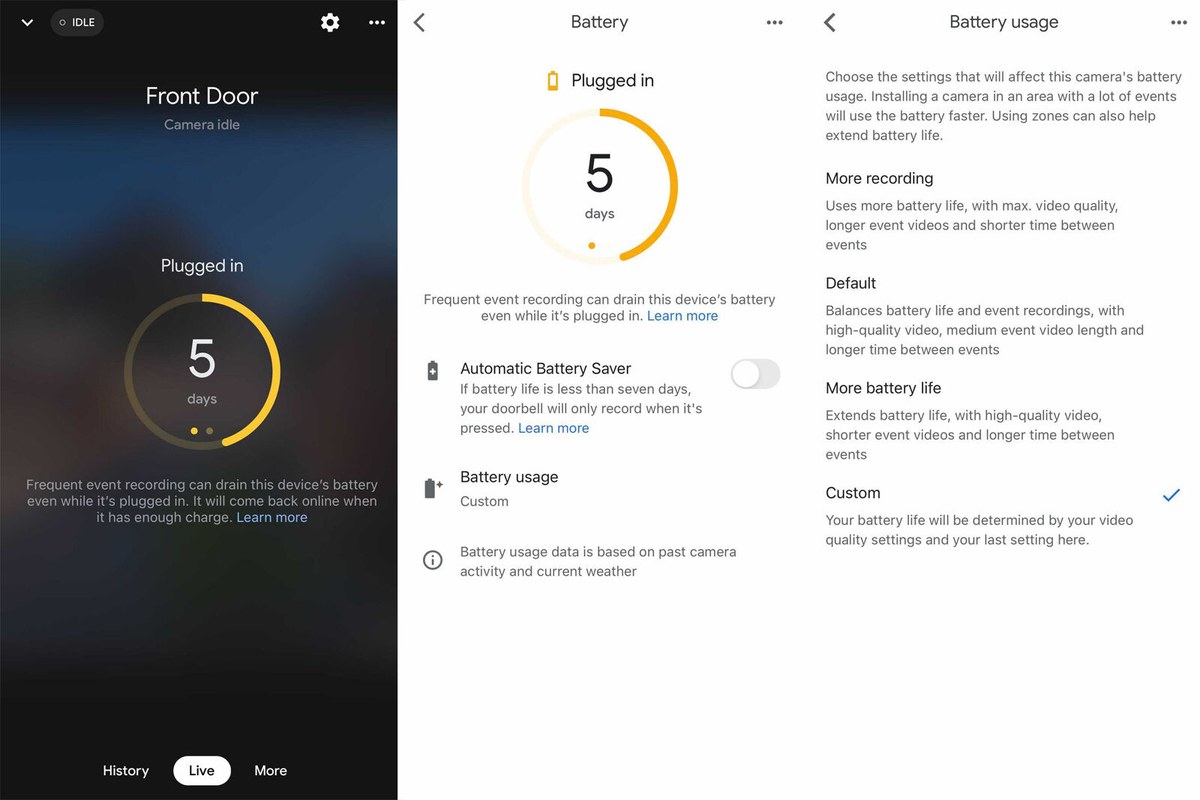
Battery use rises when the doorbell wakes up often. It also rises when the app is used a lot, because live video and event recording take power.
Motion frequency, live viewing, and notification settings
Frequent motion is the biggest drain for many households. Cars passing by, people walking dogs, and package traffic can all wake the camera again and again.
Live viewing also uses more power than simple alerts. If you check the feed many times a day, expect faster battery loss.
Notification settings matter too. A doorbell that sends every motion alert will usually work harder than one with tighter activity zones and smarter filtering.
Video quality, night vision, and audio use
Higher video quality can use more power because the camera processes more data. Night vision can also add strain when the door area is dark for long periods.
Two-way talk uses extra battery as well. It is helpful, but repeated back-and-forth conversations can add up.
Cold weather can make a battery seem weaker. Warm weather usually helps, but extreme heat can still stress electronics over time.
Seasonal changes matter because motion patterns change. Winter packages, holiday visitors, and summer porch activity can all affect usage.
How long the battery typically lasts in real homes
There is no single real-home number that fits everyone. A low-traffic home may get far more time between charges than a busy family entry with constant motion.
Low-traffic homes versus busy porches
Low-traffic homes usually create fewer wake-ups. That means fewer recordings and fewer battery drains during the day.
Busy porches are different. More visitors, deliveries, street motion, and app checks can shorten charge intervals quickly.
If your porch faces a sidewalk or street, expect more alerts. That is often the main reason battery estimates feel inconsistent.
Apartment, townhouse, and single-family home scenarios
Apartment and townhouse entrances often have closer foot traffic. That can be good for awareness, but it can also increase wake-ups from neighbors and passersby.
Single-family homes can be quieter, yet they may have wider views. A wider view can catch more cars, pets, and street movement.
For renters, the charging routine matters as much as the battery itself. If removal is easy, upkeep is easier too.
Why advertised battery estimates vary so much
Manufacturer estimates are usually based on controlled conditions. Real homes are not controlled.
Door height, traffic, weather, Wi-Fi strength, and alert settings all shift the result. That is why two homes with the same doorbell may see very different battery life.
For a broader battery-life comparison across battery doorbells, you may also find this battery life guide useful.
Placement decisions that change power consumption<
Placement affects motion detection, signal strength, and battery drain.
Where you mount the doorbell can change how often it wakes. Better placement can reduce false alerts and help the battery last longer.
Door height, street view, and detection zones
Mounting height affects what the camera sees. If the view is too wide, it may catch too much street activity.
Detection zones let you focus on the area that matters most. A smaller, cleaner zone often means fewer unnecessary wake-ups.
That can help battery life and make alerts more useful.
Reducing false alerts from cars, sidewalks, and pets
False alerts are one of the fastest ways to drain a battery. Cars, walkers, and pets can trigger motion again and again.
Use motion zones to block sidewalks or street edges when possible. You can also lower sensitivity if the camera is reacting too often.
Try to aim the camera at the path to your door, not the whole block.
Neighbor privacy and privacy zone setup
Privacy zones help block parts of the image you do not want recorded. They can protect neighbor windows, shared walkways, or public areas you do not need to watch.
They also reduce pointless motion processing. Less processing can mean less battery drain.
Security Alert
If your doorbell records more of the street than your entry, adjust the view before relying on battery estimates. A poor angle can create both privacy issues and extra power use.
Installation and power options: battery, wired, or hybrid use
Google Nest Doorbell models may support battery use, wired use, or a mix of both depending on the exact model. The right choice depends on your home wiring, charging tolerance, and installation limits.
How charging works and what to expect during recharging
Battery doorbells need periodic charging. That means the device must come off the mount or connect to a charging cable, depending on the model and setup.
Plan for downtime during charging. If your front door gets heavy traffic, you may want to charge during a low-activity window.
Keep the exact charging method from the manual. Different versions can use different accessories or procedures.
Using existing doorbell wiring for supplemental power
Some homes can use existing low-voltage doorbell wiring to help supply power. That can reduce how often you charge the battery.
But wiring must match the exact model’s requirements. Voltage, transformer capacity, and chime compatibility all matter.
Renter-friendly mounting and removal considerations
Renters often need a no-drill or low-damage setup. That can make battery models attractive because they are easier to remove and take with you.
Still, check lease rules before mounting anything outside. HOA rules and property rules may also limit exterior changes.
Wi-Fi, app settings, and account features that influence battery drain
Battery life is not only about power. It is also about how often the doorbell connects, uploads video, and syncs with the app.
2.4 GHz versus 5 GHz connectivity and signal strength
Wi-Fi strength matters because weak signals make devices work harder. A weak connection can also cause missed events or delayed alerts.
Many smart doorbells rely on 2.4 GHz Wi-Fi for range, while some support 5 GHz in certain setups. The exact support depends on the model and firmware.
Alerts, activity zones, and familiar face features
More alerts usually mean more battery use. Activity zones help narrow what the camera watches, which can reduce needless wake-ups.
Features like familiar face recognition may also add processing work, depending on the exact plan and model. That does not always mean a huge drain, but it can add up in busy homes.
If your battery is dropping too fast, start by trimming alerts before changing hardware.
Shared users, permissions, and account recovery basics
Shared household access is useful, but it should be managed carefully. More users can mean more live views, more notifications, and more chances for account confusion.
Use unique passwords and keep recovery details current. If someone leaves the household, remove their access right away.
Storage, subscriptions, and what you lose when the battery runs out
Battery life affects more than convenience. It also affects whether your doorbell keeps recording events when you need it most.
Cloud recording, event history, and retention limits
Many video doorbells rely on cloud recording for event history. If the battery dies, the camera cannot record new events until it is charged again.
That means you may lose visibility during the gap. If you expect long stretches between charges, plan for that downtime.
Also check how long event history is kept. Retention can depend on the plan and vendor terms.
What subscription tiers do and do not change
Subscriptions may unlock more history, smarter alerts, or richer event details. They do not usually fix a weak battery problem by themselves.
In other words, a plan can improve features, but it cannot replace charging. It also cannot make a poor Wi-Fi signal go away.
Without a Plan $0
Basic live view and alerts may still work, depending on the model.
Event history and advanced features may be limited.
Monthly Plan Verify current price
May add cloud recording and deeper history.
May add smarter alert features, depending on the plan.
Annual Plan Verify current price
May lower the monthly cost when paid yearly.
Check renewal and cancellation terms before buying.
Local access expectations and ownership-cost tradeoffs
Some people prefer local storage when available. Others prefer cloud access for easier sharing and remote viewing.
Local Storage
Can reduce ongoing subscription dependence.
May keep footage closer to the home.
Can be limited by capacity, device loss, or theft.
Cloud Storage
Usually depends on internet and account access.
Can add recurring cost.
Retention and export rules vary by plan.
Troubleshooting short battery life and charging problems
Start with the simplest checks first. Most battery issues come from settings, signal, placement, or charging method.
Battery draining too fast after setup
If drain is fast right after setup, check motion settings first. A wide detection zone or high alert sensitivity can cause constant wake-ups.
Then check Wi-Fi strength. Poor signal can keep the doorbell working harder than it should.
Finally, look at traffic near the door. Street motion can make a battery doorbell act like it is in a busy store, even when the home feels quiet.
Doorbell not charging, not waking, or not reconnecting
If the doorbell will not charge, confirm the cable, adapter, and contact points. A loose connection is common and easy to miss.
If it will not wake, try a safe reset using the exact manual. Do not bypass wiring or force parts that do not fit.
If it will not reconnect, restart the router and check the app permissions. Then confirm the device is still on the correct network.
Firmware updates, resets, and support lifecycle checks
Firmware updates can improve stability and battery behavior. Keep the app and device updated when possible.
If problems continue, check whether the model is still supported. Older devices may lose features or receive less help over time.
Before resetting, save account details and confirm you can still access the home network and app.
Maintenance, privacy, and cybersecurity best practices
Good maintenance helps battery life and keeps the doorbell easier to trust. It also helps reduce surprises later.
Cleaning, seasonal checks, and battery care
Wipe the camera lens and front cover gently when dirt builds up. A dirty lens can hurt image quality and make the camera work harder in some conditions.
Check the mount after storms, heat waves, or cold snaps. Weather can loosen hardware over time.
If the battery is removable, follow the exact storage and charging guidance from the manual.
Using MFA, strong passwords, and secure app access
Use a strong, unique password for the account. Turn on multi-factor authentication, or MFA, if the service offers it.
Review app permissions and shared users regularly. Remove old phones, old users, and unused integrations.
Privacy & Data for US Users
Explain audio and video recording, privacy zones, encryption claims, MFA, local and cloud storage, retention, deletion, shared users, app permissions, third-party access, and state-specific choices where documented.
Camera placement, privacy zones, and neighbor-friendly operation
Place the camera so it watches your entry, not your neighbor’s windows or the public sidewalk. That reduces privacy concerns and can also reduce motion noise.
Use privacy zones when needed. They are useful for shared walls, common paths, and close neighbors.
A thoughtful setup is usually better than a wider view. It gives you cleaner alerts and fewer complaints.
Final Takeaway
Google Nest Doorbell battery life depends most on motion, placement, Wi-Fi, and how often you use the app. For homeowners and renters, the safest next step is to match the exact model to your traffic level, wiring, and privacy needs before you count on any battery estimate.
It varies a lot by home. Motion, live viewing, Wi-Fi strength, and weather can shorten or extend the time between charges.
Using existing doorbell wiring may help reduce charging needs on some models. You still need to confirm voltage, transformer, and chime compatibility in the manual.
Frequent motion alerts and repeated live views are common battery drains. Wide detection zones and high sensitivity can also increase wake-ups.
The doorbell cannot record or alert normally when the battery is empty. You will need to recharge it before it can resume full operation.
A subscription usually changes storage and feature access, not battery charging itself. Check the current plan details for recording history and alert features.
Renters should check lease rules, mounting limits, and whether the doorbell can be removed without damage. It also helps to confirm Wi-Fi strength and charging access.
Hi, I'm Marcus Sterling, a smart home security expert with over 5 years
of hands-on experience testing and reviewing hundreds of security cameras, smart locks, and alarm systems. My mission is to make smart home security accessible, affordable, and easy to understand—and every review I publish is 100% independent, unbiased, and honest. I don't accept payments for positive reviews, just practical advice to help you secure your home with confidence.
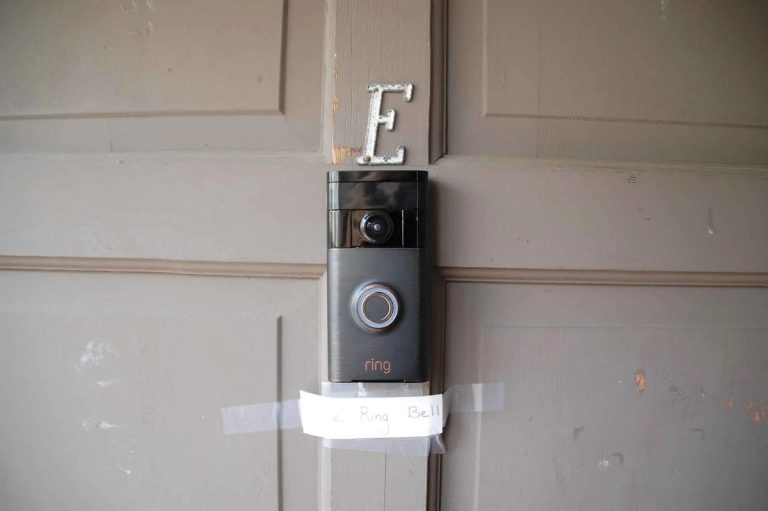
Quick Security Answer A Ring battery doorbell is usually a practical DIY install for many homes and rentals. The key is to check Wi-Fi strength, mounting rules, and privacy settings before drilling. installing ring battery doorbell is usually a straightforward DIY task for many US homes and rentals. The best result depends on placement, Wi-Fi,…
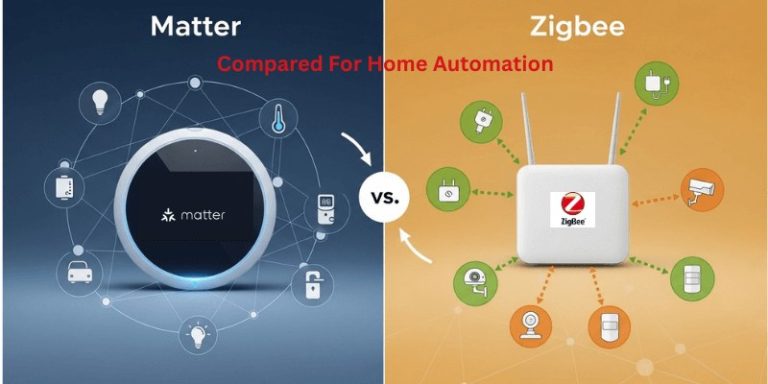
View on Amazon Quick Security Answer Matter offers easier cross-brand setup for most US smart homes. Zigbee remains a budget-friendly, proven option if you already own a compatible hub. Smart Home Security Guide Understanding matter vs zigbee for home security devices starts with one simple fact: both are wireless standards that help your security gear…
Compare best video doorbell for apartments for home coverage, privacy, power, storage, subscriptions, and value. Read the guide before choosing a system.
Quick Security Answer A Ring battery doorbell is a practical choice if you want front-door alerts without existing wiring. The best results come from careful placement, solid Wi‑Fi, and the right privacy and storage settings. The ring battery doorbell guide below explains what to expect before you buy, mount, or set up a battery-powered video…
Quick Security Answer A Ring video doorbell can work in an apartment if the lease allows it and the mount is removable. The biggest checks are Wi-Fi strength, privacy in shared hallways, and whether you need a subscription for recording. Ring video doorbell apartment setups can work well for many renters. But the right choice…
Quick Security Answer A ring battery doorbell chime setup can be a practical choice if you want flexible installation and indoor alerts. Check Wi-Fi, privacy, battery charging, and any subscription needs before you mount it. ring battery doorbell chime setup usually means pairing a battery-powered video doorbell with a compatible indoor alert device, app notifications,…