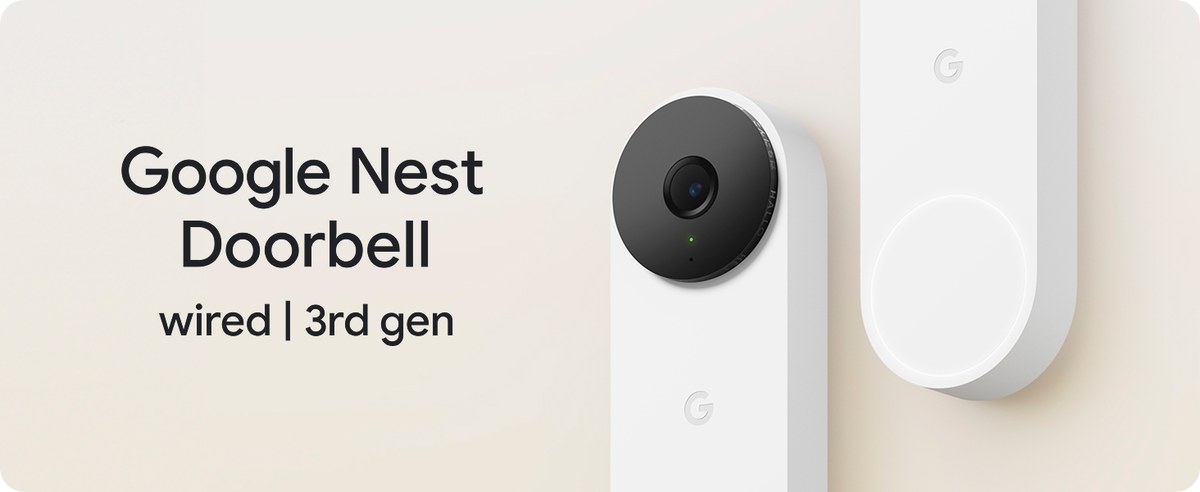
Yes, Nest Doorbell can have a monthly fee if you want cloud video history and some advanced features. Basic live view and alerts may still work without paying, depending on the model and current Google Home plan.
Does Nest Doorbell Have a Monthly Fee? The short answer is yes, but not always for basic use.
You can usually get live view and alerts without paying.
Recorded video history and some advanced features may need a Google Home subscription plan.
Does Nest Doorbell Have a Monthly Fee? The Short Answer for 2026
For most Nest Doorbell setups, basic viewing and notifications can work without a monthly fee.
The monthly cost starts when you want cloud video history, richer detection tools, or longer retention.
The exact plan and included features can change by model and region.
Check Google’s current plan page before you buy.
What You Get Without a Subscription: Live View, Alerts, and Basic Access
Live view, alerts, and basic access are available without a monthly fee.
A Nest Doorbell can still be useful on a free setup.
In many cases, you can see live video, get motion or doorbell alerts, and talk through the app.
That makes it workable for quick checks, package arrivals, and answering the door from your phone.
Which features work on a free plan
Free access usually covers the basics.
That often includes live streaming, app notifications, and two-way talk.
You may also be able to review limited recent activity, depending on the exact model and current Google Home app behavior.
Storage and subscription models differ a lot across brands.
How retention length changes the value of the subscription
Retention length means how long clips stay available.
Longer history can help if you miss a delivery, need a timeline for a repair visit, or want to check repeated motion.
Short retention may be enough for light-use homes, but not for busy entryways.
Who Should Consider Paying Monthly and Who May Not Need It
Whether the fee is worth it depends on how you use the doorbell.
Some households need recorded history every day.
Others mainly want live alerts and a quick way to answer the door.
Homeowners with package theft concerns or frequent visitors
Paying monthly makes more sense when the front door sees a lot of activity.
Frequent deliveries, service visits, and family traffic create more reasons to review past clips.
Recorded history can help you sort real events from false alerts.
Homeowners who want one account for several cameras may also get more value from a plan.
That is especially true when the front door is part of a larger home security setup.
Renters, seasonal homes, and light-use households
Renters may prefer the free features if they only need alerts and live view.
Seasonal homes may also use the doorbell less often, which can make monthly storage less valuable.
In those cases, the up-front hardware cost may matter more than the plan.
Still, renters should check building rules, drilling limits, and account transfer needs before installing anything permanent.
Cost tradeoffs over 1 year, 3 years, and 5 years
Monthly plans look small at first, but they add up.
Over one year, the plan may feel manageable.
Over three or five years, the subscription can cost more than the doorbell itself, depending on the model and current pricing.
US Price & Subscription
Typical device priceVerify current USD price by model
Accessories or installationMounting kit, wiring parts, or pro install may add cost
Cloud planOften required for video history
Professional monitoringNot the same as a doorbell plan
ContractVerify current terms before purchase
Troubleshooting Common Subscription and Access Issues
Most subscription problems show up as missing clips, expired features, or login trouble.
Start with the safest checks first.
Many issues come from power, Wi-Fi, or account settings rather than the plan itself.
Missing event history, delayed alerts, or expired plan symptoms
If event history is missing, confirm that the plan is active and linked to the right account.
Delayed alerts may point to weak Wi-Fi or a busy router.
If the plan expired, cloud clips may stop showing even though live view still works.
Device migration, app login problems, and ownership transfer steps
Changing phones, moving to a new home, or transferring ownership can break access if steps are skipped.
Sign in with the same Google account that owns the device.
If you are handing the doorbell to someone else, remove it from the old account first.
For setup and migration questions on similar battery doorbells, this doorbell setup guide can help you think through account and app steps, even if the brand is different.
When to check power, Wi-Fi, or Google Home settings first
Check power first if the unit is offline or keeps restarting.
Check Wi-Fi if alerts are late or clips will not load.
Check Google Home settings if the device is online but features are missing.
Final Takeaway
Nest Doorbell can work without a monthly fee for basic live viewing and alerts, but cloud history and some advanced features usually require a Google Home subscription.
If you want recorded clips and easier review, the plan may be worth it.
If you only need live access, the free setup may be enough.
Always verify the current plan, model, and installation requirements before you buy.
Yes, basic features like live view and alerts may work without a subscription. Video history and some advanced features usually need a Google Home plan.
You may still get live access and notifications, but older recorded events may not be available. The exact limits depend on the model and current plan rules.
Yes, Nest Doorbell needs Wi-Fi for alerts, live view, and cloud features. Weak signal or slow internet can delay notifications and video loading.
Often yes, but renters should check lease rules before drilling or changing wiring. Battery-powered options may be easier when permanent wiring is not allowed.
It may, depending on the current Google Home plan. Check the current plan page for device limits and included features.
Check whether the plan is active, the device is linked to the correct account, and the Wi-Fi connection is stable. If the plan expired, cloud history may stop showing.
Hi, I'm Marcus Sterling, a smart home security expert with over 5 years
of hands-on experience testing and reviewing hundreds of security cameras, smart locks, and alarm systems. My mission is to make smart home security accessible, affordable, and easy to understand—and every review I publish is 100% independent, unbiased, and honest. I don't accept payments for positive reviews, just practical advice to help you secure your home with confidence.
Find the best security cameras without subscription for indoor and outdoor use. Compare local storage, battery options, and no-fee alerts for US homes.
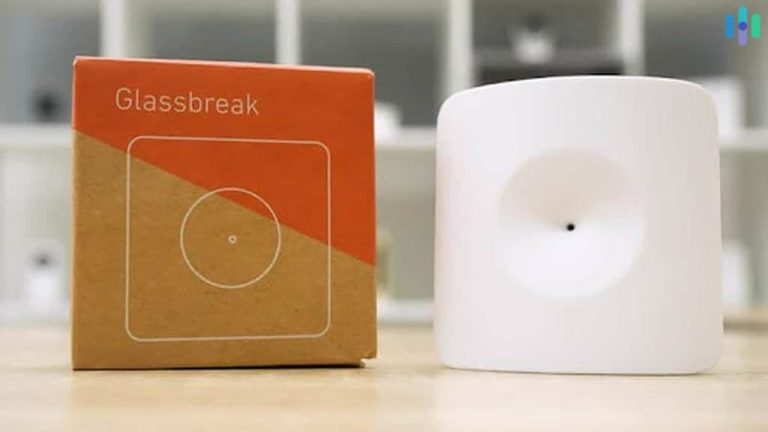
View on Amazon Quick Security Answer Yes, glass break sensors can detect tempered glass, but only certain types do it reliably. Shock sensors and dual-technology sensors are the safest choices, while older acoustic sensors may miss the shorter, quieter sound of tempered glass breaking. Smart Home Security Guide Homeowners often ask can glass break sensors…
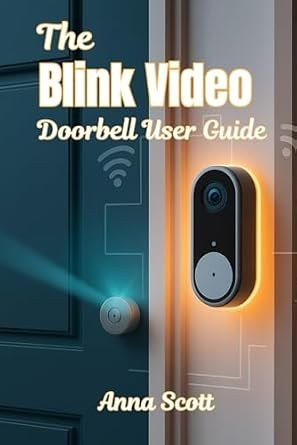
Quick Security Answer The Blink video doorbell manual is mainly a setup and troubleshooting guide for power, Wi‑Fi, placement, and app settings. Check those basics first, and you can avoid most common installation and alert problems. The blink video doorbell manual is easiest to follow when you break setup into power, Wi‑Fi, placement, and app…
View on Amazon Quick Security Answer A camera can show online in the app while the live view stays black or frozen. Most cases come from weak signals, router settings, power issues, or a lapsed subscription. Smart Home Security Guide A security camera connected to wifi but no live view is one of the most…
Quick Security Answer A Ring battery doorbell charge can last from weeks to months, depending on motion, live view use, Wi-Fi strength, and weather. The best way to extend it is to tune alerts, improve placement, and keep the battery charged before it runs low. how long does ring battery doorbell charge last is one…
Quick Security Answer Ring video doorbell warranty coverage usually helps with factory defects, not setup mistakes or weather damage. Keep your receipt, check power and Wi-Fi first, and confirm the current model terms before filing a claim. The ring video doorbell warranty usually covers defects in materials or workmanship. It does not cover weather damage,…



3 Comments