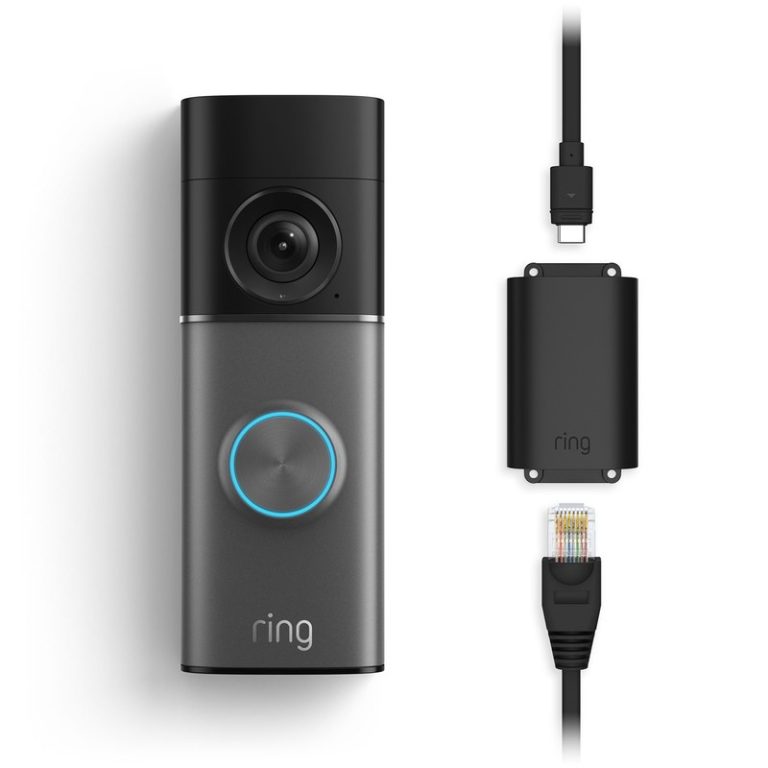
Most Ring battery doorbells charge by removing the battery pack, plugging it into a USB power source, and reinstalling it after the light shows full. The exact steps can vary by model, so check your manual or the Ring app first.
If you need how to charge ring battery doorbell help, the short answer is simple. Remove the faceplate. Take out the battery pack. Charge it with the included cable until the light shows full. Then reinstall it and check the app.
The exact steps can vary a little by Ring model. But the basic process is the same for most battery-powered Ring video doorbells.
How to Charge a Ring Battery Doorbell: The Fast Answer
Most Ring battery doorbells charge by removing the battery pack from the front of the device. Then connect it to a USB power source.
You do not usually charge the whole doorbell on the wall. Instead, you charge the battery pack separately. Then put it back in place.
That matters because the doorbell can stay mounted while the battery charges. But the battery itself must be removed on many models.
If your model has a built-in battery or hardwired power option, the charging method may be different. Always match the steps to the exact model name in the Ring app or product label.
Before You Start: What You Need and Which Ring Models Use a Removable Battery
Checklist of items needed before charging a Ring battery doorbell.
You only need a few basic items to charge most Ring battery doorbells. Have the charging cable, a USB power source, and access to the Ring app or your account.
Before you begin, confirm that your exact model uses a removable battery pack.
Confirm your exact Ring model and battery style
Check the model name in the Ring app, on the box, or on the back of the device.
Some Ring video doorbells use a removable battery pack. Others use a built-in battery or a wired power setup.
The charging steps depend on that difference.
If you are not sure, look for the product manual or support page for the exact model.
Do not assume every Ring doorbell charges the same way.
That mistake can lead to forcing the wrong panel or trying to charge a unit that is not meant to be removed.
Gather the charging cable, power source, and app access
Use the charging cable that came with the device whenever possible.
A standard USB power source is usually enough, but charging speed can vary by adapter and cable quality.
Keep the Ring app handy so you can check battery status before and after charging.
If you live in a home with shared users, tell everyone before removing the battery.
That helps avoid missed alerts while the doorbell is offline.
It also prevents someone from thinking the device failed when it is only unplugged for charging.
Step-by-Step: How to Remove, Charge, and Reinstall the Battery
The process is usually straightforward. Remove the front cover. Release the battery. Charge it until full. Then slide it back into place.
After that, confirm the doorbell powers up and reconnects to Wi-Fi.
Safely remove the faceplate and battery pack
Start by opening the doorbell cover according to the manual for your model.
Many Ring battery doorbells use a security screw or latch to hold the faceplate in place.
Use the correct tool if one is required.
Once the cover is off, release the battery pack.
Some batteries slide out, while others lift free after pressing a tab.
Do not pry hard or twist the pack.
If it resists, stop and check the model guide.
Charge the battery until the indicator shows full
Connect the battery pack to a USB power source.
A wall adapter is usually more reliable than a low-power laptop port.
The indicator light should show that charging has started.
Let the battery charge until the light or app shows full.
Do not guess based on time alone.
A nearly empty battery takes longer, and a weaker adapter can slow the process.
Reinsert the battery and secure the doorbell
When charging is complete, slide the battery back into the doorbell until it clicks or seats firmly.
Reattach the faceplate and any security screw.
Make sure the cover sits flush and does not wobble.
Then open the Ring app and confirm the device is online.
If the battery is installed correctly, the doorbell should wake up and reconnect.
If it does not, remove the battery again and check the fit.
1
Confirm requirements
Verify the exact model, battery style, cable, and app access before you start.
2
Remove and charge
Take out the battery pack and charge it with a USB power source until full.
3
Reinstall and test
Put the battery back, secure the cover, and confirm the doorbell comes back online.
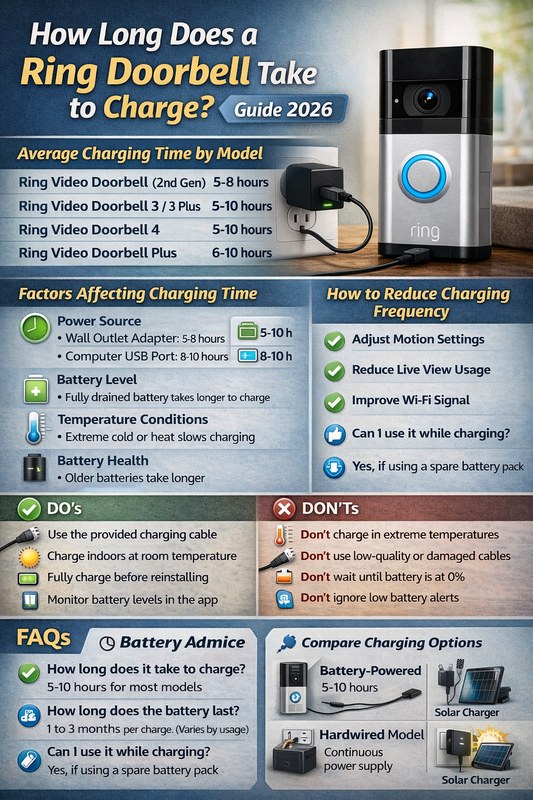
How Long Charging Takes and How to Know It’s Working<
Charging time varies, and the light indicates the doorbell is receiving power
/h2>
Charging time depends on how empty the battery is and what charger you use.
A full charge often takes several hours, but the exact time varies by model and power source.
The best sign is the battery indicator, not the clock.
Typical charge times and what affects them
A low battery usually takes longer to fill than a partly charged one.
A higher-quality wall adapter can also help.
Cold weather, old batteries, and repeated motion events can make the battery seem to drain faster after charging.
If the battery gets warm during charging, that can be normal.
If it becomes very hot, smells odd, or looks swollen, stop using it and follow the manufacturer’s safety guidance.
Indicator lights, app status, and battery percentage checks
Look for the charging light on the battery pack if your model has one.
Many Ring devices also show battery status in the app.
That gives you a second check after the battery goes back in.
If the light never changes, the cable, adapter, or battery may be the issue.
Try a different outlet or known-good USB power source before assuming the battery has failed.
Where to Charge It in a Real Home Setup
You can charge the battery almost anywhere indoors.
The main goal is to keep it dry, accessible, and easy to monitor.
A kitchen counter, desk, or shelf often works well.
Apartment and renter considerations
Renters should avoid anything that breaks lease rules or damages the wall.
The good news is that battery charging usually happens inside, away from the mounted doorbell.
You can remove the pack without changing the outside setup.
If your building has shared entries, check whether the doorbell faces common areas.
That can affect where you place the camera and how you manage alerts.
No. Many use a removable battery pack, but some Ring models use different power setups. Check the exact model name in the app or manual before you start.
Charging time varies by battery level, cable, and adapter. The battery indicator or app status is a better guide than the clock.
Usually yes, because many models charge the battery pack separately. Just make sure the doorbell is secure and the battery is removed safely.
Common causes include a weak cable, a low-power adapter, or a battery that is not seated correctly. Try a different USB power source and check the connection again.
Yes, weak Wi-Fi can make the device reconnect more often and drain power faster. Improving router or mesh placement may help reduce recharging frequency.
Confirm the battery is fully seated, the cover is secure, and the app shows the device online. Also review privacy settings, shared users, and recording options.
Hi, I'm Marcus Sterling, a smart home security expert with over 5 years
of hands-on experience testing and reviewing hundreds of security cameras, smart locks, and alarm systems. My mission is to make smart home security accessible, affordable, and easy to understand—and every review I publish is 100% independent, unbiased, and honest. I don't accept payments for positive reviews, just practical advice to help you secure your home with confidence.
ring battery doorbell 4k pro review: see what its 4K video, zoom, alerts, and battery design offer, and verify plan, compatibility, and privacy details.
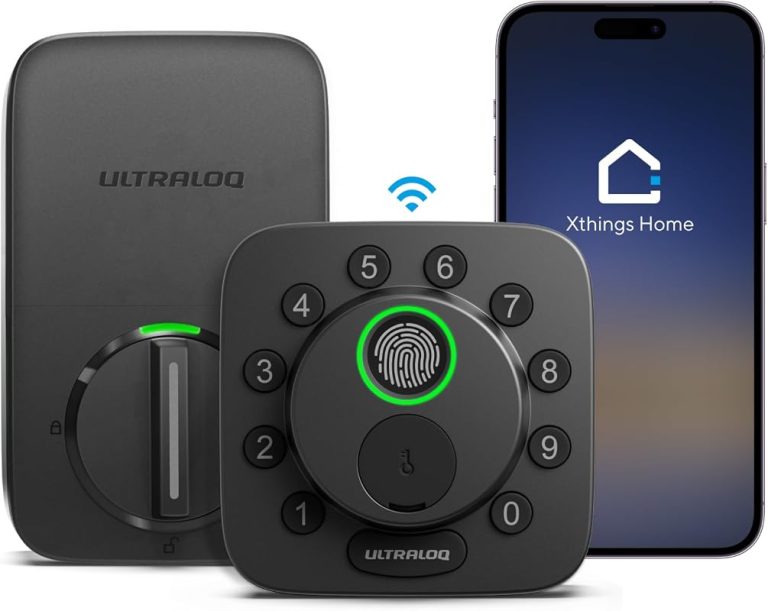
Find the best smart locks that work with Alexa for your U.S. home. Compare 8 top picks for security, compatibility, and keyless entry convenience today.
Quick Security Answer Yes, many Ring battery doorbells can be hardwired if the exact model and existing transformer are compatible. Hardwiring usually helps keep the battery charged, but it does not fix weak Wi-Fi or replace model-specific setup requirements. can you hardwire a ring battery doorbell? Yes, in many homes you can. But only if…
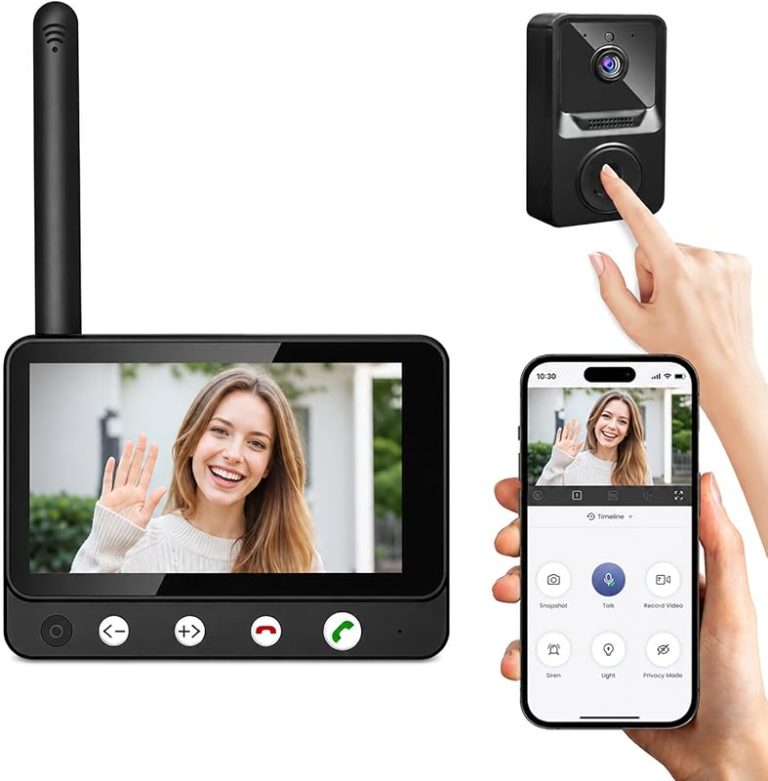
Compare video doorbell wireless by security features, privacy, smart home fit, setup, fees, and value. Read the guide to find the right option for your home.
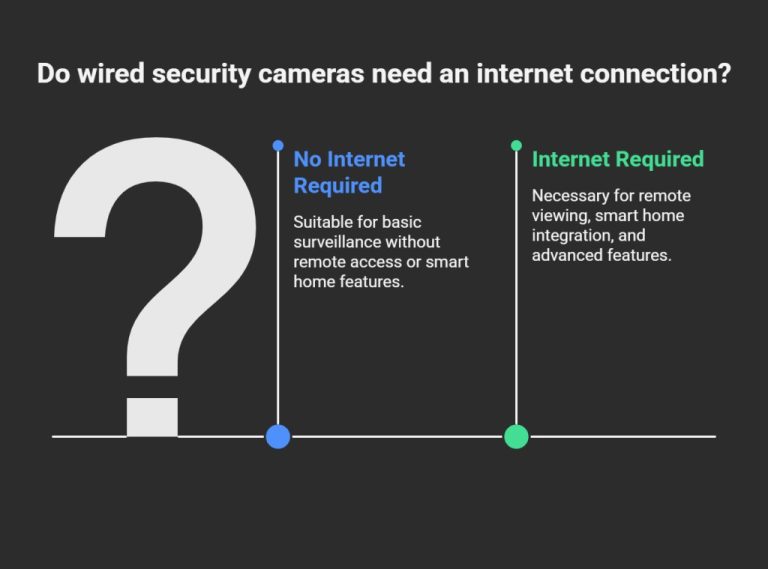
View on Amazon Quick Security Answer No. Cameras record to local storage without internet, so footage keeps saving during outages. Remote viewing, cloud backup, and app alerts stop until the connection returns. Smart Home Security Guide Do security cameras need internet to record? The short answer is no. Many cameras record to local storage without…
Quick Security Answer Wired doorbell video quality is usually shaped by placement, lighting, Wi-Fi, and power stability as much as resolution. For most US homes, the best result comes from checking transformer support, mount angle, and network strength before judging the camera. Ring wired doorbell 4k pro video quality is best understood as the mix…