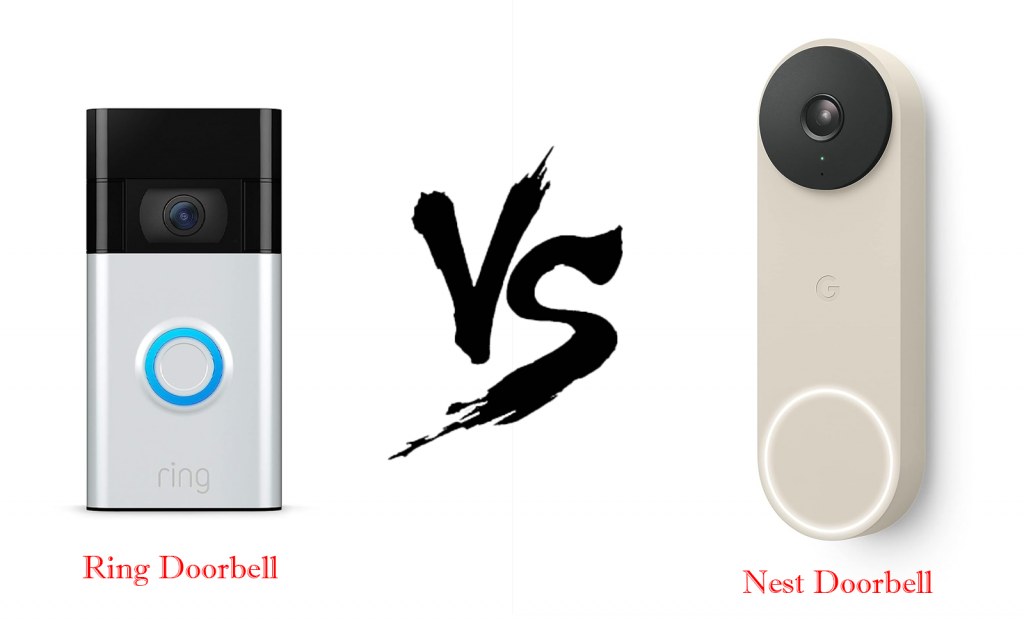
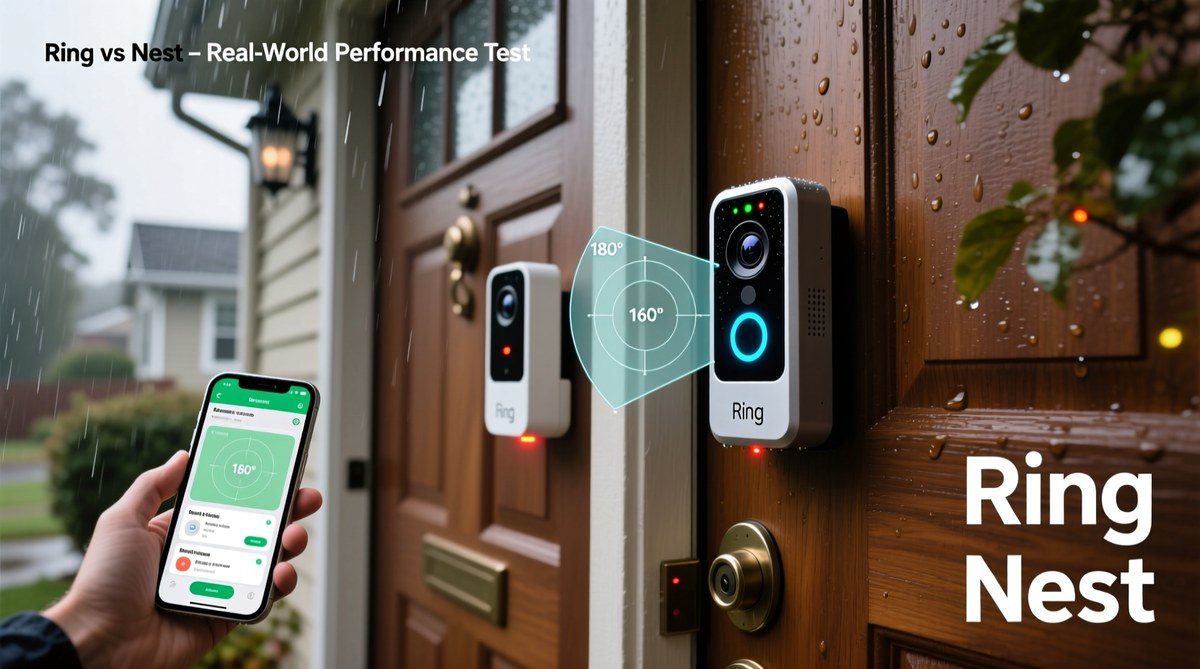
Ring and Nest can coexist, but they usually do not act like one fully unified system. Expect limited integration through Google Home features, not full native Nest-style control.
Does ring video doorbell work with nest is a common question for mixed smart homes. The short answer is sometimes, but not as a fully native pair. Ring and Google Nest usually stay in separate systems, so the real answer depends on which Nest device you mean and what kind of link you want.
Does Ring Video Doorbell Work With Nest Devices? The Short Answer for 2026
Ring video doorbells can work beside some Nest devices, but they do not usually connect as one system. In many homes, you may see alerts or use voice features through Google Home or a Nest Hub. But you should not expect full native doorbell control inside Nest like you would with a Google Nest Doorbell.
The main issue is compatibility. Ring is built around Amazon’s ecosystem, while Nest is tied to Google’s. That affects live video, notifications, automations, and how much control you get from one app or display.
What “Works With Nest” Actually Means Now
Compatibility labels help explain which smart home devices can connect.
“Works with Nest” used to describe older Nest integrations. Today, Google has shifted most smart-home control into the Google Home app. Many older Nest-specific links no longer work the same way. So if you are trying to pair Ring with Nest, think in terms of Google Home support, not the old Nest label.
Google Nest cameras, Nest Hub, Nest Doorbell, and the Google Home app
Google Nest cameras, the Nest Hub smart display, and the Nest Doorbell are part of Google’s own ecosystem. They are designed to work best through the Google Home app. A Ring doorbell may still show limited presence there through a linked service or voice assistant feature. But it is not the same as a native Nest device.
Ring and Nest were built around different platforms, account systems, and app experiences. That separation limits direct sharing of live video, doorbell events, and device settings. It also means one brand’s subscription plan usually does not unlock the other brand’s features.
Verification required: Remove unsupported badges and explain whether a hub, bridge, plan, firmware version, or specific feature is required.
Where Ring and Nest Can Interact — and Where They Cannot
Ring and Nest can overlap in a few practical ways, but the overlap is limited. You may get voice commands, alerts on a smart display, or some routine-based actions. Direct two-way, full-feature integration is usually where the limits show up.
Viewing Ring alerts on a Nest Hub or smart display
Some households want Ring alerts to appear on a Nest Hub or another Google smart display. That can be possible in certain setups, but the experience is often less complete than using a native Google Nest camera. Live view may be delayed, restricted, or unavailable depending on the exact model, app permissions, and linked account settings.
Voice control, routines, and casting limitations
Voice assistants can help with basic tasks like asking for device status or showing a camera feed on a compatible display. But routines are limited by each platform’s rules. A Ring event may not trigger the same Nest routine you would use with a Google device.
Casting also has limits. A live feed may work on one display and fail on another, especially if the apps, firmware, or account links are not current.
Why direct video sharing and native doorbell integration are limited
Direct video sharing is limited because Ring and Nest use different cloud services and app frameworks. That means a Nest doorbell experience is not the same as a Ring doorbell experience. You may be able to see some alerts, but you usually cannot treat Ring as if it were a Nest doorbell.
Setup Requirements for a Ring Doorbell in a Nest-Based Home<
Setup requirements for using a Ring doorbell with Nest devices are shown here.
A Ring doorbell can work in a Nest-based home if your network, power, and account setup are solid. Most problems come from Wi-Fi weakness, power mismatch, or confusing account permissions, not from the doorbell itself.
Wi-Fi band, router placement, and signal strength
Ring doorbells depend on stable Wi-Fi. In many homes, the main issue is not internet speed but weak signal at the front door. A router that sits far from the entryway, or a mesh node placed poorly, can cause delayed alerts and poor live video.
Check whether the exact Ring model supports 2.4 GHz, 5 GHz, or both. If your front door is far from the router, a mesh system or access point may help more than a faster internet plan.
Power options: battery, hardwired, and transformer considerations
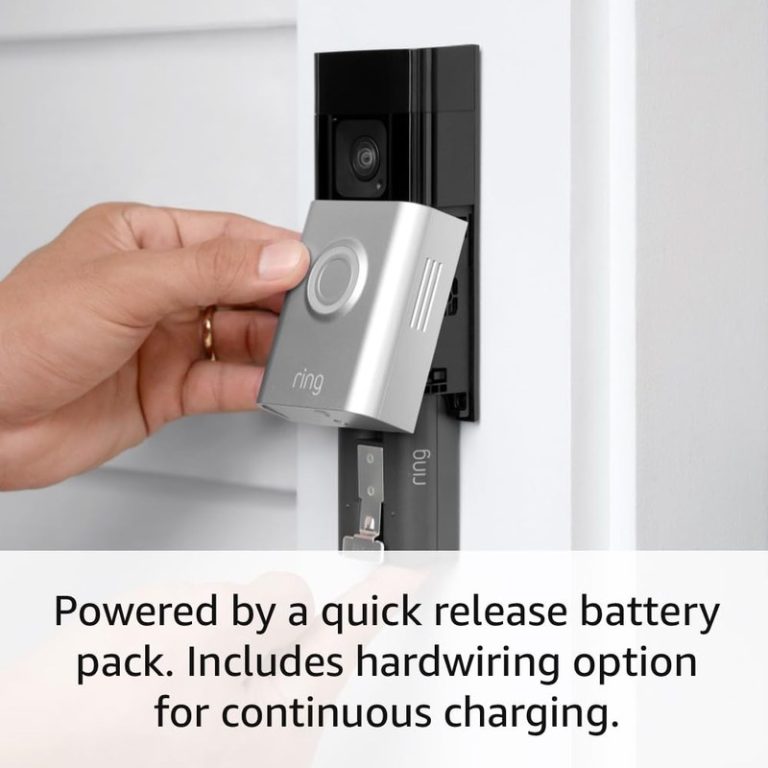
Ring doorbells may use battery power, hardwired power, or both, depending on the model. Hardwired units can still need the correct transformer and chime setup. Battery models reduce wiring needs, but they still need charging and may behave differently in cold weather or heavy-use homes.
Doorbell Transformer & Chime Check
Confirm the exact voltage and VA requirement.
Verify mechanical or digital chime compatibility.
Check whether a connector, power kit, bypass, or adapter is required.
Turn off power and use a qualified installer when wiring is uncertain.
Account setup, app permissions, and shared-user access
Account setup matters as much as wiring. If multiple people need access, check how Ring handles shared users and how Google Home or Nest handles linked accounts. Poor permission setup can cause missed alerts or confusion about who can view recordings.
Use a unique password and turn on multifactor authentication where available. That is one of the simplest ways to reduce account risk.
Installation and Placement Considerations for Homes and Rentals
Placement affects usefulness more than many buyers expect. A doorbell can connect correctly and still miss faces, over-record sidewalks, or trigger too many alerts if it is mounted poorly.
Door frame height, field of view, and porch layout
Mounting height should match the manual and the porch layout. The goal is to capture visitors at the door, not just their hats or the sidewalk. Wide porches, steps, and angled entries can change the best mounting spot.
If the doorbell points too high, you may lose package views. If it points too low, you may miss faces. A wedge or corner mount can help in some layouts.
Apartment, condo, and rental restrictions
Renters should check lease rules before drilling or replacing a wired doorbell. Some buildings restrict exterior changes, shared hallways, or cameras facing common areas. Battery models and no-drill mounts may be easier in rentals, but they still need permission in many buildings.
Weather exposure, night vision, and motion detection zones
Outdoor gear needs a clean view and a safe mounting spot. Rain, direct sun, and porch lighting can affect image quality and motion detection. If the model supports motion zones or privacy zones, use them to reduce false alerts and limit unwanted views.
Night vision also matters. A dark porch may need better lighting, while a bright streetlight can sometimes wash out the image.
Storage, Subscriptions, and Ownership Costs
Cost is not just the sticker price. A Ring doorbell may also involve cloud recording, optional accessories, replacement batteries, and possible installation help. A Nest-based home may already have Google subscriptions, so the total budget can be easy to overlook.
Ring cloud recording plans and retention differences
Ring’s recording features depend on the current plan and product support. Some features may work without a subscription, but cloud history and event review often require one. If you want to understand the broader cost picture, see Does Nest Doorbell Have A Monthly Fee and Ring Battery Doorbell Subscription Guide.
Without a Plan$0
Basic live viewing may be available on some models
Cloud history and advanced event features may be limited
Monthly PlanVerify current price
May add cloud recording and richer event access
Plan terms can vary by device and region
Annual PlanVerify current price
May lower the monthly equivalent cost
Check cancellation and renewal terms
How Nest subscriptions affect the overall smart-home budget
If your home already uses Nest cameras or a Nest Hub, you may already pay for Google features such as video history or advanced alerts on some devices. Adding Ring can create a second subscription layer. That is not always a problem, but it does raise the total monthly cost.
Long-term costs for homeowners versus renters
Homeowners may care more about hardwired installation, transformer checks, and long-term replacement parts. Renters may care more about portable mounts, battery charging, and whether the device moves with them. The cheaper option up front is not always the cheaper option over time.
Local Storage
May reduce monthly fees
Depends on specific hardware and access method
Can be lost if the device or storage is stolen
Cloud Storage
Usually easier to view from anywhere
Depends on internet and account access
May require a paid plan and has retention limits
Privacy, Cybersecurity, and Neighbor Considerations
Video doorbells can help with awareness, but they also create privacy responsibilities. The best setup is one that records only what you need and keeps your account protected.
Two-factor authentication, password hygiene, and account recovery
Use a unique password for each smart-home account. Turn on multifactor authentication if the platform offers it. Also check recovery email addresses and phone numbers so you do not get locked out later.
If you share access with family or caregivers, review who can see live video, who can change settings, and who can delete recordings.
Privacy zones, audio controls, and shared access management
Privacy zones can block parts of the image, such as a neighbor’s doorway or a public sidewalk. Audio controls matter too, since some homes prefer to limit or disable audio recording where allowed. These settings help reduce unnecessary capture and simplify household sharing.
Privacy & Data for US Users
Explain audio and video recording, privacy zones, encryption claims, MFA, local and cloud storage, retention, deletion, shared users, app permissions, third-party access, and state-specific choices where documented.
Minimizing camera overlap with neighbors and public spaces
Point the camera at your entry area, not at someone else’s private space. If your porch faces a shared walkway, use the narrowest practical view and adjust motion zones. That reduces complaints and helps keep recordings focused on your own property.
Troubleshooting Common Compatibility Problems
Most compatibility problems are fixable. Start with the safest checks first: power, Wi-Fi, app updates, and account linking. Avoid resetting everything at once, because that can make the problem harder to trace.
Doorbell not appearing in the Google Home app
If the doorbell does not appear, confirm that the Ring account is linked correctly and that the Google Home app is current. Also check whether the specific Ring model supports the feature you want. Some features are model-specific, and some are not supported at all.
Delayed alerts, dropped video, or weak live view performance
Delayed alerts often point to weak Wi-Fi, busy network traffic, or a weak upload path. Try moving the router, reducing interference, or improving signal near the door. If live video drops often, the issue may be network quality rather than the doorbell.
Battery level can also matter. Low power may reduce performance or cause slower wake-up times.
Firmware updates, app refreshes, and router fixes
Update the doorbell firmware, the Ring app, the Google Home app, and the router firmware. Then sign out and back in if needed. If the problem continues, remove and re-add the integration only after you save your settings.
A Ring doorbell can make sense in a Nest home when you mainly want flexible doorbell hardware, a familiar Ring app, or a mixed ecosystem with only light Google integration. It is less ideal if you want one app to control everything with no feature gaps.
Best-fit scenarios for mixed-device households
Mixed-device homes often work well when one platform handles the doorbell and another handles displays or speakers. That can be practical for families who already own a Nest Hub, but prefer Ring’s doorbell lineup or mounting options.
When it is smarter to stay fully inside one ecosystem
If you want the cleanest setup, stay inside one ecosystem. That usually means fewer app switches, fewer account links, and fewer troubleshooting steps. It is also easier for shared users and caregivers.
Practical next steps before buying or installing
Before you buy, check the exact model’s support page, the power requirements, the Wi-Fi band, the subscription needs, and the Google Home integration notes. If you are comparing Ring options, Ring Battery Doorbell Installation Guide and Ring Battery Doorbell Wired Vs Battery can help you think through installation and power choices.
Final Takeaway
Ring video doorbells can work in a Nest-based home, but usually with limits. They are best for households that want a mixed setup and can accept partial integration, while fully Nest-focused users will usually be happier staying inside Google’s own ecosystem.
Sometimes, but support depends on the exact Ring model and current Google integration rules. Some homes get limited alerts or display features, while full native control is usually not available.
It may work in limited ways, but the experience is not the same as using a Google Nest Doorbell. Check the current app support before you buy, because features can vary by model and software version.
A subscription may be needed for cloud recording and some event features. Basic viewing and alerts vary by device, so verify the current plan details for your exact model.
Most Ring doorbells need stable home Wi-Fi, and many models support 2.4 GHz or both 2.4 GHz and 5 GHz. Signal strength at the front door matters as much as internet speed.
Often yes, but only if your lease or building rules allow it. Battery models or no-drill mounts may be easier, but you should still check permission before installing.
Check power, Wi-Fi band, subscription needs, Google Home compatibility, and how the device handles shared users. Also confirm whether you want full integration or just basic alerts.
Hi, I'm Marcus Sterling, a smart home security expert with over 5 years
of hands-on experience testing and reviewing hundreds of security cameras, smart locks, and alarm systems. My mission is to make smart home security accessible, affordable, and easy to understand—and every review I publish is 100% independent, unbiased, and honest. I don't accept payments for positive reviews, just practical advice to help you secure your home with confidence.
Quick Security Answer Ring battery doorbells usually last from weeks to months per charge, depending on motion activity, settings, weather, and Wi-Fi. The best way to stretch runtime is to reduce unnecessary wakeups and keep the device well placed and well connected. how long do ring battery doorbells last depends on how often they wake…
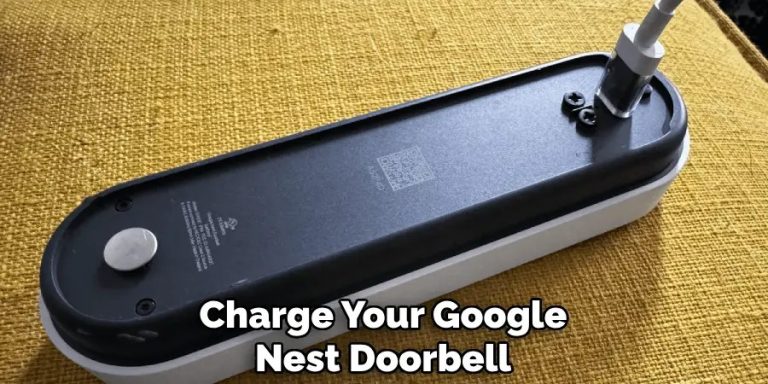
Quick Security Answer If you have the battery-powered Nest Doorbell, remove it carefully and charge it with the correct cable and power source. If you have the wired model, check wiring and transformer compatibility instead of trying to recharge it like a battery device. How to Charge Google Nest Doorbell depends on the exact model….
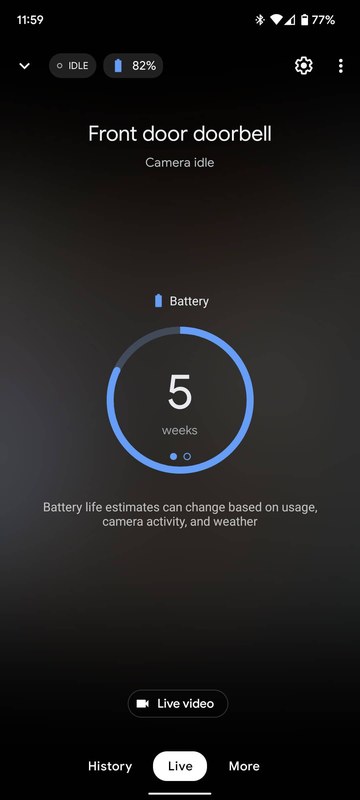
Quick Security Answer Google Nest Doorbell battery life depends mostly on motion, placement, Wi-Fi, and how often you open the app. In busy homes, expect more frequent charging than in quiet ones. Google Nest Doorbell Battery Life is usually best understood as “how busy is your front door?” not a fixed number on the box….
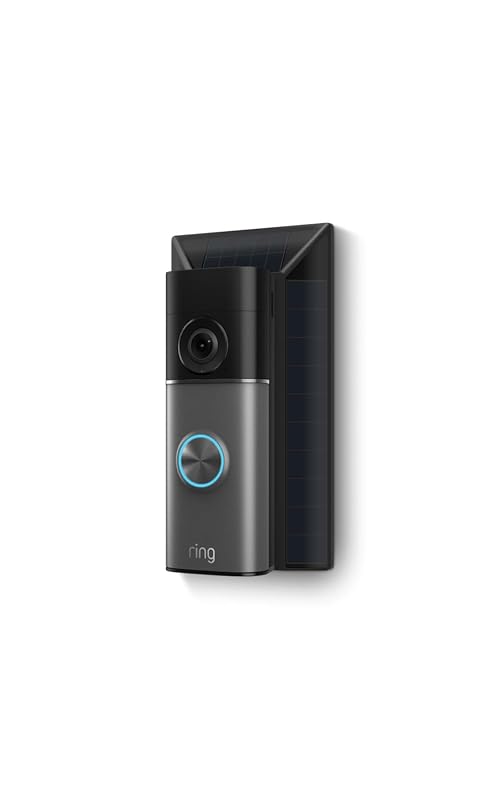
Compare ring battery doorbell plus solar charger for home coverage, privacy, power, storage, subscriptions, and value. Read the guide before choosing a system.
Quick Security Answer Most Ring battery doorbells can be installed by a careful beginner with basic tools and the app. The biggest success factors are the right mounting surface, strong Wi-Fi, and a placement that respects privacy. ring battery doorbell installation is usually a manageable DIY project for many homes. The best results come from…
Quick Security Answer A Ring battery doorbell is usually set up by charging the battery, adding the device in the app, and mounting it in a spot with a clear front-door view. The most common problems are weak Wi-Fi, poor placement, or skipped privacy settings. If you want to know how to setup ring battery…