10 Best Indoor Cameras with Privacy Mode for Secure Smart Homes
Compare best indoor cameras with privacy mode for home coverage, privacy, power, storage, subscriptions, and value. Read the guide before choosing a system.

Compare best indoor cameras with privacy mode for home coverage, privacy, power, storage, subscriptions, and value. Read the guide before choosing a system.
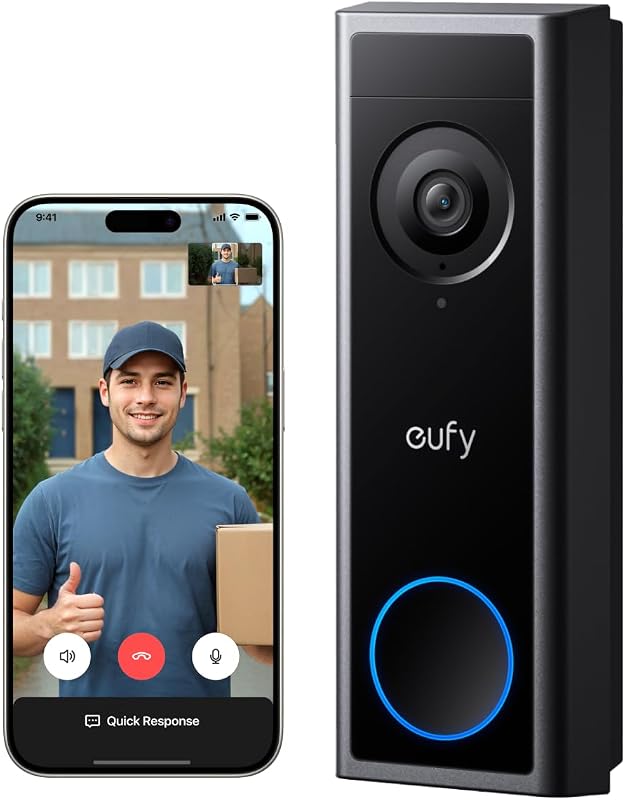
See the best battery powered video doorbells for apartments, from the eufy C30 to the Ring 2K. Compare features, prices, and subscription needs today.

Compare the 8 best video doorbells without subscription for US homes. See free local storage, battery life, and setup trade-offs. Check current prices now.

Compare the 9 best indoor security cameras for privacy. See 4K pan-tilt picks, local storage options, and no-subscription cameras for US homes right now.

Compare the 8 best wireless outdoor security cameras for home. Review power, storage, and subscription trade-offs, then check current prices on Amazon.
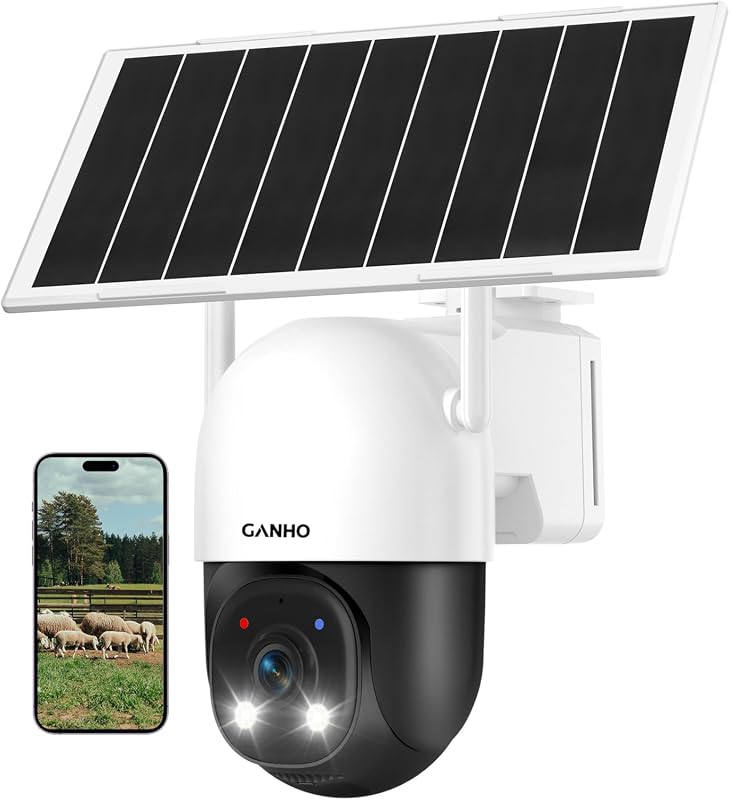
Compare the best security camera for detached garage without wifi. See 4G LTE, solar, and battery picks with pros, cons, and buying tips for US homes.
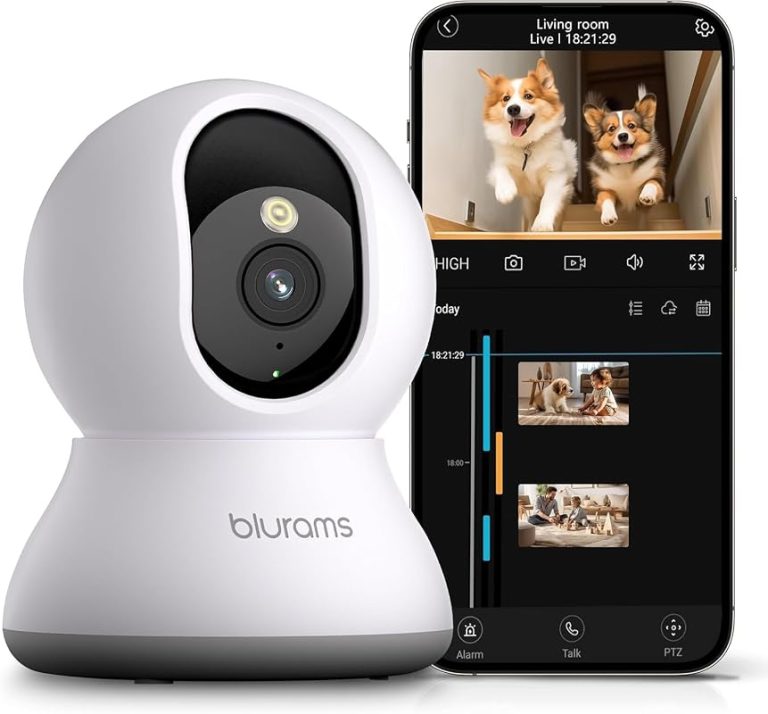
Compare the 7 best security cameras that record without wifi. See local SD storage, battery life, night vision, privacy, and price trade-offs before you buy.

Compare the best security camera system with NVR for home in our 8-product roundup. See local storage, PoE setup, and subscription-free picks for U.S. buyers.
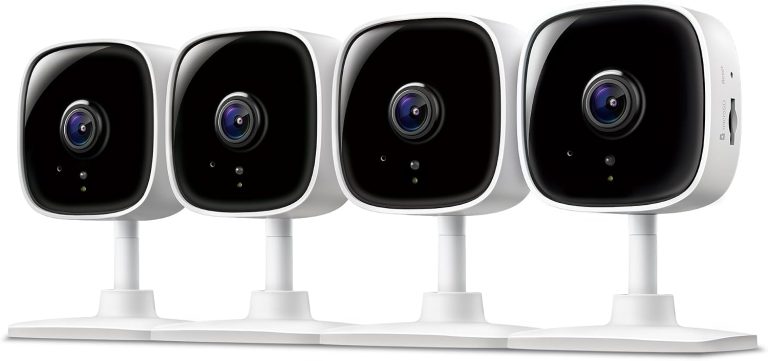
Find the best security cameras without subscription for indoor and outdoor use. Compare local storage, battery options, and no-fee alerts for US homes.
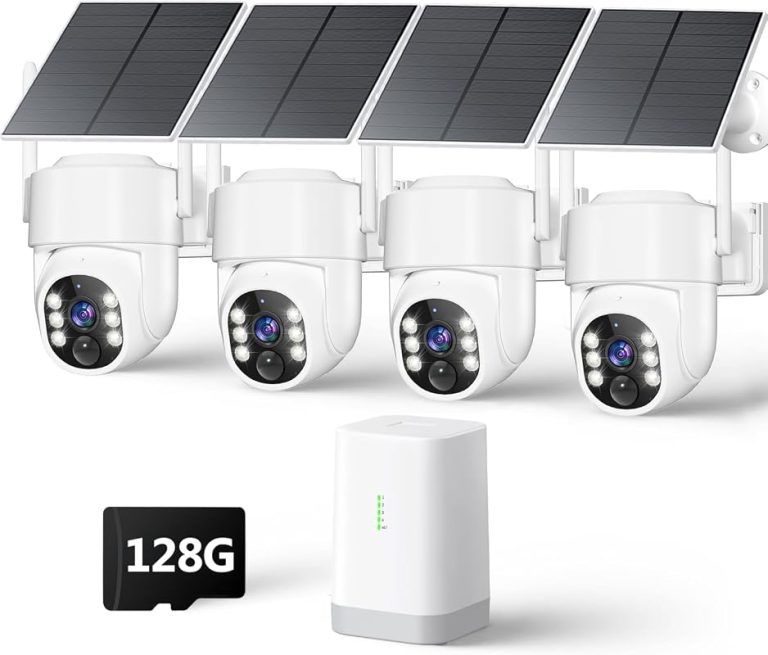
Compare the 9 best outdoor security cameras with local storage for US homes. Find no-subscription picks with SD cards, hubs, and NVR storage. Check prices now.

View on Amazon Quick Security Answer Privacy mode is a camera setting that blocks the lens or disables recording so the camera stops capturing video. Use it for guests, service visits, and private moments, but remember it does not delete old footage or secure your account. Smart Home Security Guide What does privacy mode mean…

View on Amazon Quick Security Answer To keep your home secure, always grant guests temporary, limited access—such as time-bound share links or scoped codes—rather than full admin credentials, and revoke that access as soon as they leave. The most critical limitation is compatibility: if your camera system lacks native guest-account features, you’ll be forced to…
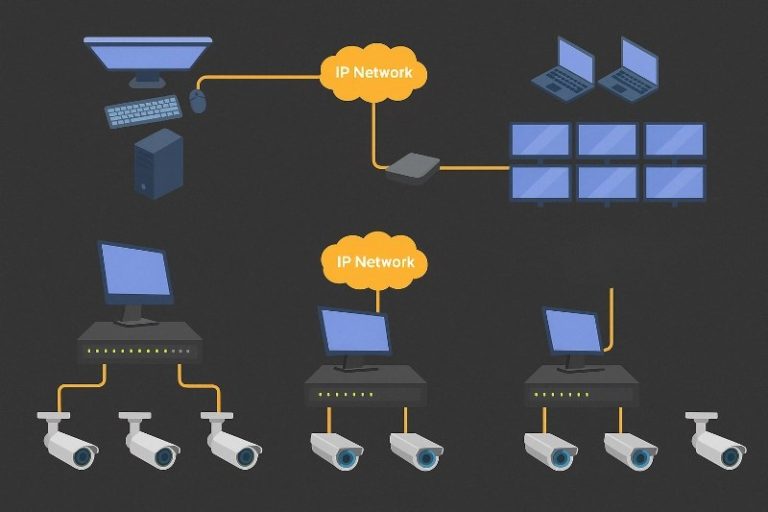
View on Amazon Quick Security Answer Yes, a Wi-Fi camera can be hacked, but the weakness is usually a weak password, old firmware, or an exposed port, not the Wi-Fi signal itself. Secure the account, update the firmware, and isolate cameras on their own network to close most real-world attack paths. Smart Home Security Guide…

View on Amazon Quick Security Answer Privacy settings control what your camera records, who can view it, and how long footage stays saved. Start with privacy zones, audio toggles, and account security, then review them every few months. Smart Home Security Guide Security camera privacy settings explained: these are the controls inside your camera app…
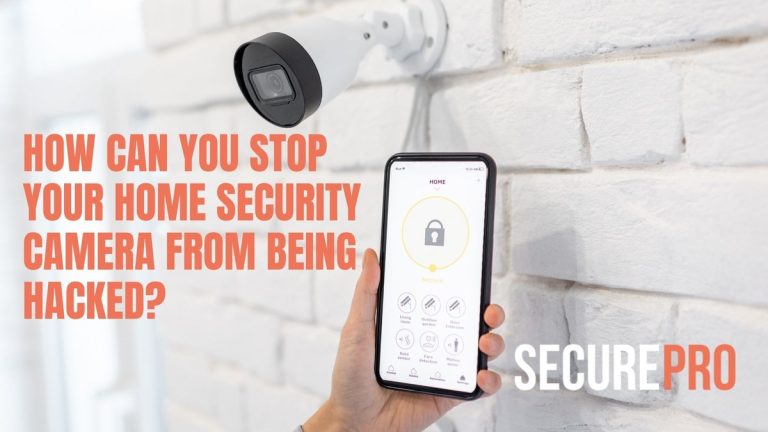
View on Amazon Quick Security Answer Secure your cameras by isolating them on a guest network, using unique passwords with MFA, and patching firmware regularly. Most camera hacks are opportunistic, so basic protections stop most attacks before they start. Smart Home Security Guide Learning how to secure home security cameras from hackers starts with your…