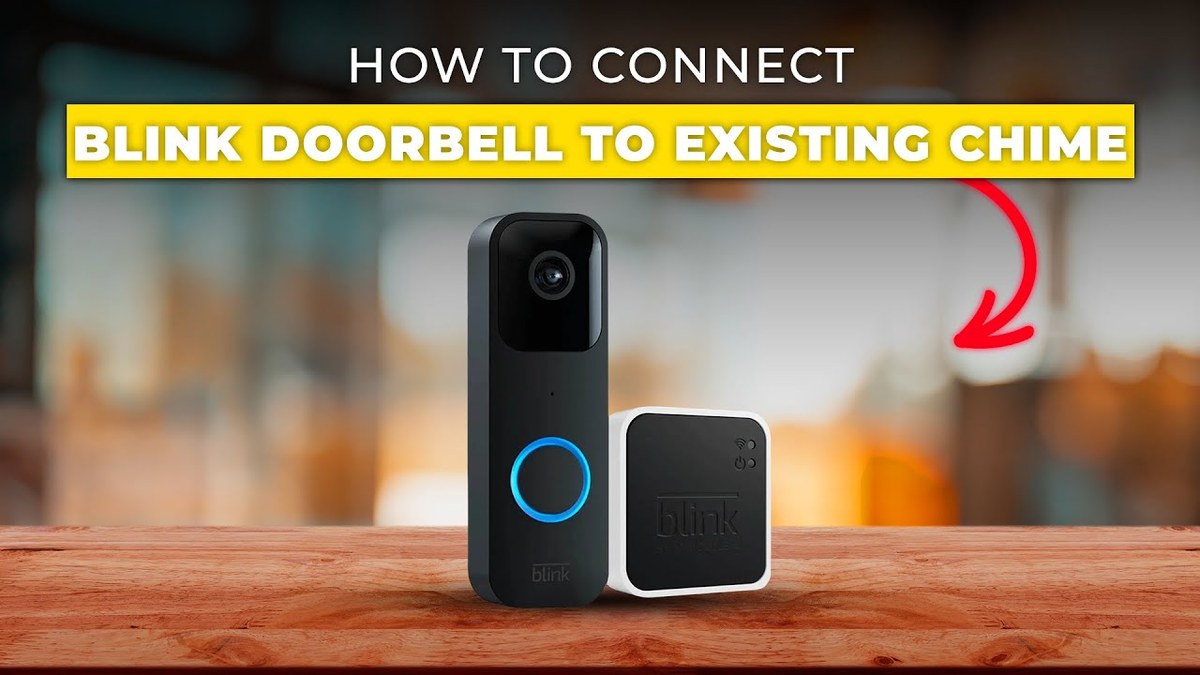
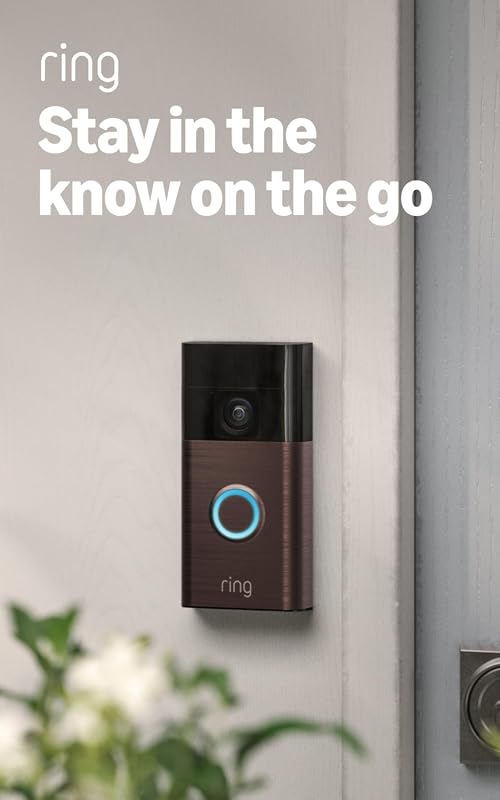
A Blink video doorbell chime can work through an existing wired chime, app alerts, or a smart speaker, depending on the exact setup. The safest path is to confirm power, Wi-Fi, and compatibility before mounting or wiring anything.
The blink video doorbell chime setup connects the doorbell, the app, and the alert path. In most U.S. homes, that means checking the wired chime, sync module, Alexa, or phone alerts.
Blink Video Doorbell Chime: What It Does and How It Works
A doorbell chime is the sound you hear when someone presses the button. With Blink, that sound may come from a wired indoor chime, a smart speaker, or your phone.
The main point is simple. The button, the app, and the chime method must match.
If one part is wrong, you may still get video alerts. You may miss the sound inside the home.
How to Set Up a Blink Video Doorbell Chime in a U.S. Home
A Blink video doorbell chime is installed for home alert notifications.
Setup starts with power. Then it moves to the app and the chime path.
If you use existing wiring, confirm compatibility before mounting anything.
A wired chime box is the mechanical or digital indoor chime already in the home. A wireless chime accessory, or smart speaker alert, does not use the house chime wiring in the same way.
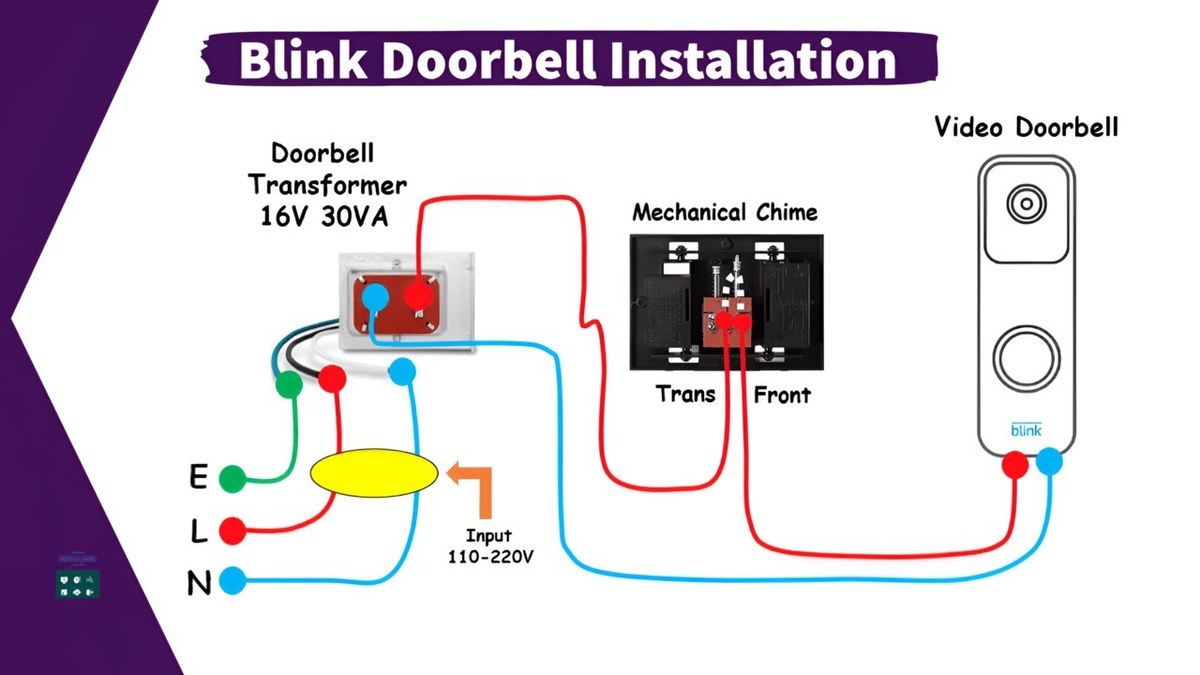
Use the wired chime only if the exact Blink model and your home wiring support it. If the system depends on an accessory or app alert, the indoor sound will come from that device instead of the wall chime.
Sync Module, app setup, and account pairing
Blink systems often rely on the app and, in some setups, a Sync Module. These tools manage devices and storage.
Pair the doorbell with the right account before you test alerts.
After pairing, check notification settings, chime settings, and shared-user access. If a family member never gets alerts, the issue may be account permissions rather than the doorbell itself.
Placement, Power, and Wi-Fi Considerations Before Installation
Good placement affects video quality and daily use. Before drilling or mounting, check sight lines, power, and Wi-Fi strength.
Doorbell height, field of view, and motion coverage
Mounting height changes what the camera sees and how motion is detected. A doorbell placed too high may miss faces.
A doorbell placed too low may focus on packages or the doorstep.
For a wider placement comparison, DecatHome’s video doorbell installation height guide explains why height matters even when the brand differs. The same idea applies here. The best chime setup still needs a clear view.
Battery, existing doorbell wiring, and transformer limits
Some Blink doorbell setups use battery power. Others may interact with existing doorbell wiring.
If you connect to house wiring, the transformer must meet the exact requirements in the manual.
Never guess on voltage or transformer capacity. A mismatch can cause unreliable chimes, charging problems, or device failure.
2.4 GHz Wi-Fi strength and router distance
Most video doorbells depend on strong 2.4 GHz Wi-Fi. It travels farther than 5 GHz.
It can still weaken through walls and exterior materials. If the signal is weak at the front door, alerts may lag or fail.
Place the router, mesh node, or access point so the doorbell has a steady connection. If your home has a detached garage, metal siding, or thick masonry, test signal quality before final mounting.
Compatibility With Existing Chimes, Smart Home Gear, and Rentals<
Smart home security setup compatible with existing chimes and rental spaces.
Compatibility is where many chime problems begin. The doorbell may work, but the indoor chime, smart speaker, or rental rules may limit how it is used.
When a mechanical chime will work as expected
A mechanical chime works best when the doorbell is designed to trigger it and the wiring meets the required specs. If the chime is digital, older, or paired with an unusual transformer, results can vary.
If you want a broader reference on existing chime wiring, read wired video doorbell existing chime. That topic helps explain why some homes get a normal chime sound and others need a different setup.
Homeowner vs. renter constraints and permission issues
Homeowners usually have more freedom to change wiring or mount hardware. Renters may need written permission before drilling, rewiring, or changing the door frame.
Check lease terms, HOA rules, and any move-out repair obligations. A no-drill mount or battery setup may be a better fit when permanent changes are not allowed.
Alexa, shared users, and household access
Some households want the chime to play through Alexa or another smart speaker. That can help if the phone stays silent or if multiple people need the same alert.
Shared users should only get the access they need. Review who can view video, change settings, or delete recordings, especially in larger households.
Not always. Some setups use an existing wired chime, while others rely on app alerts or a smart speaker.
Often yes, but it depends on the lease and whether drilling or wiring changes are allowed. Battery-based or no-drill options may fit rentals better.
Most doorbells like a strong 2.4 GHz Wi-Fi signal near the front door. Weak signal can delay alerts or interrupt live video.
It depends on the exact model and current plan terms. Some features may work without a plan, but cloud recording and clip history often require one.
Use motion zones, review camera angle, enable MFA, and limit shared access. Also check what the camera can see around sidewalks and neighboring property.
Check volume, notification settings, account pairing, power, and Wi-Fi first. If wiring is involved, follow the manual and stop if anything seems uncertain.
Hi, I'm Marcus Sterling, a smart home security expert with over 5 years
of hands-on experience testing and reviewing hundreds of security cameras, smart locks, and alarm systems. My mission is to make smart home security accessible, affordable, and easy to understand—and every review I publish is 100% independent, unbiased, and honest. I don't accept payments for positive reviews, just practical advice to help you secure your home with confidence.
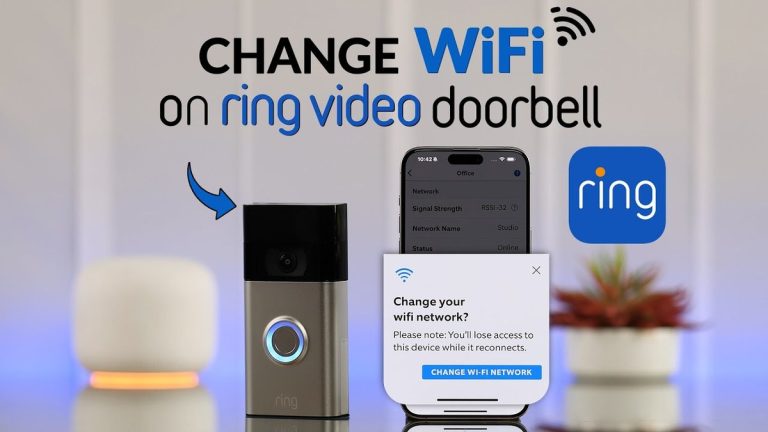
Quick Security Answer Use the Ring app to reconnect the doorbell to the new Wi-Fi network, then test live view, motion alerts, and audio. If setup fails, check power, signal strength, and account access first. Ring video doorbell change wifi is usually a quick app-based update, not a full reinstall. In most homes, you reconnect…
View on Amazon Quick Security Answer Privacy mode is a camera setting that blocks the lens or disables recording so the camera stops capturing video. Use it for guests, service visits, and private moments, but remember it does not delete old footage or secure your account. Smart Home Security Guide What does privacy mode mean…
Compare ring battery doorbell kit by security features, privacy, smart home fit, setup, fees, and value. Read the guide to find the right option for your home.
The eufy Video Doorbell E340 works with HomeBase 3, also called the S380 HomeBase. This setup lets us connect the doorbell to eufy’s local storage system and manage compatible security devices in one place. Yes, the E340 is compatible with HomeBase 3/S380, but we need compatible firmware and proper setup for a reliable connection. We’ll…
Compare buy ring battery doorbell by security features, privacy, smart home fit, setup, fees, and value. Read the guide to find the right option for your home.
Find the best smart locks that work with Alexa for your U.S. home. Compare 8 top picks for security, compatibility, and keyless entry convenience today.