Wired vs Wireless Home Alarm System Choosing the Right One
Wired systems suit homeowners who want reliability and no sensor batteries. Wireless systems suit renters, frequent movers, and anyone who wants a fast, portable install.
Choosing a wired vs wireless home alarm system starts with your living situation, home layout, and upkeep needs.
This guide explains how each type works. It covers costs over time and which one fits your home.
You will also learn what to verify before you buy.
The Short Answer: Wired Wins on Reliability and Clean Retrofits; Wireless Wins for Renters and Flexibility
Wired systems win on reliability. Sensors draw power from the panel. They do not depend on radio signals or sensor batteries.
Wireless systems win on flexibility. Installation is fast. There is no major wall work.
You can move the system to a new home.
Choose based on your tenancy, home size, and budget. There is no single best choice for every household.
How Wired and Wireless Alarm Systems Actually Work: Architecture, Hubs, and Signaling
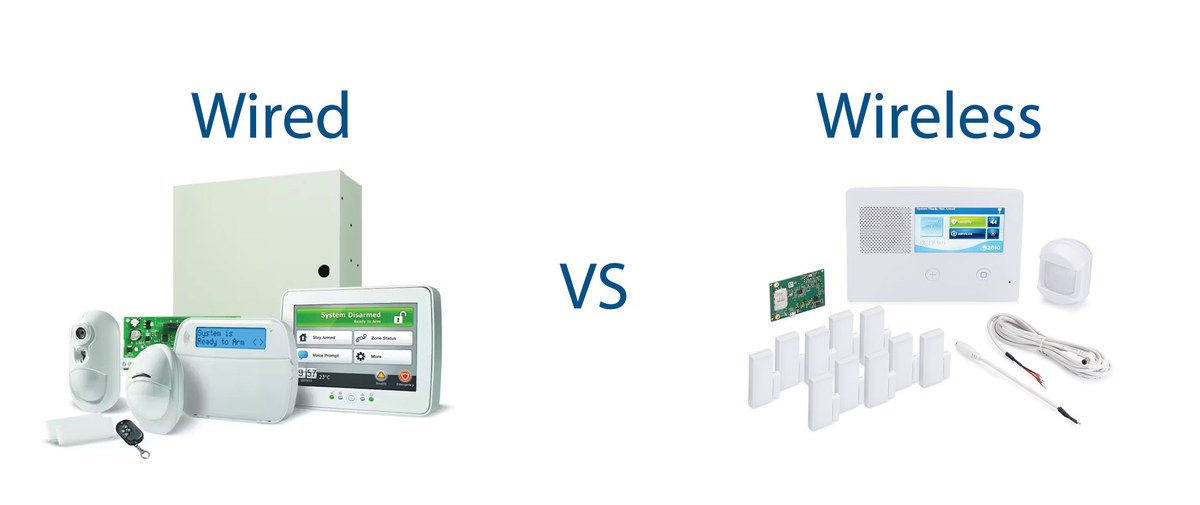
Both types do the same basic job. They detect a break-in and sound an alarm.
They differ in how sensors send signals. They also differ in how sensors get power.
Wired Systems: Physical Sensor Loops, a Central Panel, and Continuous Power
In a wired system, door, window, and motion sensors connect to a central panel. The wires are low-voltage.
The panel supplies power to every sensor. Most panels include a backup battery. The system can still run during a power outage.
Hardwired sensors rarely go offline from dead batteries.
Professionals usually run wires through walls, basements, or attics. They do this work during construction or a remodel. In a finished home, wiring costs more and takes longer.
Wireless Systems: Encrypted Radio Sensors, a Hub, and Battery Dependence
Wireless sensors talk to a central hub. They use encrypted radio signals.
Each sensor runs on its own battery. The hub connects to your network.
Most wireless sensors use a dedicated radio link to the hub. They do not depend on your home Wi-Fi. Learn more about whether alarm sensors need Wi-Fi before planning your setup.
With no wires, installation is faster and less invasive. The tradeoff is battery maintenance.
Every sensor eventually needs a new battery. A dead battery can mean a silent sensor.
Home Layout and Tenancy: Which System Is Physically Practical for Your Property
The right choice depends less on technology. It depends more on your lease, floor plan, and how long you plan to stay.
Answer those three questions before comparing brands.
Renters and Multi-Unit Dwellers: Wireless Wins on Drilling, Permits, and Portability
Wireless is usually the better fit for renters.
You can mount sensors with adhesive or small screws. You can take the system with you when you move. That protects your deposit and avoids permanent wall damage.
You may still need landlord permission, especially for a siren or a wall-mounted hub. Some multi-unit buildings have rules about exterior alarms and loud sirens.
Check your lease before you install anything.
Homeowners Planning a Long-Term Install: Wired Wins on Finish and Battery-Free Operation
Homeowners who plan to stay for years often prefer wired.
The sensors are hidden. There are no batteries to replace at every door and window. The clean finish is hard for wireless to match.
The main drawback is cost. Running wires through a finished home means cutting into walls. This adds labor.
Wired makes the most sense during construction or a full remodel.
Large or Multi-Story Homes: Hub Placement, Wi-Fi Coverage, and Siren Audibility
Wireless range matters in large homes. A hub in the basement may not reach sensors on the top floor.
Place the hub centrally. Plan for a mesh Wi-Fi network or a range extender.
Wired systems avoid that problem. Every sensor has its own physical connection.
Siren placement matters in both types. A siren too far from bedrooms may not wake the household. Review our guide on where to place the home alarm siren for room-by-room advice.
Power, Backup, and Connectivity: What Happens When the Grid, Internet, or Batteries Fail

A home alarm is only useful when it stays online during an outage.
Power paths differ between wired and wireless designs. Check them before you commit.
System Power Paths: Wired Sensor Loops vs Wireless Batteries and Panel Backup
Wired sensors draw power from the panel. You do not change batteries at the sensor.
The panel usually has a battery backup. It covers short outages.
Wireless sensors run on individual batteries. Battery life varies by sensor type and model. It also depends on how often the sensor transmits.
Check the exact manual for battery life and replacement rules.
Cellular and Wi-Fi Fallbacks: Bands, Hub Dependence, and Monitoring Continuity
Both wired and wireless systems can include cellular backup. A cellular link lets the panel reach the monitoring center when your internet is down.
If professional monitoring matters, understand cellular backup in home alarm systems before choosing a hub.
Monitoring, Permits, and True Cost of Ownership: Subscriptions Explained
The price of a system goes far beyond the hardware.
Monitoring plans, permits, false-alarm fees, and maintenance add to the total cost over time.
Self-Monitoring vs Professional Monitoring: Contracts, Dispatch Limits, and False Alarms
With self-monitoring, your phone receives alerts. You decide what to do.
It is cheaper but does not guarantee anyone is watching. Our guide to DIY alarm system self-monitoring explains the practical limits.
- The household receives alerts and decides what action to take.
- Usually has lower ongoing cost.
- Does not guarantee emergency dispatch.
- A monitoring center may review eligible alarms.
- Dispatch availability depends on the plan and event.
- Fees, contracts, permits, and false-alarm rules may apply.
Some companies require a contract. Others charge higher fees for early cancellation. Read the plan terms before you sign.
The Five-to-Ten-Year Cost Picture: Installation, Batteries, Cloud Retention, and Price Increases
Over five to ten years, the gap between wired and wireless narrows.
Wired systems cost more to install. They need less ongoing sensor maintenance.
Wireless systems cost less to install. You will buy batteries. You may pay for cloud storage or monitoring.
Professional monitoring usually requires a monthly or annual fee. Some systems also charge for video storage when you add cameras.
Plan prices vary by company. Ask for a written breakdown before purchase.
Cameras, Video Doorbells, and Smart Locks: The Connected-Hardware Checklist
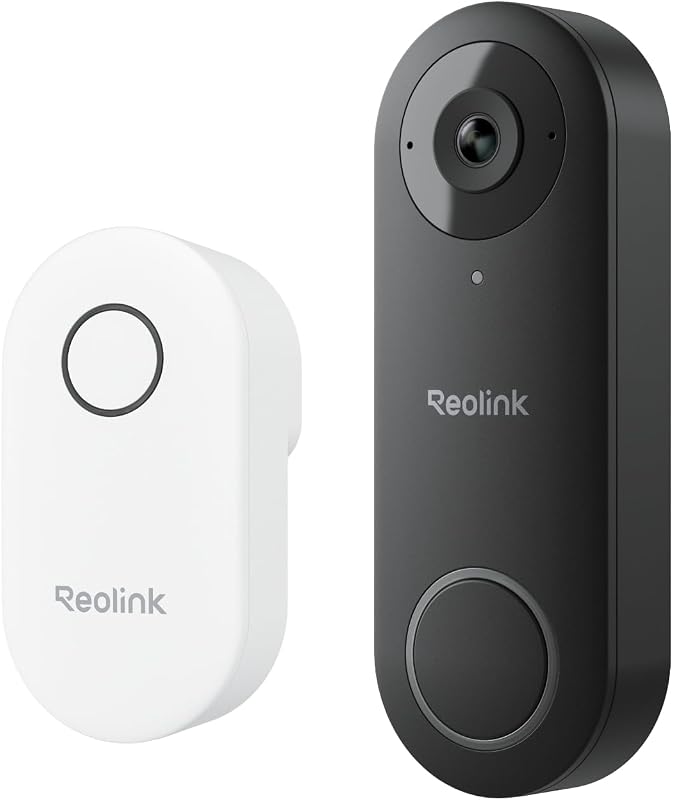
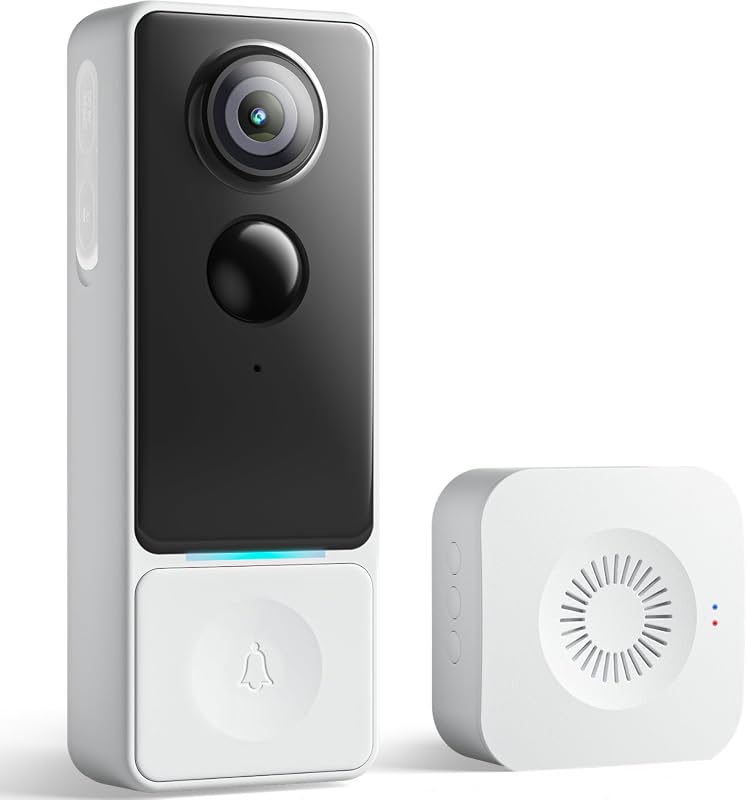
Most alarm systems work with extra devices like cameras, video doorbells, and smart locks. These add convenience. They also add decisions about power, placement, privacy, and long-term support.
Cameras and Video Doorbells: Placement, Field of View, Night Performance, Audio, Privacy Zones, and Weather
When you add a camera, check its field of view, night vision, and audio features.
Place it high enough to capture faces. Keep it low enough to avoid blind spots.
Point cameras away from neighbors’ windows and public walkways where practical. Many cameras let you set privacy zones. These block recording in certain areas.
Outdoor cameras need a weather rating. It should match your local climate.
Smart Locks: Deadbolt Fit, Handing, Backup Entry, Auto-Lock, Batteries, and Physical-Key Options
Smart locks add control, but fit matters. Check the deadbolt size, door thickness, and handing (left or right) before buying anything.
Most smart locks run on batteries. They keep a physical key slot for backup. If the battery dies, the key still works.
Consider auto-lock and shared codes for guests. Check that the lock works with your alarm hub.
Cybersecurity and Privacy: Firmware Updates, MFA, Account Recovery, Shared Users, and Vendor Support Lifecycle
Connected security devices can be misused if left unsecured.
Use unique passwords. Turn on multi-factor authentication (MFA). Update firmware on the hub, sensors, router, cameras, and locks when updates arrive.
Review who has access to your account. Remove users you no longer trust.
Know how recordings are stored. Know how long they are kept. Know how to delete them.
Check how long the vendor supports its products. A device that stops getting updates becomes a risk.
See our steps on how to secure home security cameras from hackers. That advice applies to any connected device.
Installation, Maintenance, and Troubleshooting: What Real Ownership Looks Like
Good installation prevents most problems.
The two alarm types need different skills, tools, and time. Know what you are signing up for.
Wired Installation Realities: Routing, Tools, Siren Placement, and Professional Help
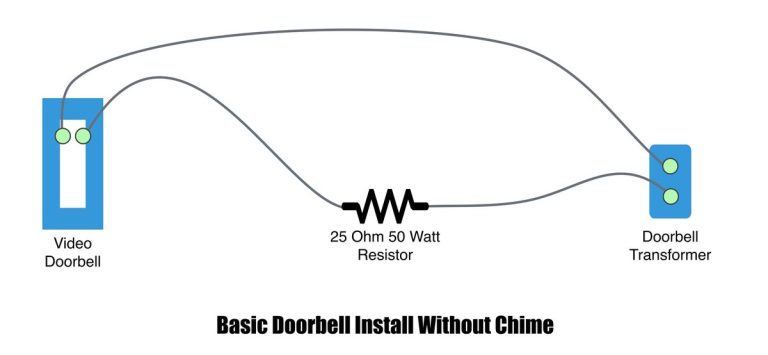
Wired installation means running low-voltage wire from the panel to every sensor.
This requires drilling and fishing wires through walls. You must match the correct transformer voltage. Mistakes can be hard to fix later.
Siren placement is part of the plan. A siren near the front door and another on a main floor improves audibility.
For most homeowners, a licensed professional is the safer choice for wired work.
Wireless Installation and Troubleshooting: Sensor Placement, Tamper Alerts, False Alarms, and Battery Maintenance
Wireless sensors are easier to install. Placement still matters.
A motion sensor near a vent, curtain, or pet’s path can cause false alarms. Mount sensors away from heat sources and direct sunlight.
Most wireless sensors have tamper alerts. They trigger if someone removes them. Test each sensor after setup.
Replace batteries on schedule. If a sensor reports a low battery, fix it right away. Do not wait for the alarm to fail.
A Neutral Decision Framework: Wired-First, Wireless-First, or Hybrid, and Your Next Steps
There is no universal winner. The best system matches your tenancy, home size, and monitoring preferences.
Use the guide below to narrow your choice quickly.
Wired-First and Wireless-First Triggers Based on Tenancy, Home Size, and Monitoring Preferences
Choose wired-first if you own your home and plan to stay several years. You get no sensor batteries. Be ready for a larger upfront install.
Choose wireless-first if you rent or move often. You get a quick install. You can take the system with you.
A hybrid approach also works. Use a wired panel for core doors and windows. Add wireless sensors where wiring is hard.
| System type | Best suited to | Power and network | Ongoing care | Main limitation |
|---|---|---|---|---|
| Wired | Long-term homeowners | Panel-powered sensors | No sensor batteries | Higher install cost and wall work |
| Wireless | Renters and frequent movers | Battery sensors; hub needs Wi-Fi or Ethernet | Battery replacement and plan fees | Signal range and battery maintenance |
Your Next Steps: Audit Layout, Connectivity, Permit Rules, and Vendor Lifecycle Before Buying
Before you buy, walk through your home. List every exterior door and window you want covered.
Note where the hub can sit. Check whether your Wi-Fi reaches that spot.
Check your local alarm permit rules. Some US cities require registration. They may fine repeated false alarms.
Then check the vendor’s support lifecycle. Read recent reviews about firmware updates and app problems.
Pick the system that matches your home, not just its price.
Wired systems offer reliability and a clean finish for long-term homeowners.
Wireless systems offer flexibility and easy installation for renters and frequent movers.
Match the system to your living situation, budget, and maintenance willingness.
Before buying, check your lease, Wi-Fi coverage, permit rules, and the vendor’s long-term support.
Frequently Asked Questions
It is possible, but wired installs involve low-voltage wiring, drilling, and transformer work. Most homeowners use a licensed installer to avoid wall damage and safety risks.
Wireless sensors run on batteries, so they keep working when the power goes out. The hub needs battery or cellular backup for the whole system to stay online.
Sensors talk to the hub over their own radio link, but the hub needs Wi-Fi, Ethernet, or cellular to send alerts. Without backup, an internet outage can stop remote alerts.
Modern wireless systems use encrypted radio signals and tamper alerts. The bigger risks are weak passwords, poor configuration, and outdated firmware, not the radio link itself.
No. You can self-monitor for free with many systems, but professional monitoring usually requires a monthly plan. Read the exact terms for contracts and false-alarm fees.
Battery life varies by sensor type, model, and usage. Check the exact manual and test sensors regularly. Replace low batteries promptly to avoid a silent sensor.