Ring battery doorbells usually last from weeks to months, depending on motion activity, Wi-Fi quality, weather, and how often you use live view. The best way to stretch battery life is to reduce false alerts and keep the connection steady.
how long does ring battery doorbell last is the first question most buyers ask before they choose a battery model. In many U.S. homes, the answer is often weeks or months, not days. The real result depends on motion activity, Wi-Fi, weather, and live view use.
For the short version, a Ring battery doorbell usually lasts longer in quiet homes. It lasts less time in busy ones. To stretch battery life, focus on motion settings, signal strength, and placement first.
How Long Does a Ring Battery Doorbell Last? The Short Answer
There is no single battery life number for every Ring battery doorbell. Real use can change a lot based on alerts, live view sessions, and local traffic at the door.
A calm apartment entry may go much longer between charges than a front porch with frequent deliveries, pets, cars, and passersby. That is why manufacturer estimates and user reports often differ from home to home.
What Actually Affects Ring Battery Life
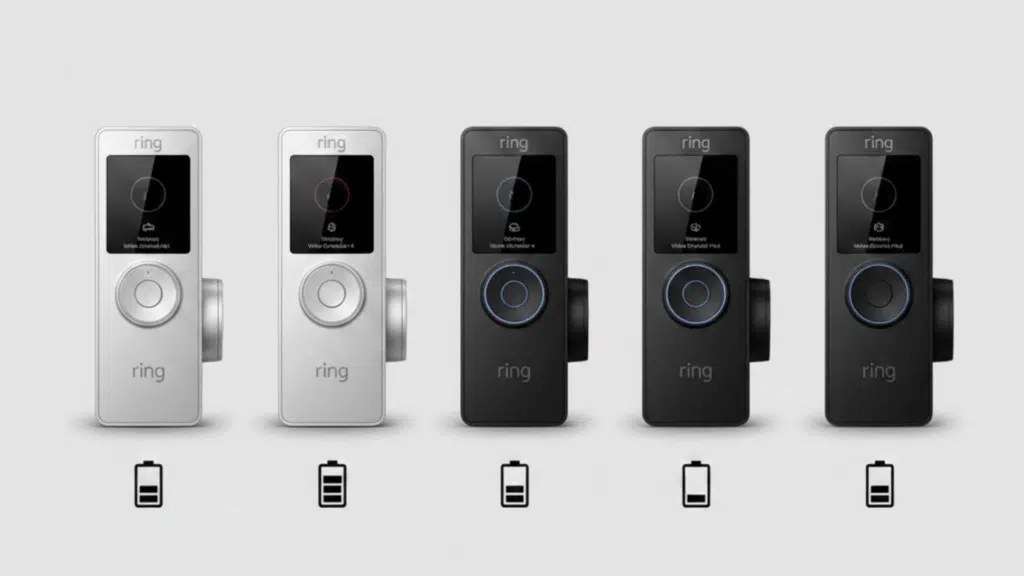
Factors like motion alerts and weather can shorten Ring battery life.
Battery life depends on how often the doorbell wakes up, records, and reconnects. Each event uses power. Some homes trigger many more events than others.
Motion frequency, live view use, and notification settings
Frequent motion alerts are one of the biggest battery drains. More people walking by, more package drops, and more vehicles near the porch can all add up.
Live view also uses extra power because the camera stays active longer. If several people in the household check the feed often, the battery will usually drop faster.
Notification settings matter too. A doorbell that sends alerts for every small movement will work harder than one set to ignore minor activity.
Wi-Fi strength, signal drops, and reconnect attempts
Weak Wi-Fi can shorten battery life because the doorbell may spend more energy trying to stay connected. A poor signal can also lead to missed events and repeated reconnect attempts.
If the router is far away, or if walls and siding block the signal, the device may drain faster than expected. This is why network quality matters as much as camera settings.
Temperature, weather exposure, and seasonal swings
Cold weather can reduce battery performance, especially in winter. Hot weather and direct sun can also affect electronics over time.
Outdoor placement matters because wind, rain, and temperature swings can change how hard the device must work. Battery life often looks different in January than it does in July.
Doorbell placement, traffic patterns, and field of view
Placement can change how often the camera sees motion. If the lens faces a sidewalk, street, or busy driveway, it may trigger far more often than a tighter porch view.
A wider field of view can be useful, but it may also capture more passing movement. That can mean more wake-ups and more battery use.
Expected Battery Life in Real-World U.S. Homes
Battery life usually falls into a range, not a fixed promise. The same doorbell can behave very differently in an apartment, a townhome, or a busy single-family house.
Typical ranges for apartments, townhomes, and single-family homes
In low-traffic settings, some users may recharge less often because the doorbell wakes up less. In moderate-traffic homes, recharging may happen more regularly, especially when live view is used often.
Busy homes with frequent motion may need more frequent charging. That is common near front doors that face sidewalks, parking areas, or shared entry paths.
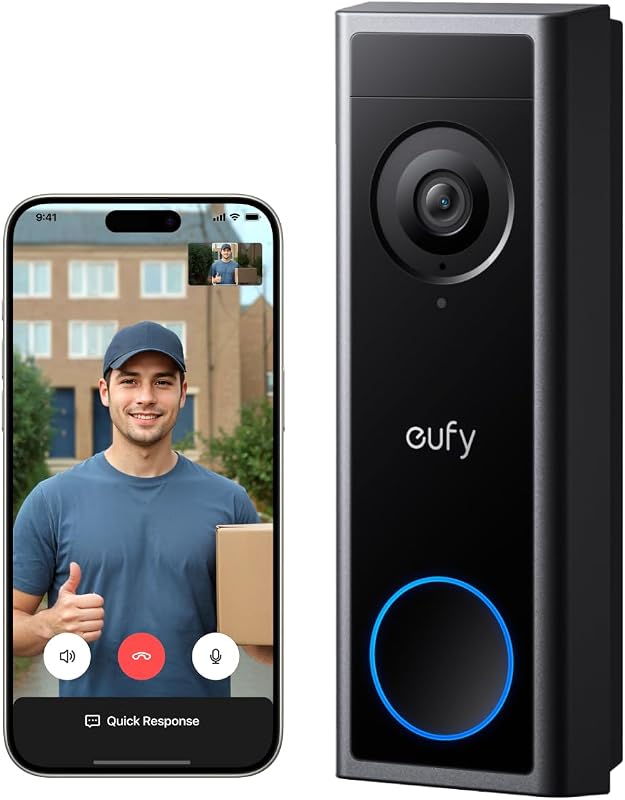
If you want a closer comparison of battery-powered options, see our guide to Eufy E340 vs Ring Doorbell for a useful look at power and usage tradeoffs.
Why some homes drain batteries faster than others
Two homes can have the same doorbell and still get very different results. One may have a quiet porch and strong Wi-Fi. The other may see constant motion and weak signal.
Households with kids, pets, package deliveries, and shared entrances often see more alerts. That means more camera wake-ups and faster battery use.
How subscription features can change power usage
Some plan-based features can change how often the device records or how users review events. That does not always mean a huge battery change, but it can affect daily use.
For example, more frequent review of events can lead to more live view sessions. That alone may shorten the time between charges.
How to Make a Ring Battery Doorbell Last Longer<
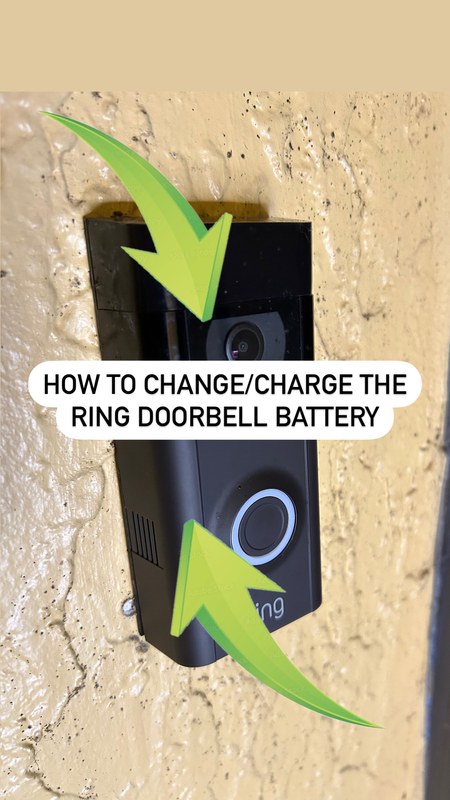
Tips for making a Ring battery doorbell battery last longer.
/h2>
Small setup changes can make a real difference. The goal is to reduce unnecessary wake-ups while keeping the doorbell useful.
Adjust motion zones, sensitivity, and alert frequency
Motion zones let you choose where the camera should watch. If the doorbell keeps alerting on sidewalks, cars, or tree movement, tighten the zone.
Lower sensitivity can also help if the device reacts to minor motion. Fewer false alerts usually means less battery drain.
Notification frequency matters too. If your settings send too many alerts, the doorbell may wake more often than needed.
Use smart placement to reduce unnecessary triggers
Mount the doorbell where it can see visitors without watching every passing car or pedestrian. A better angle can reduce extra motion events.
Try to avoid direct sun glare, reflective surfaces, and areas with heavy foot traffic. These can all increase wake-ups.
Optimize Wi-Fi and router location
Good Wi-Fi helps the doorbell stay connected without repeated retries. If possible, place the router or a mesh node closer to the front entry.
Thick walls, metal doors, and brick can weaken the signal. Even a small improvement in signal strength may help battery life feel more stable.
Keep firmware and app settings current
Firmware is the device software that controls how it works. App updates can also change features, alerts, and battery behavior.
Keeping both current helps reduce bugs and improves reliability. It also lets you review the latest power settings and privacy controls.
Charging, Swapping, and Maintenance Basics
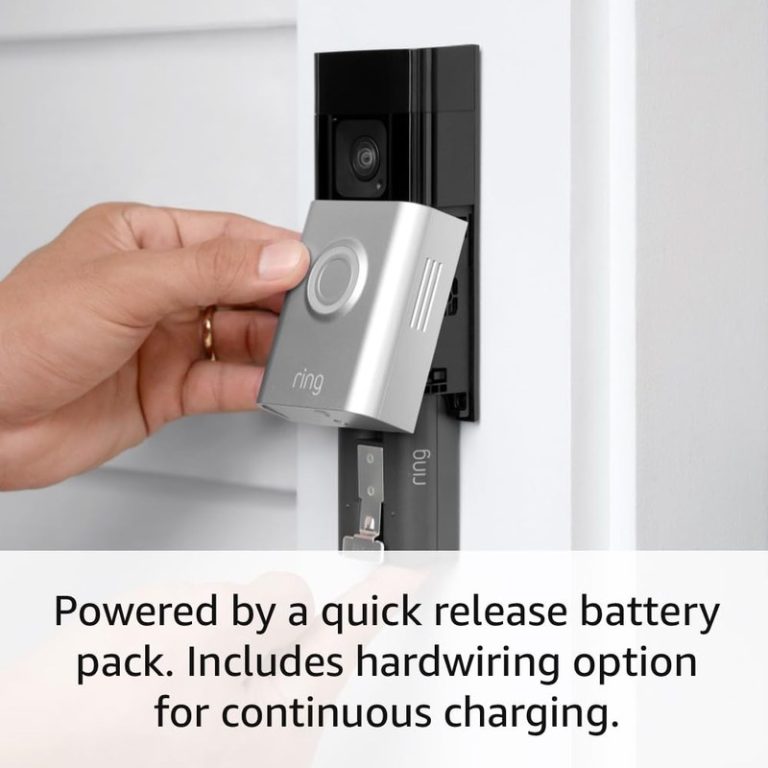
Battery upkeep is simple, but it works best on a schedule. The main goal is to recharge before the battery gets too low and to keep the device clean.
How often to recharge and what to watch for
Recharge timing depends on use, not just age. If alerts are rising or live view is used more often, you may need to charge sooner.
Watch for slower response, shorter runtime, and low-battery notices in the app. Those signs usually mean it is time to recharge soon.
Battery health, wear over time, and replacement timing
Rechargeable batteries wear down over time. After many charge cycles, they may hold less power than they did when new.
If runtime keeps getting shorter even after you improve settings, the battery may be aging. In that case, replacement may be more practical than repeated troubleshooting.
Cleaning lenses, contacts, and weather seals
Dust and grime can make the camera work harder than it should. A clean lens also helps reduce repeated checks from unclear images.
Check battery contacts and weather seals too. Good contact and a snug seal help the device stay reliable outdoors.
Installation and Power Options for Renters and Homeowners
Battery power is often the easiest path for renters and homes without simple wiring. It avoids many electrical limits, but it still needs careful placement and approval when required.
Battery-only use versus hardwired support
Battery-only use is flexible because it does not depend on existing doorbell wiring. That makes it useful where wiring is missing, damaged, or not allowed to be changed.
Some models can also use existing low-voltage wiring for support. In that case, the exact manual matters because the wiring and transformer must match the device.
Mounting considerations for leases, siding, and brick
Renters should confirm what the lease allows before drilling. Adhesive mounts may be a better fit in some units, but they still need a secure, weather-safe surface.
Brick, stucco, and vinyl siding each create different mounting challenges. The wrong mount can loosen over time or leave damage behind.
When a transformer or existing chime matters
If you plan to connect to existing wiring, the transformer and chime must match the doorbell requirements. A mismatch can cause poor performance or charging problems.
For wiring questions, use the exact model manual first. If you are unsure, a qualified installer is the safer choice.
Storage, Subscriptions, and Privacy Considerations
Battery life is only part of ownership. You should also know how clips are stored, who can see them, and what the plan includes.
Cloud recording, retention windows, and plan limits
Many video doorbells depend on cloud storage for recorded clips. That means retention length and playback features may depend on the subscription.
Plan limits can affect how long clips stay available and how many devices share one account. Always check the current plan details before you buy.
Local Storage
Can keep clips on your own hardware.
May reduce ongoing subscription costs.
Still needs backup and physical security.
Cloud Storage
Often easier to access from anywhere.
May require a paid plan.
Depends on internet access and account security.
Privacy zones, shared users, and neighbor-facing footage
Privacy zones can block parts of the image, such as a neighbor’s door or a public sidewalk. That can help reduce unnecessary recording and tension with nearby homes.
If multiple people use the account, review shared access carefully. Not every household member needs the same permissions.
Account security, MFA, and recovery best practices
Use a unique password and turn on multi-factor authentication, or MFA. MFA adds a second check when someone signs in.
Also review recovery email addresses and connected apps. If an old phone or shared login is still active, remove it.
Troubleshooting Fast Battery Drain
Sudden battery loss usually has a cause you can check. Start with simple, reversible steps before you replace parts.
Common causes of sudden battery loss
High motion activity, weak Wi-Fi, and too many live view sessions are common causes. Cold weather can make the problem look worse.
Another cause is a setting change. A recent app update or motion adjustment may have increased wake-ups without you noticing.
When to reset, reposition, or replace the battery
If the battery drains fast after a settings change, try restoring calmer motion settings first. If that does not help, reposition the doorbell or improve the Wi-Fi signal.
When runtime keeps falling over time, the battery itself may be worn. At that point, replacement may make more sense than more troubleshooting.
Signs the doorbell, chime, or network needs service
Frequent disconnects, delayed alerts, or charging that never seems to finish can point to a deeper issue. A bad transformer, weak router, or failing battery may be involved.
If wiring is part of the setup, stop and check the manual. Electrical troubleshooting is not the place to guess.
Ownership Cost and When Battery Power Is the Better Fit
Battery power can be a smart fit when convenience matters more than constant uptime. It usually trades easy setup for regular charging and more attention to settings.
Comparing recharge time, convenience, and long-term upkeep
A battery doorbell is convenient because it can work without existing wiring. The tradeoff is that you must recharge it and watch battery health over time.
That makes it a good choice for people who want flexible placement and simpler installation. It is less ideal for users who want the least maintenance possible.
Choosing battery power for rentals, busy entryways, and low-voltage limitations
Battery power can be a strong option for rentals because it avoids major wiring changes. It also helps when the existing low-voltage setup is old or unavailable.
Busy entryways can still use battery power, but they may need more frequent charging. If that sounds inconvenient, a wired setup may be easier long term.
When a wired doorbell may be the better alternative
A wired doorbell may fit better if your home already has compatible wiring and you want less charging. It can also be useful when the doorbell faces heavy traffic and would wake too often on battery alone.
For homeowners with the right transformer and chime, wired support can reduce upkeep. For renters or homes with unclear wiring, battery power is often the simpler path.
A Ring battery doorbell can last a long time in a quiet home, but busy entryways, weak Wi-Fi, and frequent live view use shorten battery life fast. The best next step is to tune motion settings, check signal strength, and confirm whether battery-only use or wired support fits your home better.
Battery life varies by home, traffic, Wi-Fi strength, and settings. Quiet homes usually go longer than busy entryways with frequent alerts and live view use.
Frequent motion alerts, repeated live view sessions, weak Wi-Fi, and cold weather are common causes of faster drain. A busy porch or a poor signal can shorten runtime a lot.
Yes. A stronger, steadier connection can reduce reconnect attempts and help the doorbell use less power. Mesh placement or a closer router can make a difference.
Subscriptions mainly affect features like recording and review, not the battery directly. But more clip viewing and live view use can increase power use in daily life.
Battery power is often easier for renters because it avoids major wiring changes. Wired support can be better for homeowners who already have compatible low-voltage wiring and want less charging.
Start with motion settings, placement, Wi-Fi strength, and recent app changes. If drain stays high, check battery health and review the exact model manual before changing wiring.
Hi, I'm Marcus Sterling, a smart home security expert with over 5 years
of hands-on experience testing and reviewing hundreds of security cameras, smart locks, and alarm systems. My mission is to make smart home security accessible, affordable, and easy to understand—and every review I publish is 100% independent, unbiased, and honest. I don't accept payments for positive reviews, just practical advice to help you secure your home with confidence.
Quick Security Answer Most Ring battery doorbells can be installed by a careful beginner with basic tools and the app. The biggest success factors are the right mounting surface, strong Wi-Fi, and a placement that respects privacy. ring battery doorbell installation is usually a manageable DIY project for many homes. The best results come from…
Quick Security Answer A good starting height for a Ring video doorbell is usually around 48 inches from the ground. Adjust it for your porch height, steps, Wi-Fi strength, and privacy needs before drilling. Ring video doorbell installation height is usually best when the camera sits about chest level for most visitors, which often means…
View on Amazon Quick Security Answer Your smart lock access log records who enters, when, and how often. Control who sees it by managing user roles, reviewing vendor privacy policies, and auditing your log regularly. Smart Home Security Guide Smart lock access log privacy is a growing concern for US homeowners and renters. Your lock…
Compare 2k video doorbell for security, privacy, compatibility, setup, subscriptions, and value. Read the guide to choose the right option for your home.
View on Amazon Quick Security Answer Keep indoor cameras out of bedrooms, bathrooms, and areas with heat or weak Wi-Fi. Point them at entry points and shared living spaces instead, and test the view before you mount. Smart Home Security Guide Knowing where should you not put indoor security cameras is just as important as…
Wiring the eufy Video Doorbell E340 can give us steady power without relying on battery charging. Before we begin, we need to confirm that our existing doorbell transformer meets eufy’s required voltage and that the power is switched off at the breaker. We can connect the E340 to compatible existing doorbell wires, secure it to…




One Comment