Wi-Fi vs Bluetooth Smart Lock Which Should You Choose
If you need to lock or unlock your door from anywhere without buying extra hardware, choose a Wi-Fi smart lock, but if you value longer battery life, better privacy, and lower cost, a Bluetooth smart lock is the smarter choice for most homes. The biggest catch is that Wi-Fi locks drain batteries faster and expand your network’s hacking risk, while Bluetooth locks either require you to be within range or demand a separate hub for remote access—and neither guarantees a subscription-free, maintenance-free setup.
The wifi vs bluetooth smart lock decision comes down to three practical questions: how often you need remote access, how much you care about battery life, and how reliable your home Wi-Fi network really is. This guide compares both technologies in plain English so you can choose a front-door lock with confidence, whether you own a house or rent an apartment.
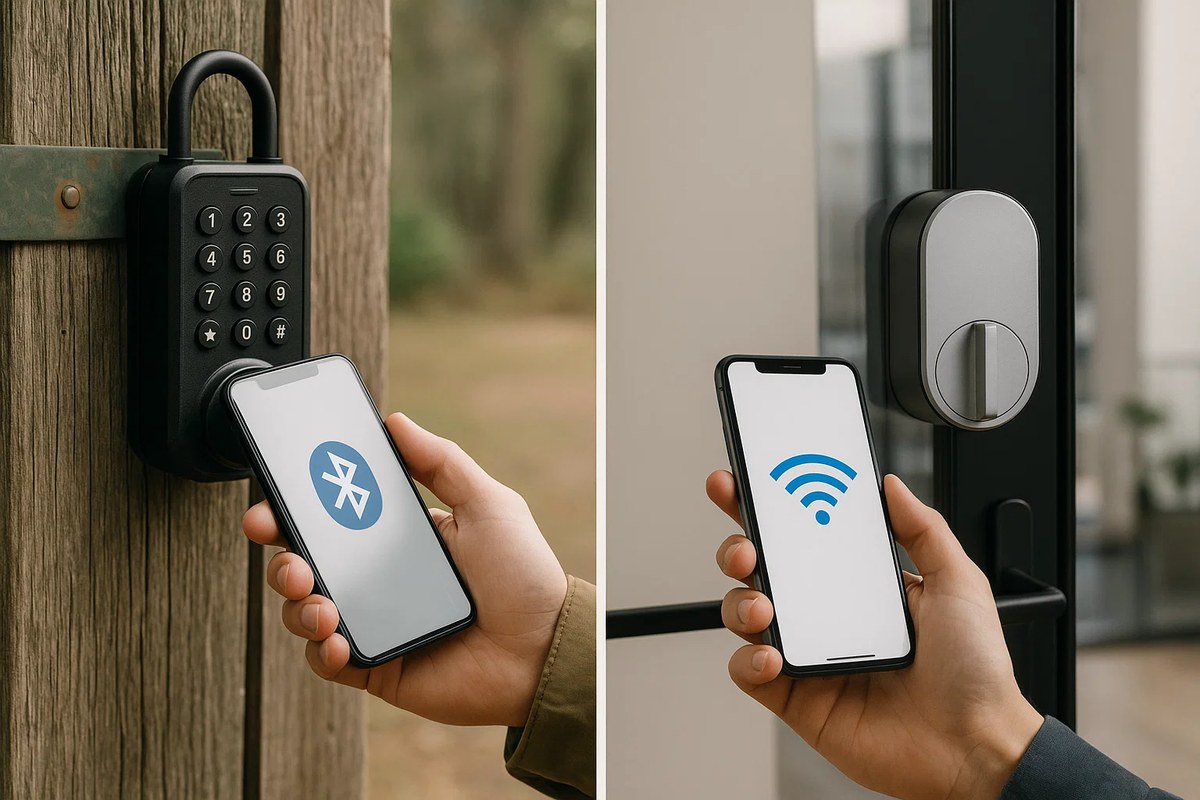
The smart-lock market can feel crowded, but the underlying technology splits into two main camps. Wi-Fi locks connect directly to your home network and let you control the door from anywhere. Bluetooth locks pair with your phone and work locally, without the internet. Many modern locks also combine both approaches, using Bluetooth for everyday use and a separate Wi-Fi bridge for remote features. Understanding that difference first will make every other spec on the package make sense.
What Wi-Fi and Bluetooth Actually Do Inside a Smart Lock
A smart lock is a small computer built into a deadbolt. It contains a motor, a latch mechanism, a radio, and a battery pack. The radio determines how you talk to it, and the way the radio works shapes your daily experience.
A Wi-Fi smart lock connects directly to your home router, almost always on the 2.4 GHz band. Because it maintains that connection, you can lock, unlock, check status, and create guest codes from the app while you are at work, on vacation, or anywhere else with an internet connection. The tradeoff is that the Wi-Fi radio pulls more power and needs a dependable signal reaching your front door.
A Bluetooth smart lock uses Bluetooth Low Energy (BLE). Your phone communicates directly with the lock when it is in range — usually within a few dozen feet, though walls, metal doors, and the lock’s placement all affect the real-world distance. No internet connection is required for this local unlock, which is a major advantage during outages. The lock is also designed for low power consumption, which is why Bluetooth locks often go longer between battery changes.
There is a third option that many buyers overlook: a Bluetooth lock with a separate Wi-Fi bridge or hub. The lock itself uses BLE to talk to a small plug-in adapter, and that adapter connects to your home network. You get the longer battery life of Bluetooth with the remote-access benefits of Wi-Fi. The catch is that the bridge must remain within Bluetooth range of the lock, and it needs its own power outlet. If you are wondering whether the lock will still function when the internet drops, the short answer is that most Bluetooth locks can still unlock for paired phones, but remote features will not work until the connection returns. Our guide to whether smart locks work without Wi-Fi explains these scenarios in more detail.
Newer smart locks using Matter and Thread are beginning to change this picture, but for most US homes the practical choice today still comes down to Wi-Fi, Bluetooth, or a hybrid setup.
Wi-Fi Smart Locks: Strengths and Limitations
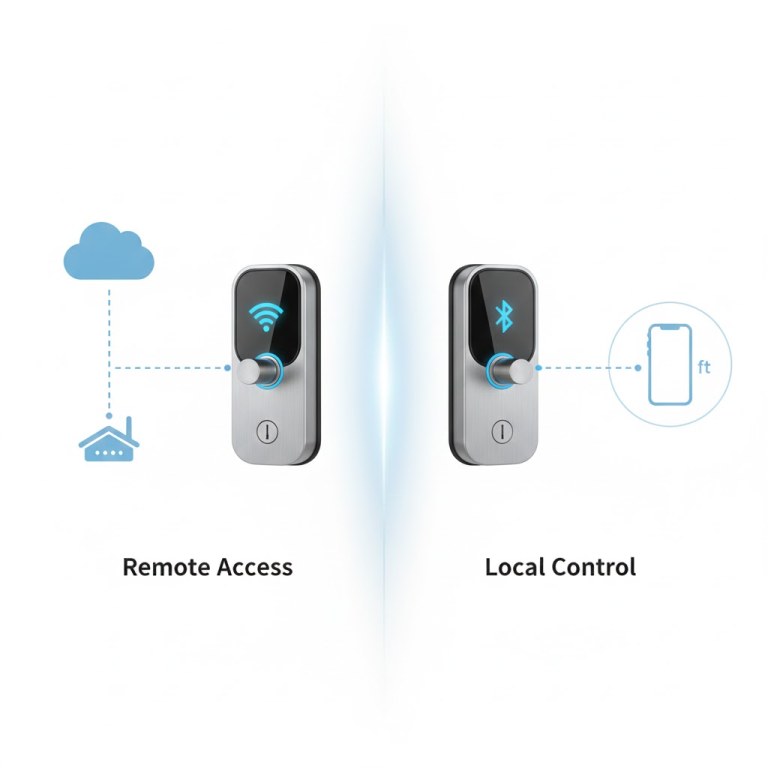
Wi-Fi smart locks appeal to people who want unfiltered remote control straight out of the box, with no extra hub to buy or position. That convenience comes with real costs — mostly around power and network reliability.
- Lock or check the door from anywhere using the app and an internet connection.
- Create, schedule, and revoke guest access codes remotely when the model supports it.
- Receive firmware updates and app improvements without buying extra hardware.
- Integrate with voice assistants and home security routines when the manufacturer supports those platforms.
- Maintaining a constant Wi-Fi connection uses more power, so many Wi-Fi locks need batteries more often.
- Remote control depends on strong 2.4 GHz coverage at the door; a router in the basement or at the back of the house can cause dropouts.
- An internet outage disables remote features, even though local functions may still work.
- Setup is more involved: router name, password, band selection, and app configuration are all part of the first install.
Before you choose a Wi-Fi lock, check the network conditions at your door. Walk to the entrance with your phone and see whether your home Wi-Fi is stable there. Many locks require the 2.4 GHz band, so if your router uses band steering to push devices onto 5 GHz, you may need to create a separate network or adjust settings. A weak signal at the entry is the most common source of “unreachable” errors with Wi-Fi locks. A mesh router or an access point near the front door often solves this, but it means the lock is tied to the health of your whole network.
Bluetooth Smart Locks: Strengths and Limitations
Bluetooth smart locks are the quiet workhorses of the category. They favor battery life, simplicity, and local control. They are an especially sensible option for apartments, rentals, and households that do not need to manage the door from another state.
- Low-power BLE radios are easier on batteries; many Bluetooth models last longer between charges.
- Local unlocking works without internet, which is valuable during outages.
- Setup is usually simpler because there is no router login or network troubleshooting.
- A smaller network footprint means fewer exposure points for remote attackers.
- No remote locking or unlocking unless you add a hub, bridge, or otherwise connect it to the internet.
- Your phone must be within Bluetooth range, and every wall or metal obstruction reduces that range.
- Sharing access typically requires the app and a paired phone, or a separate bridge.
- Auto-unlock and geofencing features depend on your phone’s location services and app permissions running reliably.
Bluetooth locks fit well if most of the people entering your home are physically at the door with their phone. If you already know you want to avoid Wi-Fi dependence entirely, our list of the best smart locks without Wi-Fi covers models that rely on local connections rather than your home network.
Wi-Fi vs Bluetooth Smart Lock: Side-by-Side Comparison
| Lock type | Best suited to | Power and network | Remote access | Main limitation |
|---|---|---|---|---|
| Built-in Wi-Fi | Homeowners who want app control from anywhere | Higher battery draw; needs 2.4 GHz coverage | Yes, without extra hardware | Shorter battery life and network setup |
| Bluetooth only | Apartments, renters, local-only households | Low power; no network required | No, unless a bridge is added later | Phone must be in range |
| Bluetooth + Wi-Fi bridge | Families who want longer battery life plus remote control | Low power lock; bridge needs a nearby outlet | Yes, through the bridge | Extra adapter and bridge placement |
Battery Life and Power: The Practical Difference
Battery life is where the two technologies diverge most dramatically. Bluetooth Low Energy is designed to sip power. A Wi-Fi radio, by contrast, must stay awake or frequently check in with your router, which draws significantly more current. The engineering reality is clear: for a similar motor and lock mechanism, most Wi-Fi locks will need batteries more often than a comparable Bluetooth model.
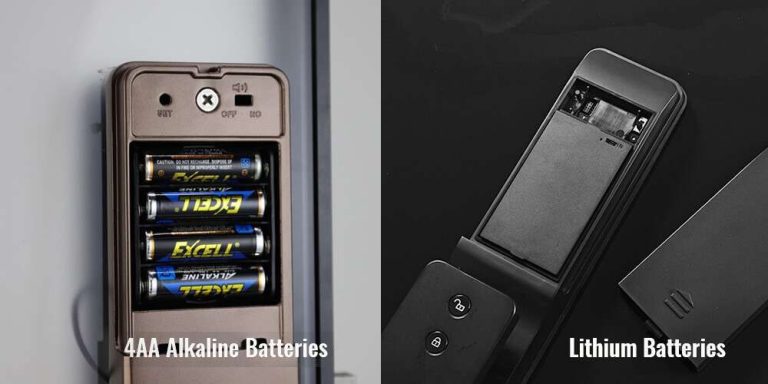
That said, exact battery life depends on far more than the radio. The strength of the motor, how well your door is aligned, how many times the lock cycles per day, how many alerts and logs the lock writes, the temperature at your door, and the quality of the batteries themselves all play a role. Extreme cold reduces battery capacity, which is why exterior locks in northern states often report low-battery warnings during winter. A door that is misaligned forces the motor to work harder and drains batteries noticeably faster. Rather than trusting a single headline number on the box, look for a model with clear low-battery warnings and a backup method that works for you. Most smart locks retain a traditional physical key, and many models offer an exterior battery terminal for an emergency jump-start. Whatever you choose, keep spare batteries on hand and test your backup entry method before you need it. If you are concerned about being locked out, our guide on what happens when a smart lock battery dies walks through the common failure scenarios and safeguards.
Security and Privacy Considerations
Modern Wi-Fi and Bluetooth smart locks both use encryption, but “encrypted” alone does not make a lock secure. The real security picture depends on the quality of the manufacturer’s app, its cloud infrastructure, how regularly the device receives firmware updates, and your own account habits. No smart lock should be described as unhackable, and no connected device removes the need for basic network hygiene.
Privacy is a separate but equally important issue. Smart locks collect entry events, user names, times, and in some cases geofencing data from the phones that pair with them. That information may be stored locally, in the manufacturer’s cloud, or both, depending on the model and your settings. Before installing any lock, read the app permission prompts and the vendor’s privacy documentation so you know what is being collected and who can view it. If you share a home with roommates or caregivers, think carefully about which accounts get permanent access. Our article on smart lock access log privacy explains the common data practices to look for.
Which Should You Choose? A Practical Guide
Choose a Wi-Fi smart lock if…
You want remote control without purchasing extra hardware, your router provides a strong signal near the door, and you are comfortable replacing batteries more often. This category also makes sense if you travel frequently and want to check the door from the airport or issue a time-limited code to a neighbor without involving a hub.
Choose a Bluetooth smart lock if…
Battery life is a top priority, your internet connection is unreliable, you live in an apartment, or you simply do not need to access the lock from far away. Bluetooth-only locks are also a good fit for people who prefer a setup that does not require digging into router settings or explaining network passwords to a stranger.
Choose a Bluetooth lock with a Wi-Fi bridge if…
You want the best of both worlds: the calm battery drain of BLE during everyday use plus remote access when you need it. Just confirm that you have an outlet near enough to the door for the bridge and that the lock’s Bluetooth range comfortably reaches that location.
Renters and apartment dwellers
Most smart locks replace only the interior half of a standard single-cylinder deadbolt, which means the original hardware can usually be reinstalled when you move. That makes smart locks appealing for renters, but the lease agreement is the first document you should read. Some landlords allow smart locks with written permission; others prohibit them. If you do install one, keep the original deadbolt in a safe place and check HOA or building rules before drilling anything. Our guide on whether renters can install smart locks covers the permission, reinstallation, and deposit concerns.
Families and caregivers
Think about every person who needs entry. Kids without phones, older adults who prefer a key, and caregivers arriving on a schedule all change the decision. Look for locks that support dedicated access codes in addition to app-based entry, and confirm whether you can schedule codes so a service provider only has access during specific hours. The right lock for a single person working from home may be the wrong lock for a multigenerational household.
Installation and Setup Expectations
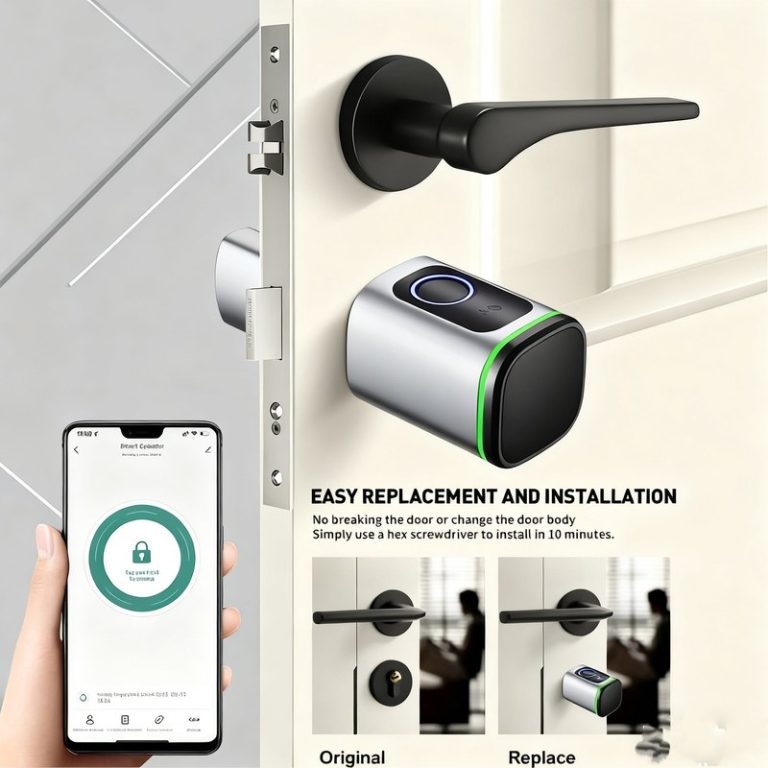
For a standard US single-cylinder deadbolt, smart lock installation is a DIY-friendly retrofit. You remove the interior thumb turn, mount the exterior keypad or key assembly, and attach the interior smart module. Before buying, verify your door’s prep: the backset, bore hole diameter, crossbore, and door thickness all need to match the lock’s specifications. The vast majority of smart locks are designed for common residential deadbolt dimensions, but specialty doors, metal doors, and pre-drilled models vary.
Setup follows a familiar pattern: install the hardware, download the app, create an account, pair the lock, and then configure either Bluetooth or Wi-Fi as the model requires. After pairing, calibrate the lock so it knows the difference between locked and unlocked, then test it several times with the physical key, the app, and any access codes. Check that the door latches smoothly without dragging, since a misaligned strike plate is the number one cause of motor strain and premature battery drain. If your door is unusual or you are uncomfortable drilling or re-drilling holes, have a qualified locksmith or handyperson handle the installation. If you are uncertain about your door type, review the manufacturer’s fit guide before ordering, or consult a source that covers standard smart lock door compatibility requirements.
If you need remote access and your router reaches the front door, a Wi-Fi smart lock is the most direct answer. If battery life, simple setup, and offline reliability matter more, a Bluetooth lock is the sensible pick. If you want both, look for a Bluetooth lock that supports a Wi-Fi bridge. Whatever you choose, confirm your door compatibility, keep your original key backup, maintain the app and firmware, and set up a strong account with multi-factor authentication before you trust any smart lock as your primary entry method.
Frequently Asked Questions
Not always; compatibility varies by exact model. For example, the August Wi-Fi Smart Lock fits many deadbolts, while the Yale Assure Lock 2 Bluetooth version requires a specific keyway adapter. Always check the manufacturer’s fit guide for your door’s backset, crossbore, and latch size before purchasing.
Both types rely on battery power, not household electricity, so an outage won’t lock you out as long as batteries are charged. However, a Wi-Fi smart lock may lose remote access if your router is down, whereas a Bluetooth lock still works locally via your phone or keypad. Always keep a physical key as a manual override for both.
Many Bluetooth smart locks, like the Schlage Encode, work without a hub but require a separate Wi-Fi bridge or a hub like SmartThings for remote access. Wi-Fi smart locks connect directly to your network, eliminating the hub, but some brands charge monthly fees for cloud features such as activity logs or guest access. Verify whether the lock’s core features are free or subscription-gated before buying.
Bluetooth locks have a shorter range, making remote cyberattacks harder, but they are vulnerable to relay attacks if an attacker physically nears your door. Wi-Fi locks expose a broader network surface, yet they benefit from stronger encryption and regular firmware updates. For best security, choose a model with two-factor authentication and automatic firmware updates, regardless of the wireless type.
Wi-Fi smart locks tend to drain batteries faster due to constant network communication, often requiring replacement every 3–6 months, while Bluetooth locks can last 6–12 months. Ownership costs also include optional bridge devices, subscription plans, and eventual replacement parts like latch assemblies. Factor in these recurring expenses, not just the upfront lock price, when comparing models.
Verify the exact-model compatibility with your existing deadbolt, the required wireless protocol (Z-Wave, Wi-Fi, or Bluetooth), and whether a hub is included or sold separately. Also check the lock’s power-outage behavior, battery life, and whether the manufacturer charges for remote access or activity history. Read recent user reviews about connectivity range and firmware stability to avoid common pitfalls.