Security Camera Continuous Recording vs Event Recording
Continuous recording captures video around the clock, while event recording saves clips only when motion or sound triggers the camera. For most US homes, event recording balances cost, storage, and battery life, but continuous recording gives you a complete timeline.
The choice between security camera continuous recording vs event recording shapes how much video you keep. It also affects cost, battery life, and how well you can review what happened. This guide explains how each mode works and which one fits a typical US home.
Direct Answer: What Security Camera Continuous Recording vs Event Recording Means for a US Home
One mode never stops writing video. The other wakes up only for motion, sound, or another trigger. Most cameras let you choose between them. That choice changes your storage, battery, and monthly cost.
| Mode | Best for | Power and storage | Main limitation |
|---|---|---|---|
| Event recording | Battery cameras, budget setups, low-traffic spots | Low power and storage use | Can miss activity outside the detection zone |
| Continuous recording | Wired cameras, high-traffic entries, full-context review | High power and storage use | Higher cost and more video to search |
Event recording is enough for a front door or side gate in most homes. Continuous recording earns its cost where context matters. That means driveways, garages, and shared entries. You want to see these from start to finish.
The mode you pick also affects what the camera can prove later. An event clip shows a short moment. A continuous timeline shows what happened before, during, and after.
How It Works and What It Can Actually Do

Event recording depends on the camera’s sensors to start a clip. Continuous recording writes video without waiting for a trigger. That one difference drives storage, power, cost, and how much context you can review later.
Most cameras use heat sensors or software that notices changing pixels. You can usually draw detection zones and set sensitivity levels. Some models add person, vehicle, or animal detection to cut false alerts. These features vary by model and firmware.
Many event cameras also record a short buffer before the trigger. This is called pre-roll. Pre-roll helps you see what led to the clip. But the buffer is short. It does not replace a full continuous feed.
Neither recording mode prevents crime. Both give you video after something happens. Continuous recording closes the gap where an event clip never starts. Event recording saves storage and battery by skipping empty footage.
Compatibility, Power, Wi-Fi, and Platform Requirements
Battery cameras usually support event recording only. Plug-in and wired cameras can often run continuous recording. Confirm the exact model, firmware, power source, and network setup first.
Battery models stay idle between events to save power. Continuous recording can drain a battery in hours or days. If you need always-on coverage, a wired setup is usually more reliable. See our PoE security camera vs Wi-Fi camera guide for the trade-offs.
Platform support also varies. Some cameras need a hub or bridge. Others work only with the maker’s app. Voice assistants and Matter support depend on the exact model and firmware version. Never assume a camera works with your smart home system.
Placement, Installation, and Household Considerations
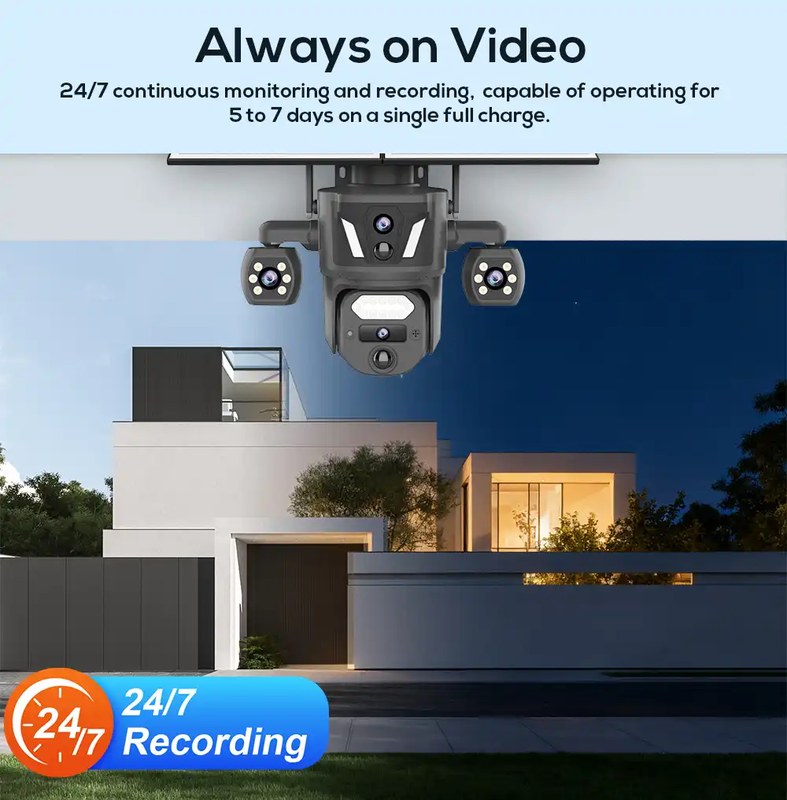
Placement decides how well event recording works. A camera aimed at a busy street creates clip after clip. A camera aimed too tight may miss the approach. Match the angle to the mode you use.
Mount outdoor cameras about 7 to 10 feet up for a useful view. Keep motion zones tight around doors, the driveway, or a yard path. Avoid pointing at public sidewalks to reduce false events and neighbor friction.
Household sharing matters too. Use app roles instead of one shared password. Decide who can view live video and who can change settings. Review the user list after guests or family members change.
Renters should check the lease and get approval before drilling. Homeowners should review HOA rules. Outdoor wiring and second-story mounting may need a professional. Turn off power when working near wiring. Outdoor cameras need a weather rating that fits your climate. Indoor models should stay dry and away from heat vents.
Privacy, Cybersecurity, Storage, and Subscription Limits
Both recording modes store video somewhere. That place is local storage or cloud storage. Each has different costs, access, and risks. Plans and privacy settings shape the limits.
- Video stays on an SD card, hub, or network video recorder.
- A monthly fee is usually not required, but you manage backups and card health.
- If the camera is stolen, the stored video can go with it.
- Clips are uploaded to the maker’s service and viewed from an app.
- Cost and retention depend on the current plan, and plans change.
- Account security and internet reliability matter more here.
Cloud plans usually limit how many devices you can connect. They also cap how long clips stay saved. A plan built for event clips will not hold weeks of continuous video. Check the current plan page. Terms change.
Continuous recording fills storage much faster. A 64 GB card can fill in days on a 24/7 feed. Budget the storage cost, not just the camera price. Our local storage security camera explained guide covers card-based options.
Troubleshooting and Ongoing Maintenance
Most recording problems come from four places: detection zones, Wi-Fi signal, storage, and firmware. Start with these safe, reversible checks before moving hardware.
- Missed events: Widen the zone, raise sensitivity, or clean the lens.
- False alerts: Shrink the zone and lower sensitivity. Use person or vehicle detection if available.
- Clips that will not load: Check upload speed, router distance, and the app’s server status.
- Storage full: Format the card per the manual, replace aging cards, or raise the cloud plan.
- Battery drain: Use event mode, keep batteries warm in cold weather, and charge on a schedule.
When clips vanish, the internet may be the cause. How long recording continues depends on the model. See our security camera works during internet outage guide for the usual behaviors.
Ongoing maintenance is simple. Clean lenses monthly. Trim branches that sway in the zone. Update firmware when the app offers it. Test alerts and review storage on a regular schedule.
Common Mistakes and When to Get Professional Help
The most common mistake is choosing a recording mode before checking power, storage, and plan limits. The next is ignoring privacy settings, shared users, and firmware updates.
- Pointing at neighbors or public walkways creates false events and privacy problems.
- Keeping the camera’s default password puts the feed and account at risk.
- Paying for a subscription before knowing retention limits wastes money.
- Using only one copy of the video means a stolen camera takes the evidence with it.
- Choosing event recording for a long, slow driveway can leave gaps in the timeline.
Get professional help for mains wiring, transformer work, or mounting above one story. Stop and read the manual if you are unsure about voltage or ladder placement. In an immediate emergency, call 911 when it is safe.
Final Takeaway
Continuous recording gives you a complete timeline. Event recording saves money, storage, and battery life. Most US homes can start with event recording at entry points. Add continuous recording where full context matters. Check the camera’s support first. Check the exact model’s manual and plan before you decide. Revisit the choice after any network, camera, or service change.
Frequently Asked Questions
Continuous recording captures video around the clock. Event recording saves a short clip only when the camera detects motion, sound, or another trigger.
Event recording is the battery-friendly choice. Continuous recording drains battery quickly, so most wireless battery cameras rely on event clips.
Some cameras can record to local storage during an outage, but live viewing and cloud clips stop without internet. Check the camera manual to confirm outage behavior before you rely on it.
A 24/7 feed can fill a 64 GB card or a cloud plan in days. Most continuous-recording users need a larger local drive or a plan with longer retention.
Yes, it can. Events outside the detection zone, slow-moving subjects, or trigger delays may be missed. Continuous recording remains the full-context option.
Usually not. Local storage keeps video on an SD card, hub, or network video recorder, and it typically works without a monthly plan. Cloud storage normally requires a paid plan.