4 Best Keypad Door Locks with Key Override for Smart Home Security
The best keypad door locks with key override give you keyless convenience. You also get a physical key backup for U.S. homes and rentals.
This roundup compares four keypad deadbolts for smart home security. We use only supplied product data. Verify current specs and pricing before you buy.
The ULTRALOQ U-Bolt Pro WiFi Smart Lock is the strongest all-around pick for most homeowners. It pairs an 8-in-1 keyless entry with a mechanical key override. Confirm your door fit and 2.4GHz Wi-Fi before ordering.
Quick Product Comparison
| Product | Image | Best For | Current Price |
|---|---|---|---|
| 1. ULTRALOQ U-Bolt Pro WiFi Smart Lock | 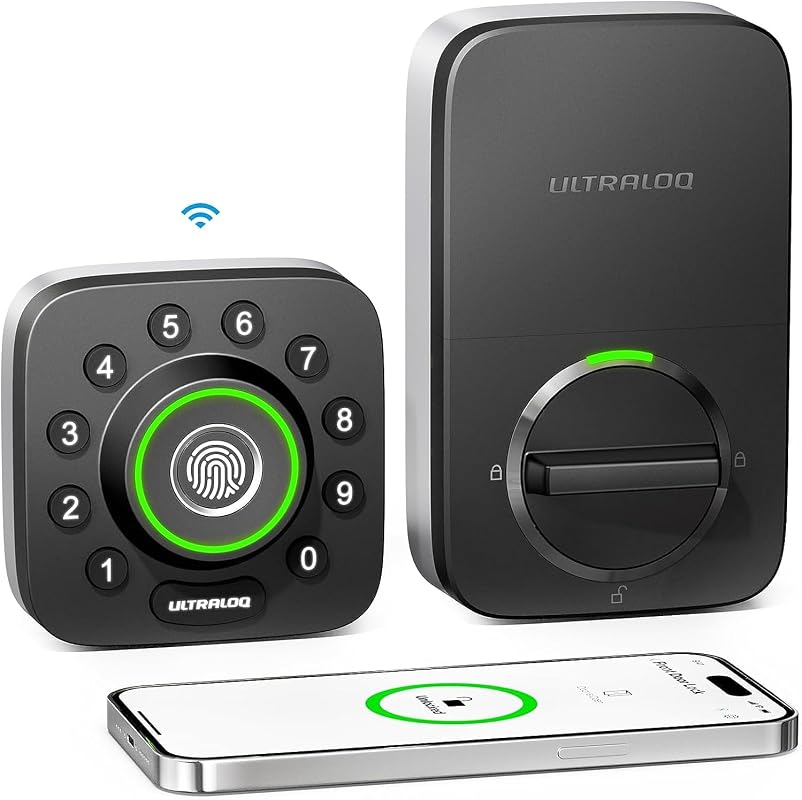 |
Homeowners who want fingerprint, app, and code entry with key backup | See Price → |
| 2. ULTRALOQ U-Bolt WiFi Smart Lock | 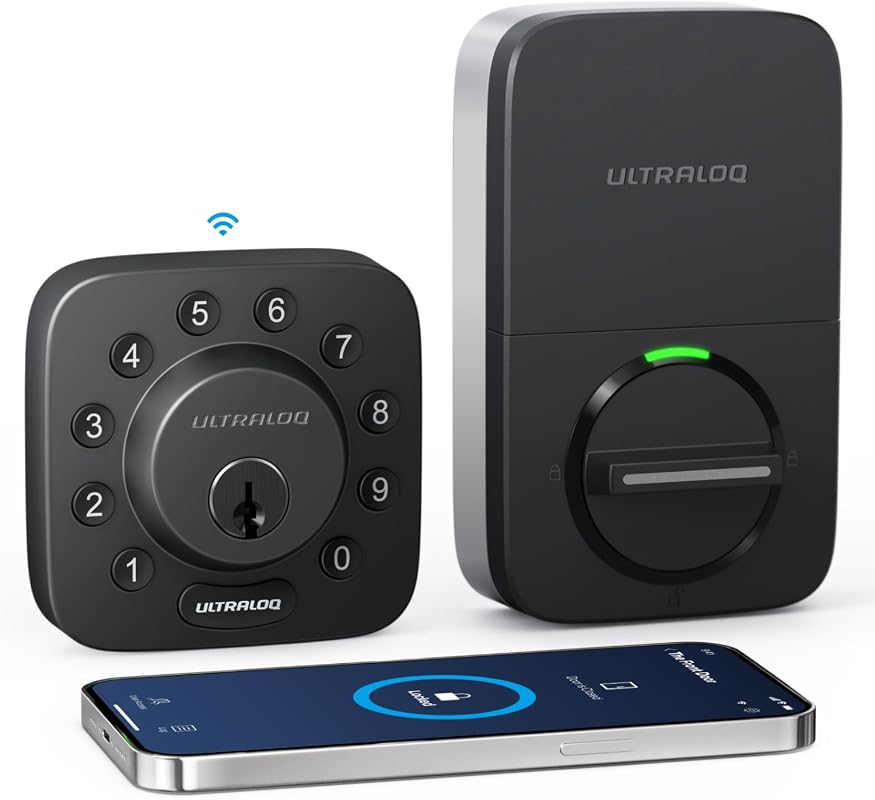 |
Buyers who want a simpler 5-in-1 keyless deadbolt with ANSI Grade 1 rating | See Price → |
| 3. ULTRALOQ Bolt NFC WiFi Smart Lock | 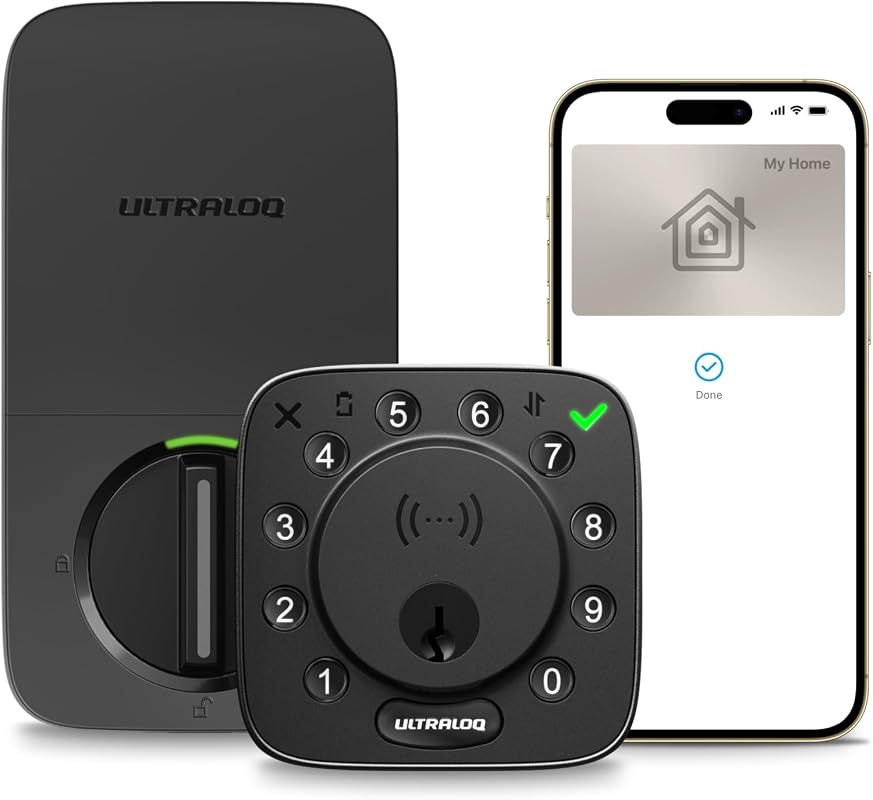 |
iPhone and Android users who want tap-to-unlock NFC entry | See Price → |
| 4. Bravex Keyless Entry Keypad Deadbolt | 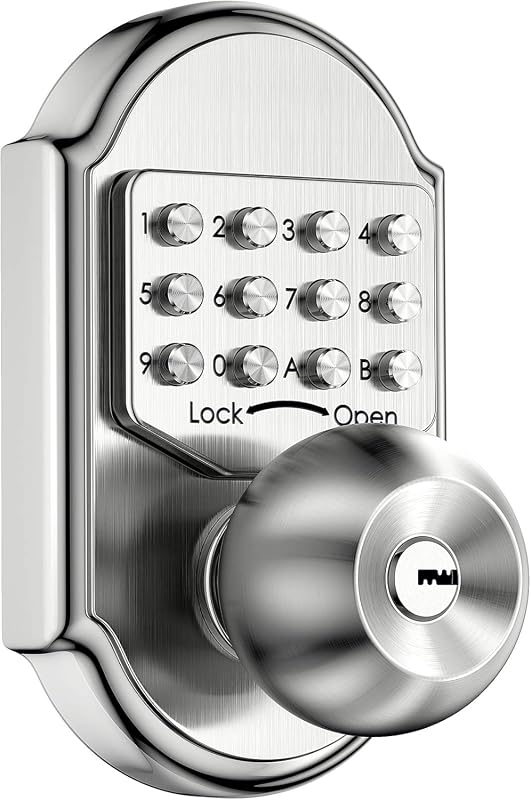 |
Buyers who want a 100% mechanical lock with no battery or Wi-Fi | See Price → |
What to Look For in a Keypad Door Lock With Key Override
Key override means the lock keeps a physical key cylinder. That matters when the battery dies, the app fails, or you lose your phone. For a deeper breakdown, see our full guide on keypad door locks with key override.
Key Override Quality
Test the key cylinder before you rely on it. A quality override should feel smooth. It should work even when the electronics fail.
Entry Methods
Look for the entry options you will actually use. Codes, fingerprint, app, and NFC all change how you access your door.
Build and Durability
Check the material and any stated security ratings. The ULTRALOQ Pro meets commercial-grade standards. The Bravex uses 304 stainless steel.
Smart Home Compatibility
Verify Wi-Fi band, hub needs, and voice assistant support. Most ULTRALOQ models work with Alexa, Google Assistant, and SmartThings.
Installation and Door Fit
Measure your door thickness and borehole before buying. The Bravex fits wood or metal doors from 1.38 to 1.96 inches thick.
Battery and Power
Smart locks need batteries. Check the battery type, estimated life, and low-battery alerts on the current listing.
Our Top 4 Picks
1. ULTRALOQ U-Bolt Pro WiFi Smart Lock with 8-in-1 Keyless Entry, Fingerprint Slider, Door Sensor, and App Control
The U-Bolt Pro has an 8-in-1 keyless entry system. It includes fingerprint, keypad, app, and mechanical key backup. It meets commercial-grade durability standards. It also has a door sensor for auto-lock. The main limit is 2.4GHz Wi-Fi only.
Key Features That Matter
- 8-in-1 keyless input includes fingerprint, keypad, smartphone, auto unlock, web portal, eKey sharing, Apple Watch, and mechanical switch. That gives flexible daily access.
- Built-in WiFi allows remote lock and unlock. It also gives you an access diary. You can see who entered and when. No extra hub is needed.
- Auto lock and auto unlock add hands-free convenience. The door sensor keeps the door secured when closed.
- It meets ANSI/BHMA A156.36 commercial-level standards. It also has an IP65 weather-resistant rating for outdoor use.
- DIY installation needs only a screwdriver. It comes with a lifetime mechanical warranty and an 18-month electronic warranty.
- Multiple entry methods including fingerprint and app
- Commercial-grade durability and IP65 weather rating
- No hub needed for remote access
- Requires 2.4GHz Wi-Fi only
- Verify door compatibility before purchase
2. ULTRALOQ U-Bolt WiFi Smart Lock (Black) with 5-in-1 Keyless Entry Deadbolt, Bluetooth, Keypad, ANSI Grade 1
The U-Bolt WiFi Smart Lock in black has a 5-in-1 keyless entry deadbolt. It offers Bluetooth and keypad access. It has an ANSI Grade 1 rating for residential security. Confirm the exact U.S. model features before ordering.
Key Features That Matter
- 5-in-1 keyless entry deadbolt gives you multiple ways to unlock your door without a physical key.
- Bluetooth and keypad access cover the most common daily entry needs.
- ANSI Grade 1 rating means a residential-grade deadbolt. Confirm the exact certification on the listing.
- Mechanical key backup is included for emergency access. Verify the exact cylinder type.
- ANSI Grade 1 rated deadbolt
- Bluetooth and keypad entry
- Black finish suits modern doors
- Fewer entry options than the Pro model
- Confirm exact features on the current listing
3. ULTRALOQ Bolt NFC WiFi Smart Lock with Tap to Unlock for iPhone and Android, Keyless Entry
The Bolt NFC adds tap-to-unlock for iPhone and Android. It supports Apple Home Key. It includes two mechanical keys. It supports up to 50 access codes. The main limit is the router distance of about 70 feet.
Key Features That Matter
- Tap to unlock works with iPhone, Apple Watch, or Android NFC phone. You do not need to open the app or wake the phone.
- App remote control lets you share eKeys or codes. You can set specific dates or time periods. The lock supports up to 50 access codes.
- 8-in-1 keyless entry includes NFC tap, voice unlock, and passcodes. Voice unlock works with Siri or Alexa. You also get app control, auto unlock, web portal, key fob, and two mechanical keys.
- It works with Alexa, Apple Home, Google Home, SmartThings, and IFTTT. That gives broad smart home integration.
- Auto lock and auto unlock add hands-free convenience. The door sensor sends real-time door-open alerts.
- Apple Home Key and Android NFC support
- Two mechanical keys included
- 50 access codes for family or guests
- Requires 2.4GHz Wi-Fi; router within 70 feet recommended
- Verify Apple Home hub needs for automations
4. Bravex Keyless Entry Keypad Deadbolt Door Lock with 304 Stainless Steel, 100% Mechanical Shabbos Lock
The Bravex keypad deadbolt is 100% mechanical. It uses 304 stainless steel. It uses a 4-8 digit code and a physical key. There is no battery or Wi-Fi to manage. It does not lock automatically. That may matter to some buyers.
Key Features That Matter
- 100% mechanical operation means no battery, Wi-Fi, or app. A dead battery cannot lock you out.
- The 304 stainless steel deadbolt resists prying. It adds strength for exterior doors.
- The 4-8 digit combination has no repeated digits. It offers flexible code options for household use.
- It fits standard prepared doors. The maximum borehole diameter is 2-1/8 inches. It fits wood or metal doors from 1.38 to 1.96 inches thick.
- It works with left and right-handed doors. It also works with inward or outward opening setups.
- No battery, Wi-Fi, or app required
- Stainless steel build
- Simple and reliable
- Does not lock automatically
- No remote access or monitoring
Verify the exact U.S. model before buying. Check the Wi-Fi band, hub, app, and phone OS. The ULTRALOQ models list 2.4GHz Wi-Fi. They work with Alexa, Google Assistant, SmartThings, and IFTTT. Apple Home and NFC support vary by model. The Bravex is fully mechanical. It needs no smart home integration.
Buyer Check
Check door thickness, borehole, Wi-Fi band, and included hardware.
Check door alignment, weather exposure, and local rental rules.
Update firmware, enable MFA, review users, and test the key cylinder, codes, and app.
Maintenance for smart locks is simple. Check battery levels, clean the keypad, and lubricate the key cylinder occasionally. Test the key override every few months.
- ULTRALOQ U-Bolt Pro: Best all-around smart lock with fingerprint, app, and key backup. Main trade-off is 2.4GHz Wi-Fi only.
- ULTRALOQ U-Bolt WiFi: Simpler 5-in-1 option with ANSI Grade 1 rating. Confirm exact features on the listing.
- ULTRALOQ Bolt NFC: Best value for iPhone and Android users who want tap-to-unlock. Verify router distance and hub needs.
- Bravex Keypad Deadbolt: Best mechanical pick with no battery or Wi-Fi. No auto-lock and no remote access.
- Compatibility: Verify the exact U.S. model and installation needs.
- Security: Use strong account settings and test alerts before relying on the device.
Frequently Asked Questions About Best Keypad Door Locks With Key Override
Yes, the key override lets you open the lock with a physical key when the battery dies. Keep a spare key somewhere safe and test it before you need it.
Most of these locks are designed for DIY installation with basic tools. Check your door thickness and borehole size first. Renters should get landlord approval before replacing a deadbolt.
Smart locks with key override can work for renters if the landlord agrees. The Bravex is a good rental option because it needs no wiring or Wi-Fi. Confirm the rules before you install.
The ULTRALOQ models list support for Alexa, Google Assistant, and SmartThings in supplied data. Verify the exact U.S. model and app version for your setup.
The ULTRALOQ Bolt NFC manages up to 50 access codes. The ULTRALOQ Pro also supports code sharing through the app. Check the current listing for exact limits.
A keypad lock uses codes for entry. A smart lock adds app control, remote access, and sometimes fingerprint or NFC. Many smart locks also include a keypad.
Keypad door locks with key override give you the best of both worlds. You get keyless entry for daily use and a physical key for emergencies. Choose based on your door fit, Wi-Fi setup, and how many people need access.
Start with the ULTRALOQ U-Bolt Pro for the most entry options. Pick the Bravex if you want a simple, battery-free lock. If you are still deciding, our guide on whether smart locks have physical keys can help. For more choices, see our roundup of smart locks with physical key backup.