A ring battery doorbell chime setup can be a practical choice if you want flexible installation and indoor alerts. Check Wi-Fi, privacy, battery charging, and any subscription needs before you mount it.
ring battery doorbell chime setup usually means pairing a battery-powered video doorbell with a compatible indoor alert device, app notifications, or both.
For most U.S. homes, the main goal is simple. Hear and see visitors reliably without privacy, power, or Wi-Fi problems.
This guide explains what the chime does, how to set it up, and what to check before you mount anything.
It also covers renter concerns, battery expectations, storage costs, and common reliability issues.
What the Ring Battery Doorbell Chime Does and How It Works
The chime gives you an indoor alert when someone presses the doorbell or when motion is detected.
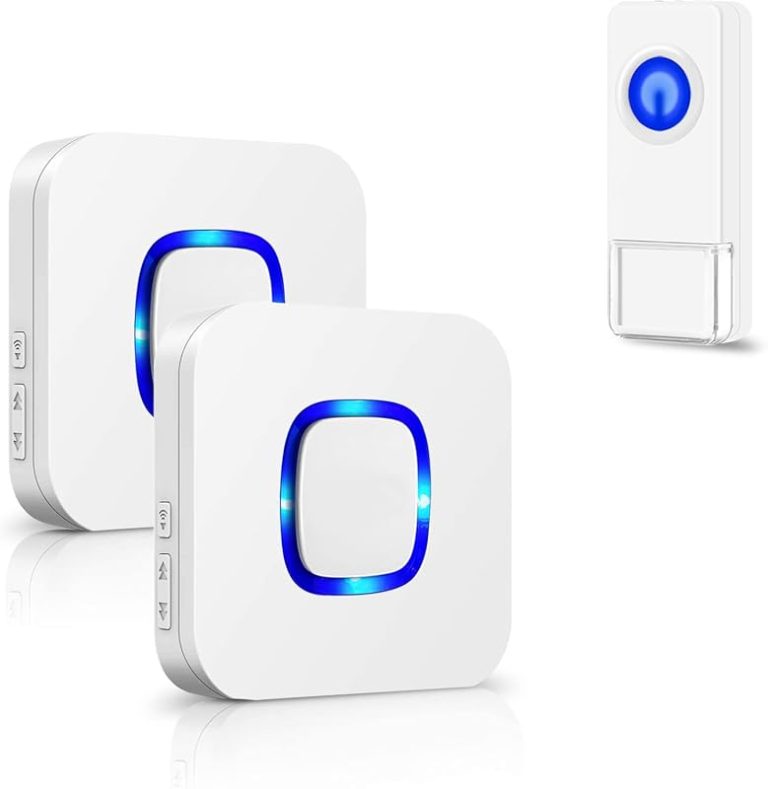
That depends on your settings and model support. The alert may come through the Ring app, a compatible plug-in chime, an Alexa device, or a hardwired doorbell chime system if the exact model supports it.
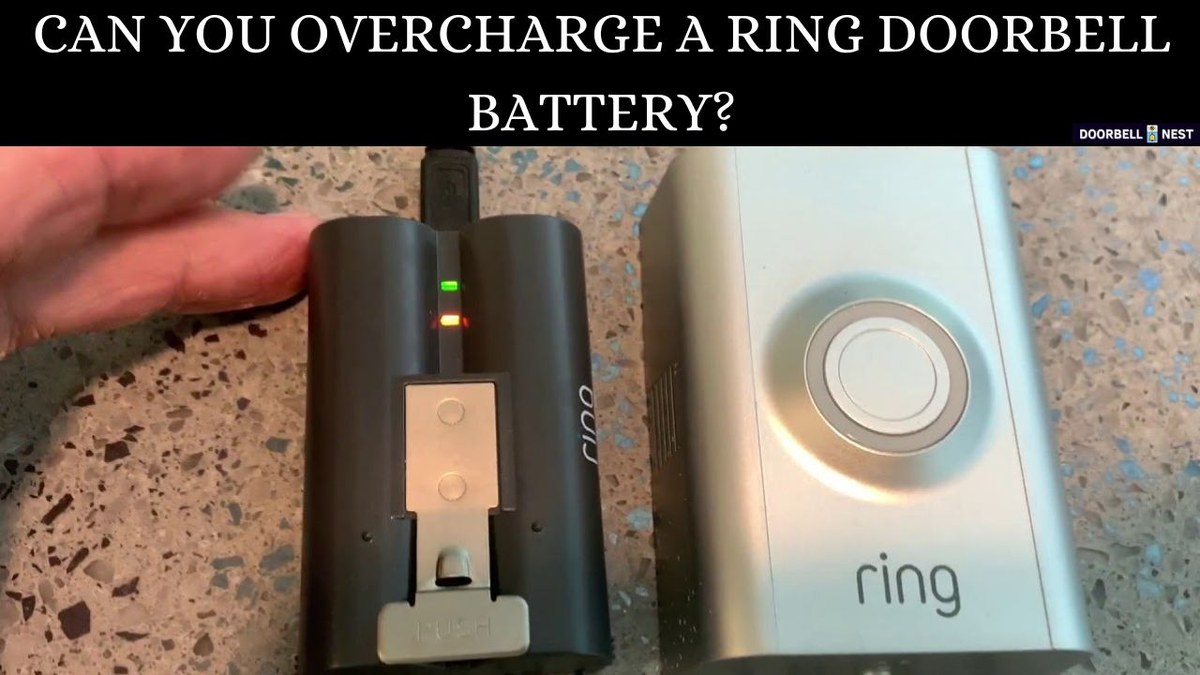
The battery doorbell runs on a rechargeable battery.
That makes it easier to place than a wired model. It also means you need to think about charging, Wi-Fi strength, and alert volume.
The chime does not replace the app. It adds another way to hear activity at the door.
It helps to separate three things.
The doorbell captures video and detects motion. The app sends mobile alerts. The chime creates an in-home sound or voice alert.
If one part is weak, the whole setup can feel unreliable.
If you are comparing doorbell ecosystems, it can help to review broader device behavior too.
If you already use indoor cameras, a guide like Ring Indoor Cam setup basics can also help with account and app expectations.
How to Set Up the Ring Battery Doorbell Chime in a Typical U.S. Home
Ring battery doorbell chime installed in a typical U.S. home entryway.
Setup is usually straightforward.
The best results come from checking the app, Wi-Fi, and placement before mounting.
A good setup reduces missed alerts, weak video, and unnecessary drilling.
Checking Wi-Fi, app access, and account setup before installation
Start by confirming that the doorbell model, Ring app, and your home network are ready.
Most battery doorbells depend on 2.4 GHz Wi-Fi. It travels farther than 5 GHz, but it can still struggle through brick, metal doors, or thick walls.
Before you install, create or confirm your account, sign in on the primary phone, and update the app.
If more than one adult needs access, set up shared users now.
That avoids confusion later when someone needs to see a motion alert or answer the door.
Mounting location, motion coverage, and chime placement for best alerts
Choose a height and angle that show visitors clearly.
Avoid pointing too much at the street or a neighbor’s doorway.
Most homeowners place video doorbells near shoulder height.
Follow the manual and your doorway layout for the exact mount height.
For the chime, place it where people will hear it most often.
A central hallway, kitchen, or living area usually works better than a back room.
If you use multiple chimes or smart speakers, keep them on the same account.
Test each one separately.
After mounting, test the doorbell button, motion alerts, live view, and indoor chime.
Walk toward the door from different angles.
This helps you see whether the motion zone is too wide or too narrow.
Homeowner vs. Renter Considerations for Installation and Use
Homeowners usually have more freedom to drill, wire, and place a chime where it works best.
Renters often need a simpler plan that avoids damage, follows lease rules, and respects shared spaces.
Drilling, adhesive mounts, and lease-friendly options
Drilling gives a firmer mount, but it is not always the best first choice.
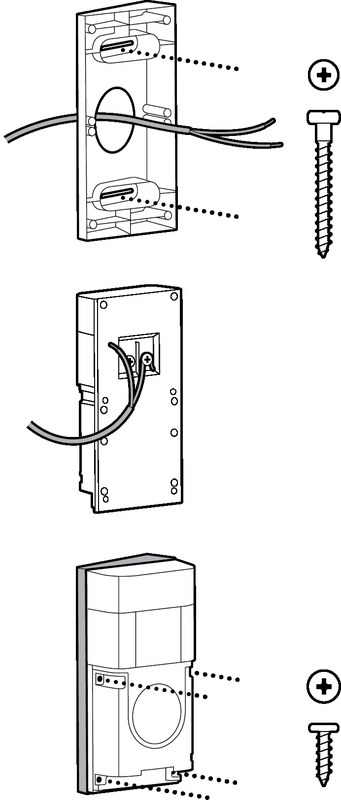
Many renters prefer adhesive mounts, removable brackets, or existing doorbell wiring only when the landlord approves it.
The right choice depends on the wall material, weather exposure, and whether the device needs to stay put year-round.
If you rent, keep every original part in case you move.
Save the screws, bracket, and charger parts in one place.
That makes removal easier and lowers the chance of leaving marks behind.
Shared entryways, apartment hallways, and neighbor privacy concerns
In apartments and condos, the biggest issue is often not the device itself.
It is where the camera points.
If the lens captures a shared hallway, another unit’s door, or a public sidewalk, use the narrowest practical view and any privacy tools the model offers.
Neighbor privacy matters even when the camera is legal to use.
Aim the device to cover your own entry first.
Avoid placing the chime or camera in a way that causes constant audio or visual capture of other residents.
Power, Battery Life, and Charging Expectations<
Battery level and charging status affect doorbell setup and maintenance.
/h2>
Battery doorbells are convenient, but they need regular charging.
Runtime depends on traffic, motion settings, weather, Wi-Fi strength, and how often you view live video.
How placement, weather, and alert frequency affect runtime
A doorbell that faces a busy sidewalk will usually use more battery than one on a quiet porch.
Frequent motion events, longer video clips, and repeated live view sessions also shorten runtime.
Cold weather can reduce battery performance, especially in winter.
Placement matters too.
If the camera sees moving trees, passing cars, or a street, it may wake up often.
Adjusting motion zones can help conserve power while keeping the important area covered.
When hardwired support or a backup power plan matters
Some battery models can also connect to existing doorbell wiring for trickle charging or added flexibility.
That does not mean every home is ready for it.
Old transformers, weak chimes, or digital chime systems may need extra parts.
If you want fewer charging interruptions, plan a backup routine.
Keep the charging cable easy to reach and set a reminder before the battery gets too low.
That is especially useful in multi-person households.
Wi-Fi, Hubs, and Notification Reliability
Reliable alerts depend on more than the doorbell itself.
Router placement, signal strength, and any hub or chime accessory all affect how fast alerts reach you.
2.4 GHz coverage, signal strength, and router placement
Most battery doorbells rely on 2.4 GHz Wi-Fi because it reaches farther and passes through obstacles better than 5 GHz.
Even so, a weak signal at the front door can cause delayed alerts, dropped live view, or failed setup.
If your router sits at the back of the house, test the signal near the front door before mounting.
A mesh node or access point closer to the entry can improve reliability.
Avoid placing the router behind metal cabinets, appliances, or thick masonry when possible.
Chime connectivity, app alerts, and common sync problems
When a chime does not sound, the problem is often simple.
The chime may be on the wrong account, muted, out of range, or not fully linked in the app.
Sometimes the app alert works while the indoor chime does not, or the reverse.
Start with reversible checks.
Confirm the doorbell is online, the chime is powered, and alert settings are enabled.
Then restart the app, check for updates, and re-sync the device if the manual recommends it.
No. The doorbell can send app alerts without a chime. A chime just adds an indoor sound or voice alert for easier hearing.
Most battery doorbells use 2.4 GHz Wi-Fi because it reaches farther through walls. Check the exact model manual for supported bands and setup steps.
Often yes, if the lease and building rules allow it. Renters should prefer removable mounts, avoid damage, and confirm any shared-area privacy issues first.
Alerts and video access may stop until power or Wi-Fi returns. Some events may still be stored later if the device and plan support it, but that varies by model and service.
It depends on the model and current Ring plan. Basic live view and alerts may work without a plan, while video history and some advanced features may require cloud storage.
Use a unique password, enable MFA, keep firmware updated, and review shared-user access. Also set motion and privacy zones so the camera only covers the area you need.
Hi, I'm Marcus Sterling, a smart home security expert with over 5 years
of hands-on experience testing and reviewing hundreds of security cameras, smart locks, and alarm systems. My mission is to make smart home security accessible, affordable, and easy to understand—and every review I publish is 100% independent, unbiased, and honest. I don't accept payments for positive reviews, just practical advice to help you secure your home with confidence.
Compare ring battery doorbell deal by security features, privacy, smart home fit, setup, fees, and value. Read the guide to find the right option for your home.
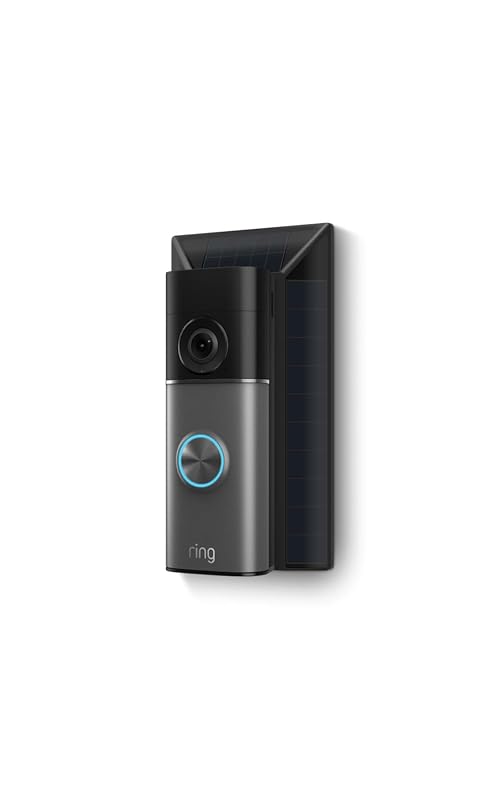
Compare ring battery doorbell plus solar charger for home coverage, privacy, power, storage, subscriptions, and value. Read the guide before choosing a system.
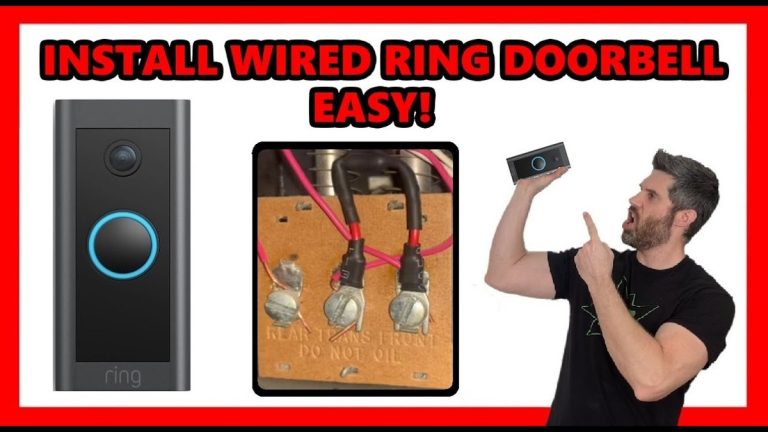
How to install ring wired doorbell 4k pro is a practical question for homeowners and renters who want a hardwired video doorbell that fits their entryway, Wi-Fi setup, and privacy needs. This guide walks through the installation process in plain English, with safety checks, compatibility notes, and the everyday setup steps that matter after the…
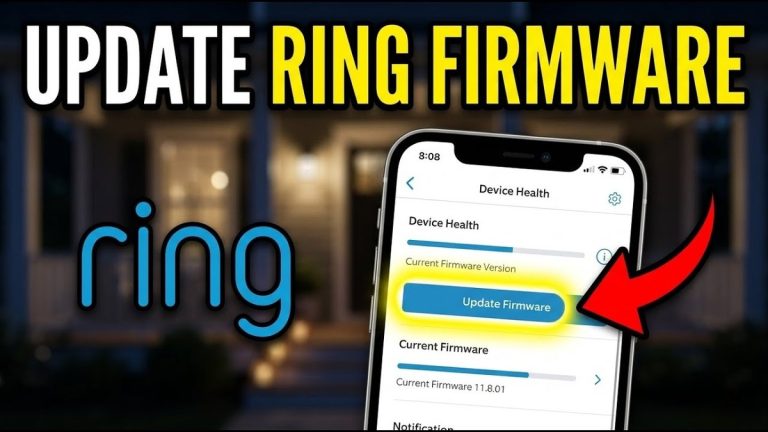
Quick Security Answer A Ring firmware update can improve security, fix bugs, and help your doorbell stay reliable. If it fails, check battery, Wi-Fi, and wiring before resetting anything. A ring video doorbell firmware update can improve security, fix bugs, and help your doorbell work more reliably. It can also change app behavior, alert timing,…
Quick Security Answer Check the app settings, then look at placement, power, and Wi-Fi. Most Ring motion issues come from a narrow zone, a poor angle, or a weak connection. When a ring video doorbell not sensing motion issue shows up, the cause is usually simple. It is often placement, app settings, power, or Wi-Fi….
Video doorbells let us see visitors, speak with them, and monitor activity near the entrance without opening the door. Models with wireless cameras and app controls can also send alerts when they detect motion, while a local hub can store recordings and connect other security devices. The eufy Video Doorbell E340 + HomeBase 3 bundle…



One Comment