Is Ring Indoor Cam 2nd Gen Worth Buying? Features, Performance, And Value
Indoor security cameras can help us check on pets, children, deliveries, and other activity when we are away. They typically offer live video, motion alerts, two-way audio, and night vision, but features and recording options vary by model.
The Ring Indoor Cam 2nd Gen is a compact wired camera designed for indoor monitoring. It may be worth buying for Ring users who want an affordable camera with clear video and useful smart-home features, but its value depends on subscription costs, privacy controls, and the need for continuous power.
When choosing an indoor camera, we should pay close attention to video quality, motion detection, app performance, audio, storage, and privacy settings. We evaluated these factors to determine whether the Ring Indoor Cam 2nd Gen earns a place in our list of recommended indoor security cameras.
Best Ring Indoor Cam 2nd Gen Alternatives
We compared the Ring Indoor Cam 2nd Gen with similar indoor security cameras to find the best options for different needs and budgets. Our list covers key features such as video quality, privacy controls, smart home support, and subscription costs.
Ring Indoor Cam Plus
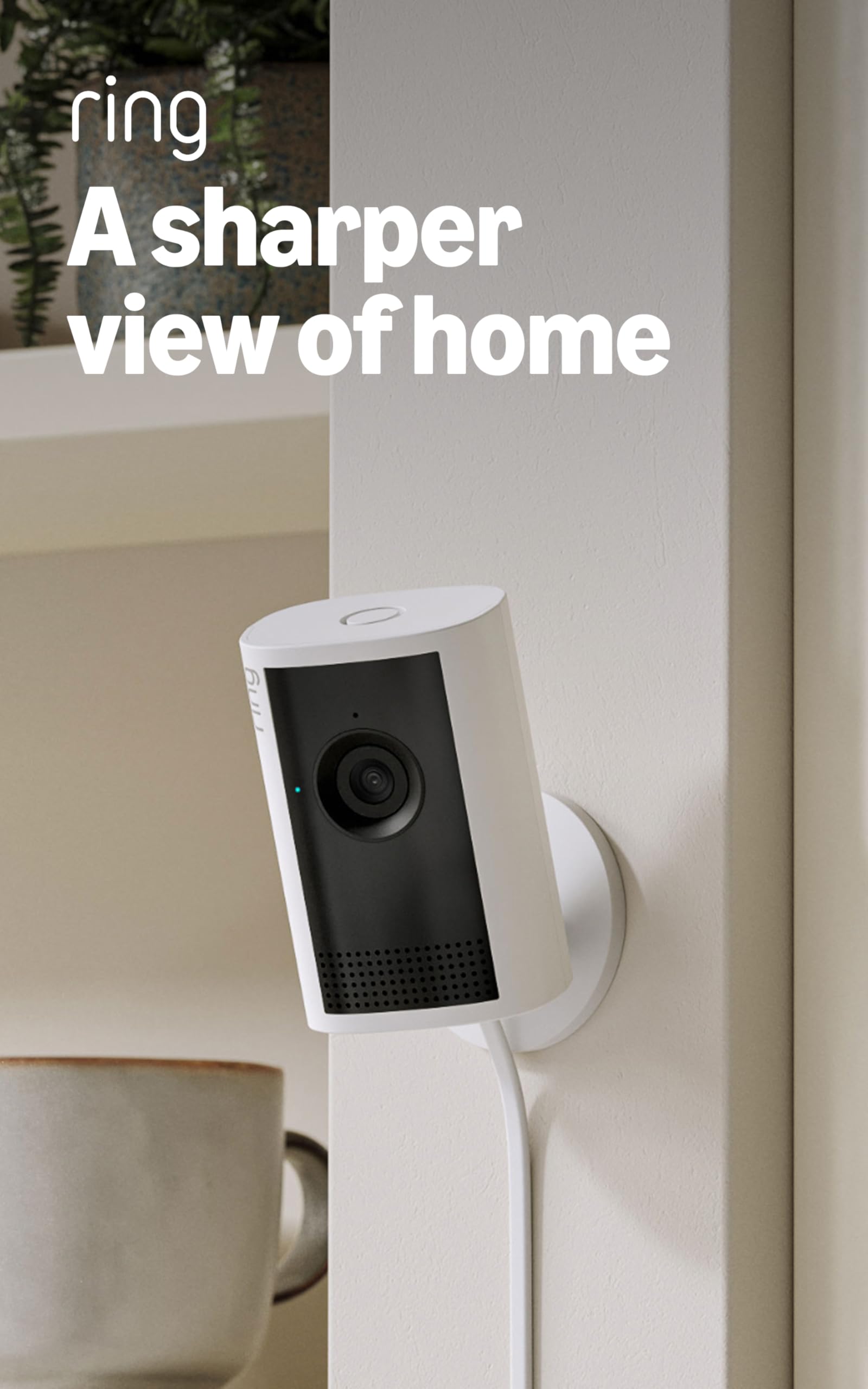
We think the Ring Indoor Cam Plus is worth buying for clear indoor monitoring, fast alerts, and simple setup, especially if we already use Ring products.
Pros
- Sharp 2K video with useful zoom
- Strong low-light performance
- Easy setup and responsive two-way talk
Cons
- Requires a nearby power outlet
- Works only with 2.4GHz Wi-Fi
- Some recording features require a Ring subscription
We found the camera quick to install and easy to connect through the Ring app. The included cable and power adapter worked well for placing it on a shelf or mounting it near a wall.
Video quality is the main strength. The image stays clear when we check pets, rooms, or entry points, and the zoom helps us inspect smaller details. Low-light footage also remains useful, while complete darkness switches to black and white.
Motion alerts arrived promptly during testing, and customizable zones helped reduce unwanted notifications. Two-way talk sounded clear enough for short conversations, although we would not use it as a replacement for a dedicated intercom.
The camera needs constant power, so placement depends on an outlet. It also connects through single-band 2.4GHz Wi-Fi, which may limit performance in crowded networks. Cloud recording and several advanced features require a compatible Ring subscription.
For buyers who want a reliable indoor camera within the Ring ecosystem, this model offers a good balance of image quality and convenience. We would choose it for homes, pets, or small business spaces where continuous power is not a problem.
Ring Indoor Cam 2nd Gen
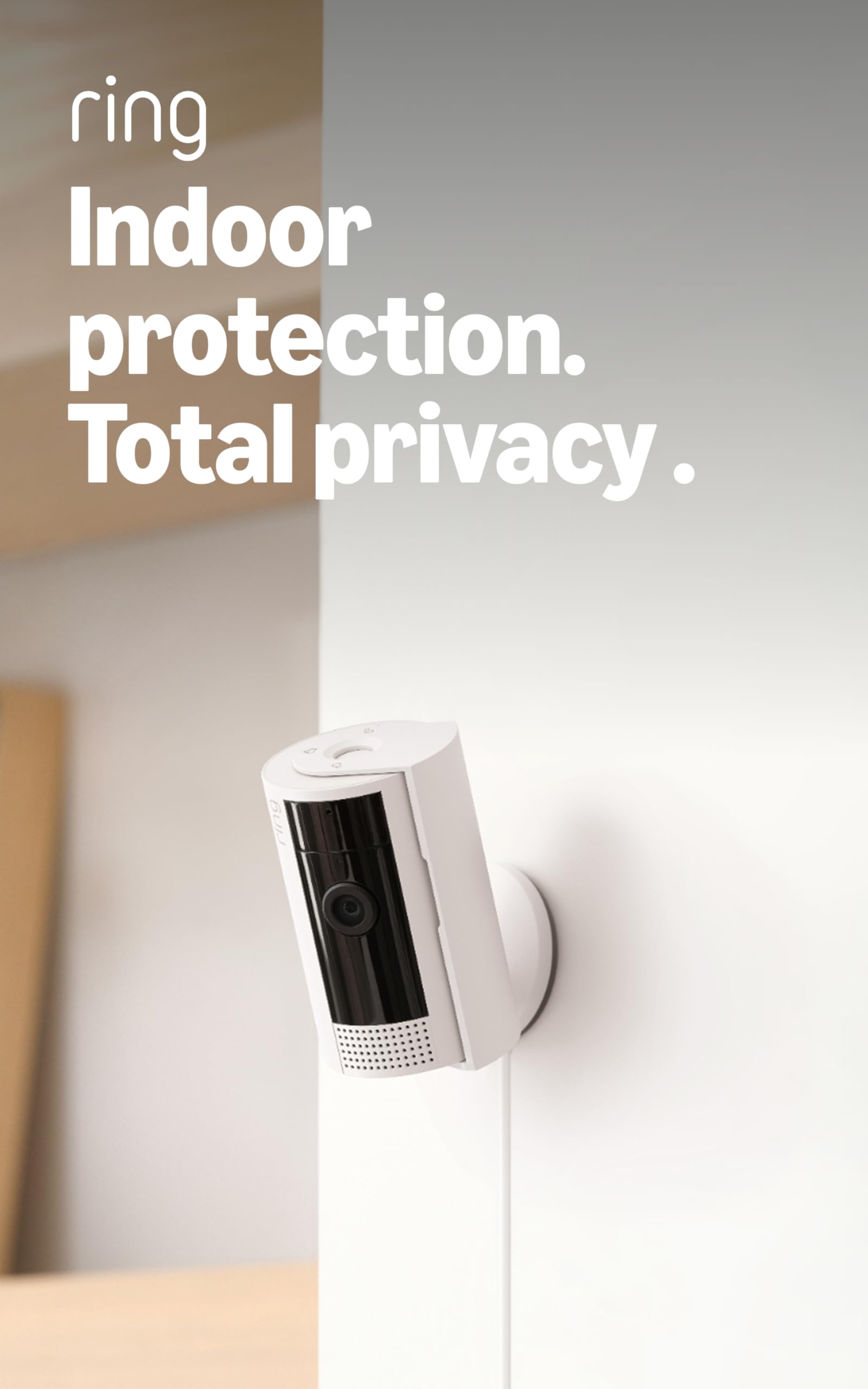
We think the Ring Indoor Cam 2nd Gen is worth buying for simple indoor monitoring, clear video, and reliable motion alerts at a reasonable price.
Pros
- Sharp 1080p video with useful color night vision
- Quick setup and flexible placement
- Built-in privacy cover for the camera and microphone
Cons
- A Ring Protect subscription unlocks extra features
- It requires a nearby power outlet
- Motion alerts may need adjustment in busy rooms
We found setup simple: plug in the camera, connect it through the Ring app, and choose a viewing angle. The compact design works well on a shelf or table, while the swivel mount helps when we need a higher position.
During the day, the image looks clear enough to check on pets, children, or activity in a room. Night vision also shows useful detail, although the camera remains designed for general home monitoring rather than professional security use.
Motion alerts arrived quickly in our testing. We could adjust the motion area to reduce alerts from parts of the room that did not matter. Advanced Pre-Roll added a few seconds before detected movement, which helped show what led to an event.
The manual privacy cover gave us an easy way to block the lens and disable the microphone. We also liked Alexa support for viewing the feed on a compatible Echo Show or receiving motion announcements.
The main drawback involves the optional Ring Protect subscription. Extra recording tools, event history, and some smart alerts require a separate plan, so buyers who want more than live viewing should include that cost in their budget.
We recommend the Ring Indoor Cam 2nd Gen for renters, pet owners, and anyone who wants an easy indoor camera. It offers strong everyday performance, but buyers seeking local recording or battery power should consider another model.
Ring Pan-Tilt Indoor Cam
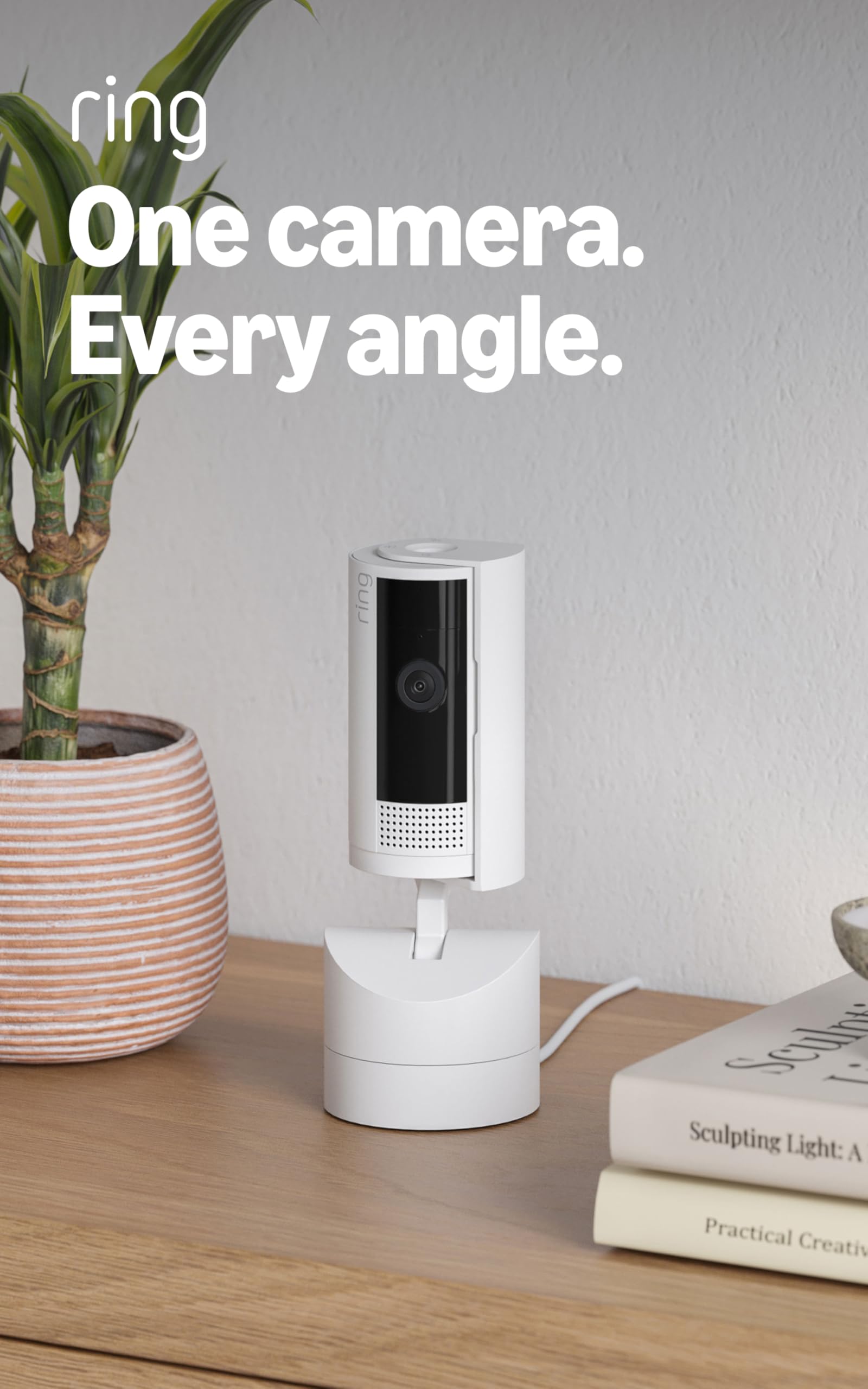
We recommend the Ring Pan-Tilt Indoor Cam for anyone who wants broad room coverage, clear video, and simple phone-based monitoring.
Pros
- 360-degree pan and wide tilt range
- Clear 1080p video with color night vision
- Quick setup with a useful privacy cover
Cons
- Requires a constant power connection
- Some features need a Ring Protect subscription
- Does not automatically track moving subjects
We found the camera easy to install. We plugged it into a standard outlet, connected it to Wi-Fi through the Ring app, and had it running within minutes. The included cable gives us flexibility when placing it on a shelf or mounting it on a wall.
The pan-and-tilt controls make this model more useful than a fixed indoor camera. We can scan across a room, adjust the viewing angle, and set a preferred home position from the app. However, the camera does not follow people automatically, so we must control the view ourselves.
Video looks clear in normal indoor lighting, while color night vision helps us see more detail after dark. Live View and two-way talk also work well for checking on a room or speaking to someone nearby, although the camera depends on a stable Wi-Fi connection.
Ring’s privacy cover gives us a quick way to block the lens when we want privacy. The main drawback involves storage and advanced alerts, since many useful features require a paid Ring Protect plan. Without the subscription, the camera still provides live viewing and alerts but offers fewer ways to review past activity.
Ring Indoor Cam 2nd Gen
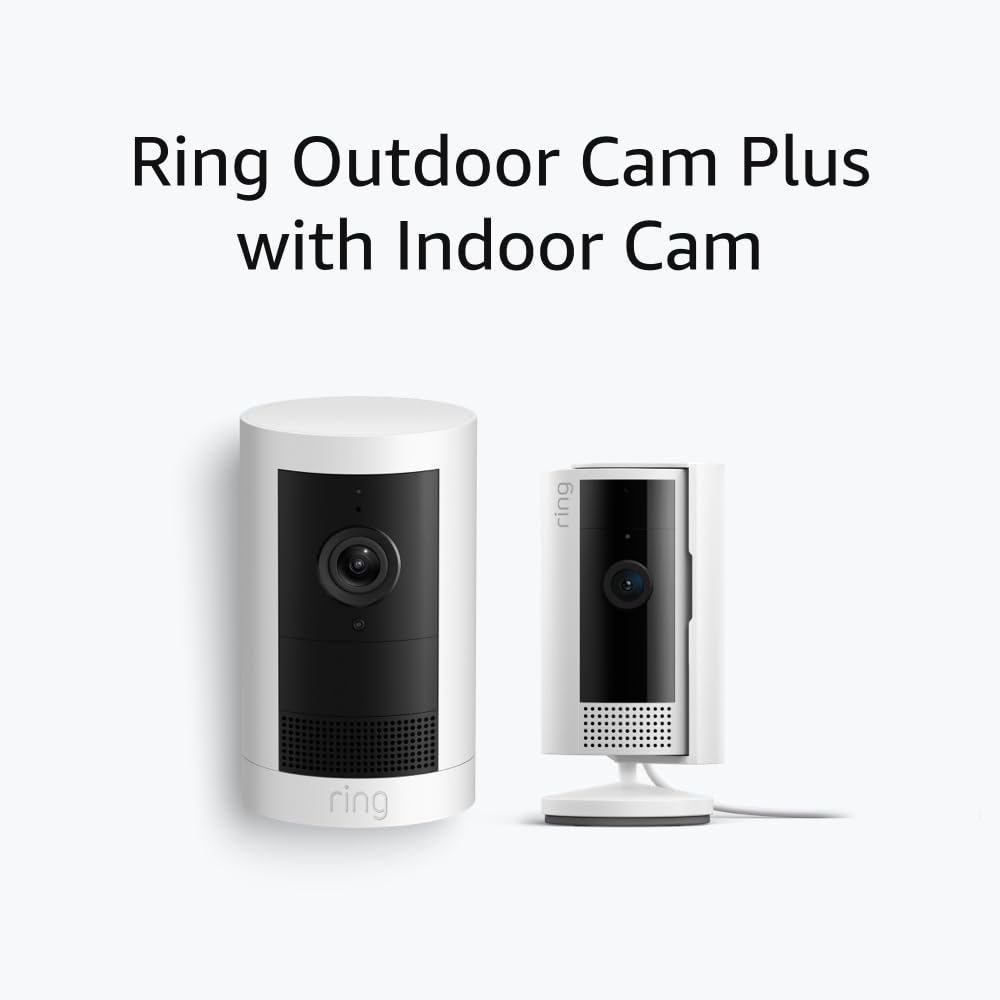
We recommend the Ring Indoor Cam 2nd Gen for simple indoor monitoring, clear video, and a useful privacy cover, but the best features require a Ring subscription.
Pros
- Clear 1080p video with color night vision
- Manual cover blocks the camera and microphone
- Two-way talk and Alexa support work well
Cons
- Cloud recording requires a paid plan after the trial
- Wi-Fi setup may take patience
- The camera needs a nearby power outlet
During testing, we found the camera easy to place on a shelf, desk, or wall. Live View loaded quickly on a stable network, and the 1080p image showed enough detail to monitor rooms, pets, and entry areas.
The color night vision helped us see more than a basic black-and-white feed. It worked best with some nearby light, while very dark rooms produced a less detailed picture.
We liked the manual Privacy Cover. Turning it into place blocks the camera and microphone, which gives us clear control when we want privacy. Two-way talk also made it easy to speak with someone in the room.
The main drawback involves Ring’s subscription model. Without a plan, we could still view the camera live and receive alerts, but saved video and recorded event history were limited. Some users may also need extra time to connect the camera to Wi-Fi during setup.
Overall, we think the Ring Indoor Cam 2nd Gen is worth buying for households that want a dependable indoor camera and already use Ring or Alexa devices. Buyers who want local storage or recording without a monthly fee should consider another model.
KTCEFE No-Drill Ring Indoor Cam Mount
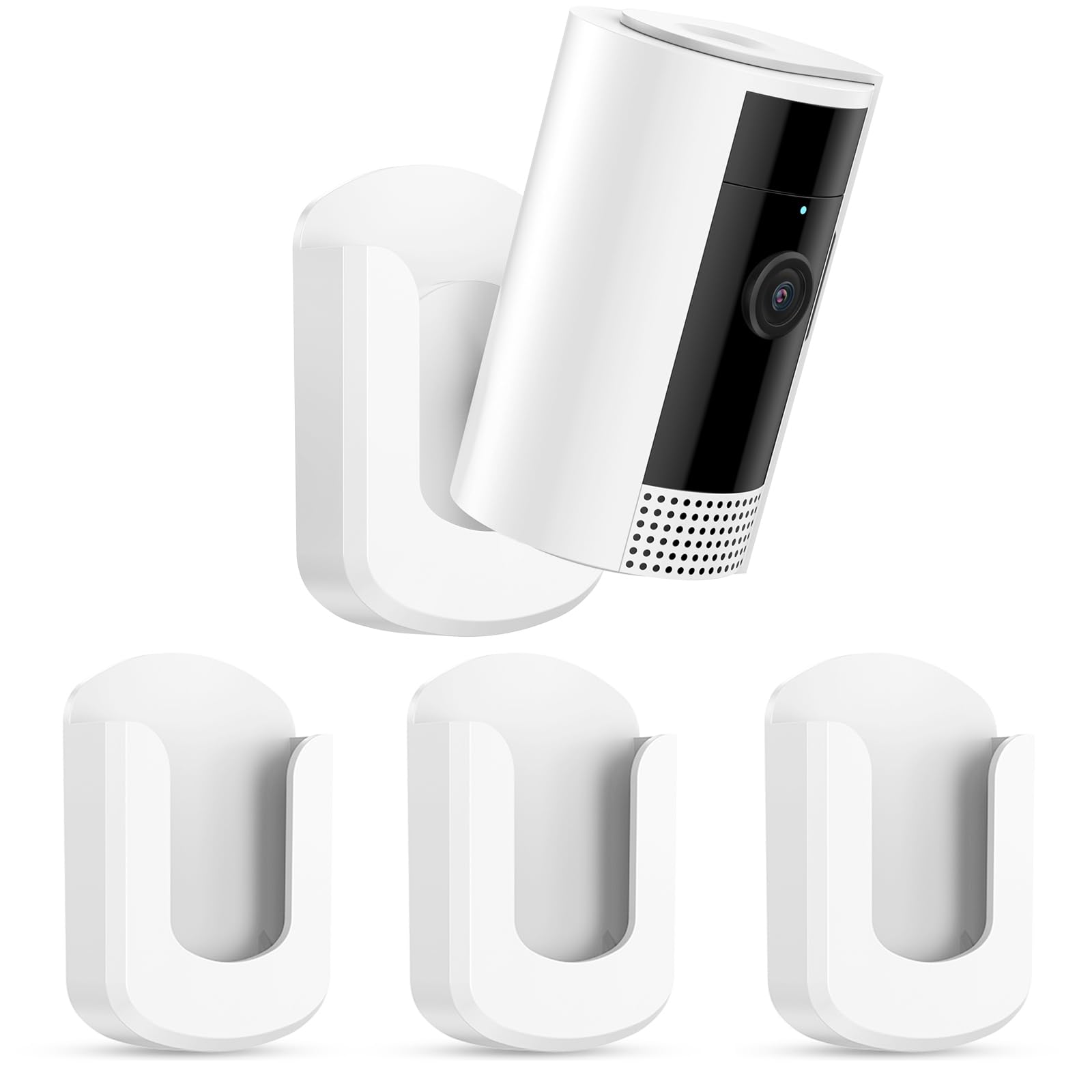
We recommend this three-pack for renters and anyone who wants a quick way to mount a Ring Indoor Cam without drilling.
Pros
- Fast, tool-free installation
- Includes three mounts and four adhesive strips
- Works with smooth walls, tile, and glass
Cons
- Adhesive may fail over time
- Removal can damage paint
- The camera may fit loosely in the bracket
We found the setup simple: clean the surface, apply the adhesive, and attach the mount. The plastic bracket supports the Ring Indoor Cam and lets us adjust its viewing angle after installation.
The adhesive held well on smooth surfaces during normal use, but reports suggest it can loosen after several weeks. We would avoid using it above furniture, pets, or other areas where a falling camera could cause damage.
The mount also has a hole for screw installation, which gives us a more secure option for permanent placement. However, the adhesive is not truly damage-free in every case, since removing it may pull off paint.
This pack makes sense when we need several indoor camera mounts and want to avoid tools. We would choose screw mounting for long-term security and test the adhesive on a small area before installing it.
Buying Guide
We should compare indoor cameras by the features that affect daily use, not just price. First, we need to check video quality, viewing angle, low-light performance, and whether the camera records continuously or only after detecting motion.
| Feature | What we should look for |
|---|---|
| Video quality | Clear footage with enough detail for the room |
| Motion detection | Adjustable zones and useful alerts |
| Two-way audio | Clear sound with limited delay |
| Privacy controls | A cover, shutter, or reliable software option |
| Storage | Local storage, cloud plans, fees, and retention time |
| Setup | Simple installation and a stable mobile app |
| Compatibility | Support for our phone and smart-home system |
We should also review the camera’s power needs and placement options. A model with a long cable and flexible stand gives us more freedom when positioning it.
Privacy deserves close attention. We should check how the camera handles recordings, account security, data sharing, and user access. Two-factor authentication and separate household permissions can add useful protection.
Before buying, we should confirm the full cost. A low purchase price may not reflect added fees for video storage, advanced alerts, or multiple cameras. We should choose a camera that provides the features we need without paying for services we will not use.
Editor’s picks
We recommend the Ring Indoor Cam 2nd Gen for Ring users who want a compact indoor camera with clear 1080p video, two-way talk, and a privacy cover. It works best for basic room monitoring rather than advanced security needs.
| Pick | Best for | Why we chose it |
|---|---|---|
| Ring Indoor Cam 2nd Gen | Ring households | Simple setup, clear video, and useful privacy controls |
| Wyze Cam v4 | Lower-cost monitoring | Strong features at a lower price |
| TP-Link Tapo C120 | Flexible indoor use | Good video quality and local storage support |
We would choose the Ring Indoor Cam 2nd Gen when we already use Ring devices or subscribe to a Ring plan. The camera can then fit into the same app and support features such as cloud video history and smart alerts.
We would look at other options if we want local video storage, fewer subscription costs, or more advanced detection tools. Ring’s most useful recording features require a paid plan, so we should include that cost in our buying decision.
For homes with children or pets, the camera’s privacy cover offers a simple way to block the lens. We should place it near an outlet because the camera does not use a built-in battery.
Frequently asked questions
Does the Ring Indoor Cam 2nd Gen record continuously?
No. It records when motion occurs or when we start Live View. A Ring Protect subscription lets us save and review recorded clips after the event.
Does it work without a subscription?
Yes. We can use live video, two-way talk, motion alerts, and other basic features without a plan. Cloud video storage and some advanced tools require a subscription.
Can we turn off the camera?
Yes. We can use the built-in privacy cover to block the camera and microphone. We can also disable audio or adjust motion alerts in the Ring app.
Does it work with Alexa?
Yes. We can connect it to compatible Alexa devices to view the camera feed or receive announcements. Some controls may depend on the Alexa device and account settings.
Is the Ring Indoor Cam 2nd Gen wireless?
No. It needs a continuous power connection through its indoor power adapter. This setup avoids battery charging but limits where we can place the camera.
Can we use it outdoors?
No. The camera is designed for indoor use and lacks weather protection. We should keep it away from rain, moisture, and extreme temperatures.
Conclusion
We find the Ring Indoor Cam 2nd Gen worth buying for households that want a simple, affordable indoor security camera. It offers clear 1080p video, useful motion alerts, two-way talk, and a privacy cover.
The camera fits best for users who already own Ring devices. The Ring app makes it easy to view cameras, manage alerts, and connect the camera with other Ring products.
Cloud video storage requires a Ring Protect plan, which adds to the long-term cost. Without a subscription, we can still watch live video and use basic alerts, but recorded clips and some features remain limited.
The Ring Indoor Cam 2nd Gen makes sense if we value:
- Simple setup and reliable indoor monitoring
- Clear video during the day and at night
- Integration with other Ring devices
- A physical cover for added privacy
We should consider another camera if we want local storage, broader smart-home support, or no monthly fee. For basic indoor monitoring within the Ring ecosystem, this camera remains a practical choice.