Best Price for Ring Indoor Cam 2nd Gen: Deals and Buying Guide
Indoor security cameras offer a simple way to monitor rooms, pets, children, or entry points from a phone. Most models provide live video, motion alerts, and two-way audio, but image quality, privacy controls, storage fees, and night vision can vary.
The Ring Indoor Cam 2nd Gen is a compact wired camera designed for indoor use. The best price depends not only on the sale price, but also on included features, subscription costs, return policies, and whether the camera is new or refurbished. We compared current prices and key buying factors to identify when the Ring Indoor Cam 2nd Gen offers the best value.
Best Prices for Ring Indoor Cam 2nd Gen
We reviewed current offers to help us find the best prices for the Ring Indoor Cam 2nd Gen. The list below highlights the top deals from trusted retailers.
Ring Indoor Cam 2nd Gen
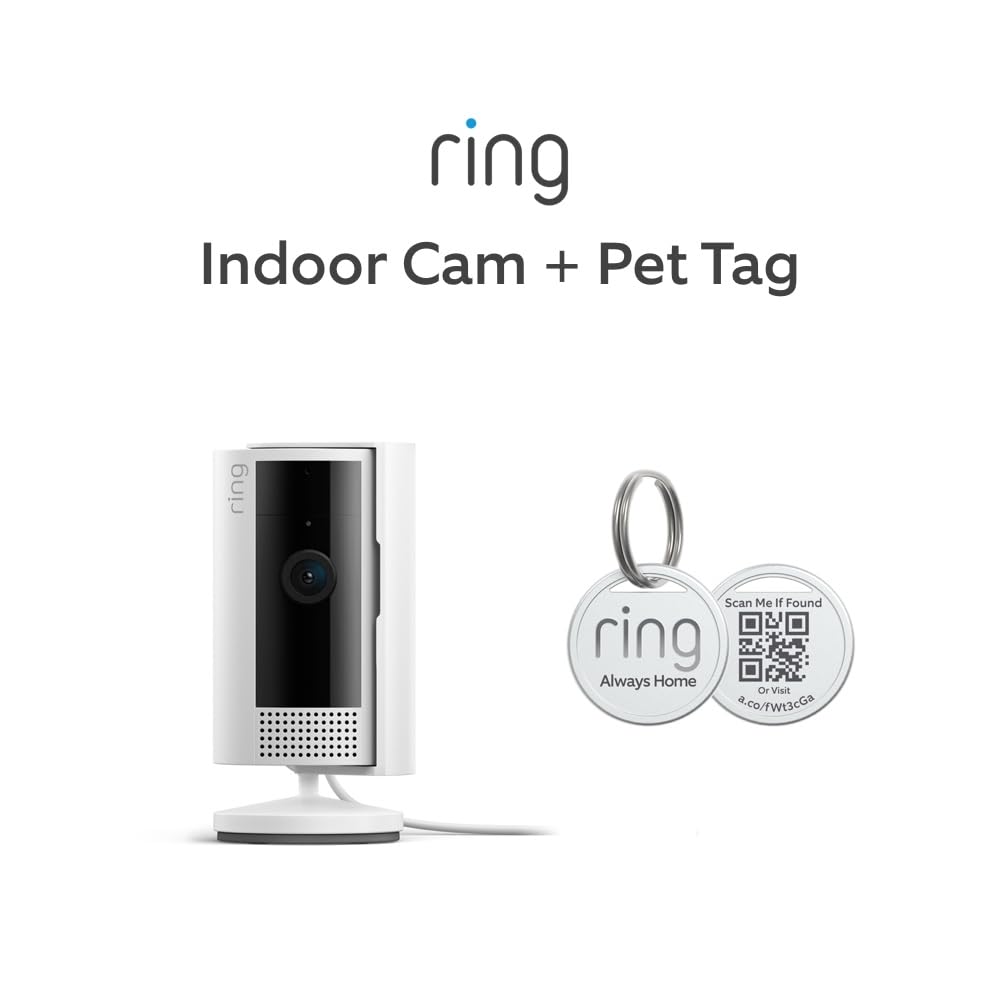
We recommend this bundle for affordable indoor monitoring with clear video, useful motion alerts, and a privacy cover.
Pros
- Clear 1080p video with color night vision
- Simple setup and flexible mounting
- Includes a Ring Pet Tag
Cons
- Requires a nearby power outlet
- Some recording features need a paid subscription
- Works on 2.4GHz Wi-Fi only
We found the camera quick to set up and easy to move between rooms. Its compact design fits well on a shelf, while the swivel mount helped us aim it toward pets, doors, or other areas we wanted to watch.
The video looked sharp in daylight, and color night vision helped us see more after dark. Motion alerts arrived reliably, and adjustable motion zones reduced alerts from areas we did not need to monitor.
Two-way audio worked well for short conversations, with noise cancellation helping keep voices understandable. Alexa support also lets us receive motion announcements or view the camera on a compatible Echo Show.
The manual privacy cover gave us a simple way to block the camera and microphone. However, the camera needs constant power, and cloud video storage and advanced features require a separate Ring Protect subscription.
Ring Indoor Cam Plus
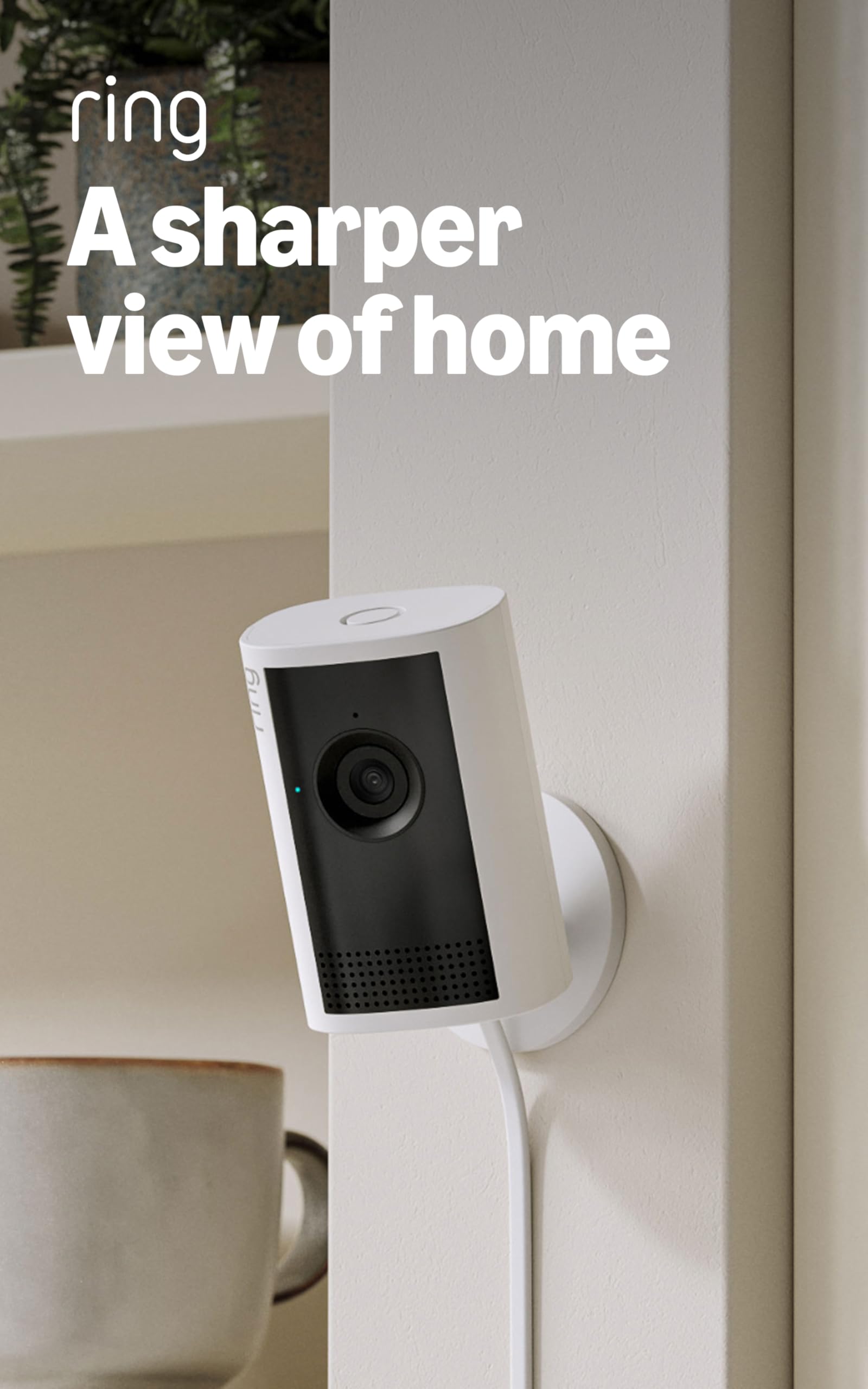
We recommend the Ring Indoor Cam Plus for buyers who want clear indoor video, useful low-light performance, and simple setup at a reasonable price.
Pros
- Sharp 2K video with useful 4x zoom
- Easy setup and quick Live View access
- Sliding lens cover adds privacy control
Cons
- Requires a power outlet
- Works only with 2.4GHz Wi-Fi
- Some recording features require a Ring subscription
We found the camera easy to install in about 10 minutes. The included cable and adapter provided enough reach for most nearby outlets, while the compact body fit well on a shelf or wall.
Video looked clear during the day, and the wide view covered a good portion of a room. The zoom helped us check smaller details without making the image too difficult to read. Low-Light Sight also kept colors visible with some room light, while full darkness switched to black-and-white video.
Motion alerts arrived promptly, and two-way talk made it easy to speak with someone near the camera. Custom motion zones helped reduce alerts from areas we did not need to monitor.
The main limitation comes from the wired design, since we needed to place the camera near an outlet. Buyers should also note that Ring subscription features cover cloud recordings and some advanced tools. Overall, this camera offers strong image quality and practical controls for monitoring pets, children, or rooms at home.
Ring Indoor Cam 2nd Gen
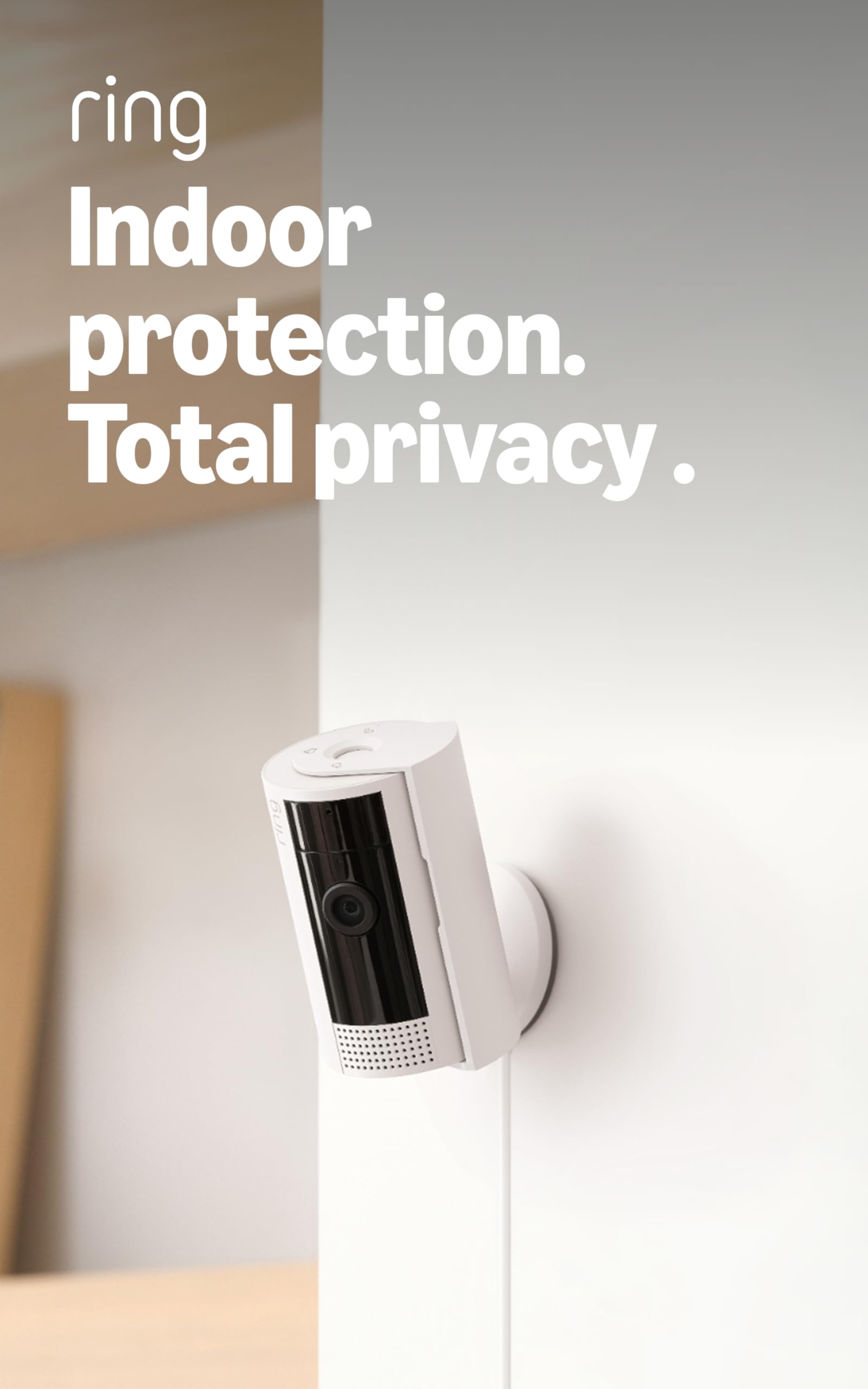
We recommend the Ring Indoor Cam 2nd Gen for affordable indoor monitoring with clear video, dependable alerts, and simple setup.
Pros
- Sharp 1080p video with useful color night vision
- Manual privacy cover for the camera and microphone
- Flexible placement and Alexa support
Cons
- Requires a power outlet
- Some features need a Ring Protect subscription
- Designed for indoor use only
We found setup quick after plugging in the camera and connecting it through the Ring app. The compact design worked well on a shelf, while the swivel mount made it easier to adjust the viewing angle.
During the day, the video showed clear detail across a room. Color night vision also helped us see more than standard black-and-white footage. Motion alerts arrived promptly, and adjustable motion zones helped reduce alerts from areas we did not need to watch.
The privacy cover gave us a simple way to block the camera and microphone when needed. We also liked the option to view the feed on compatible Alexa devices and receive motion announcements.
The main limitation is the subscription model. Basic live viewing and alerts work without a plan, but features such as extended video history and some advanced alerts require Ring Protect. Since the camera uses a power cord, placement depends on having an outlet nearby.
Ring Pan-Tilt Indoor Cam
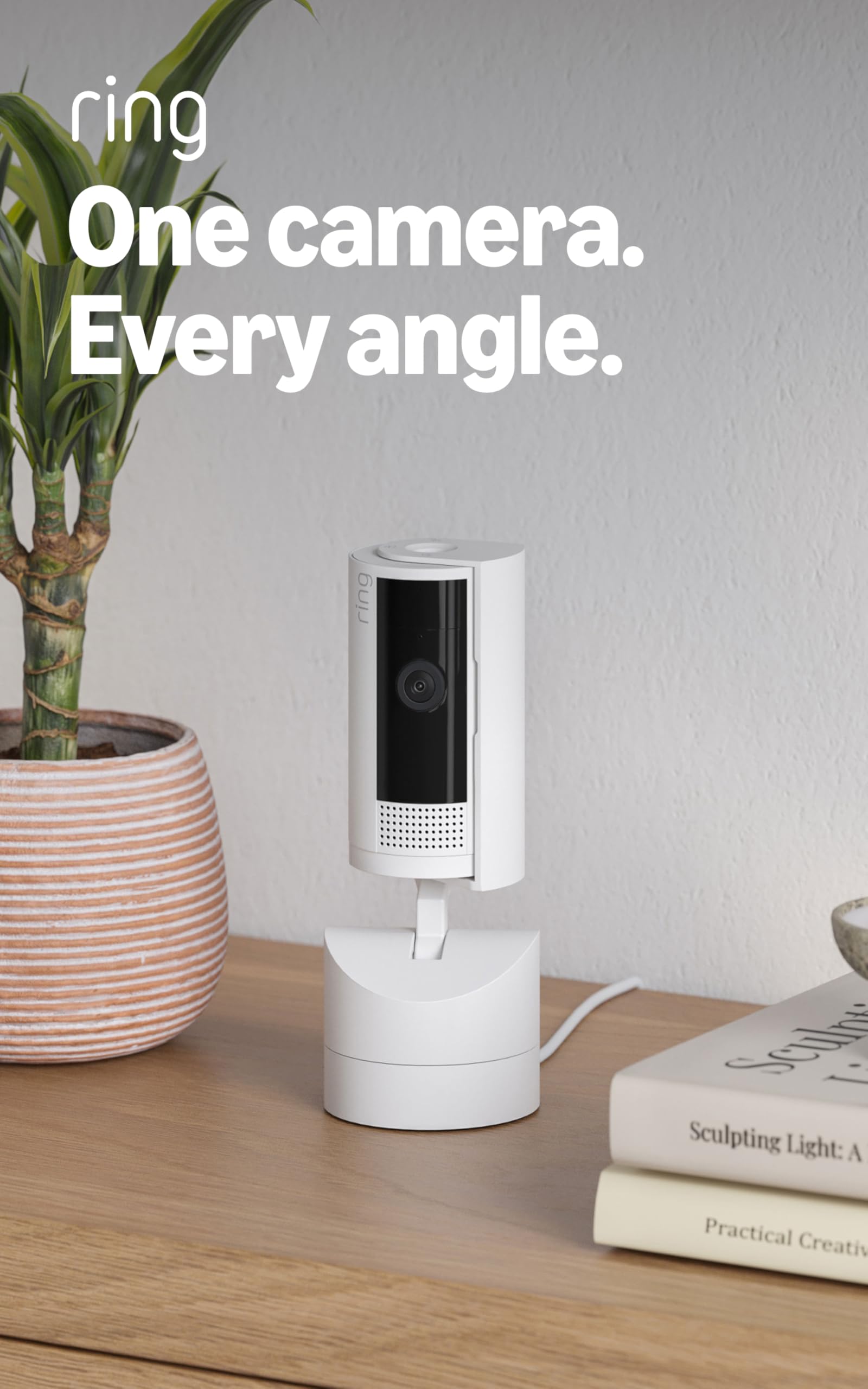
We recommend this camera for buyers who want flexible room coverage, clear video, and simple setup at a reasonable price.
Pros
- 360-degree pan and wide tilt range
- Clear 1080p video with color night vision
- Easy setup with a long power cable
Cons
- Requires a power outlet
- Some recording features need a Ring Protect subscription
- Does not automatically track moving subjects
We found the pan-and-tilt controls useful for checking a whole room from the Ring app. The camera moves smoothly, and we could set a preferred viewing position after scanning the space.
Video looked clear in daylight and remained usable at night. Two-way talk worked well for short conversations, while noise cancellation helped keep audio understandable.
Setup took only a few minutes. We plugged in the camera, connected it to 2.4GHz Wi-Fi, and placed it on a shelf. The included privacy cover also gave us a simple way to block the lens when needed.
The main drawback is the subscription requirement for cloud recordings and some advanced alerts. We also had to move the camera manually when we wanted to follow activity, since it does not track people on its own.
KTCEFE Ring Indoor Cam Wall Mount
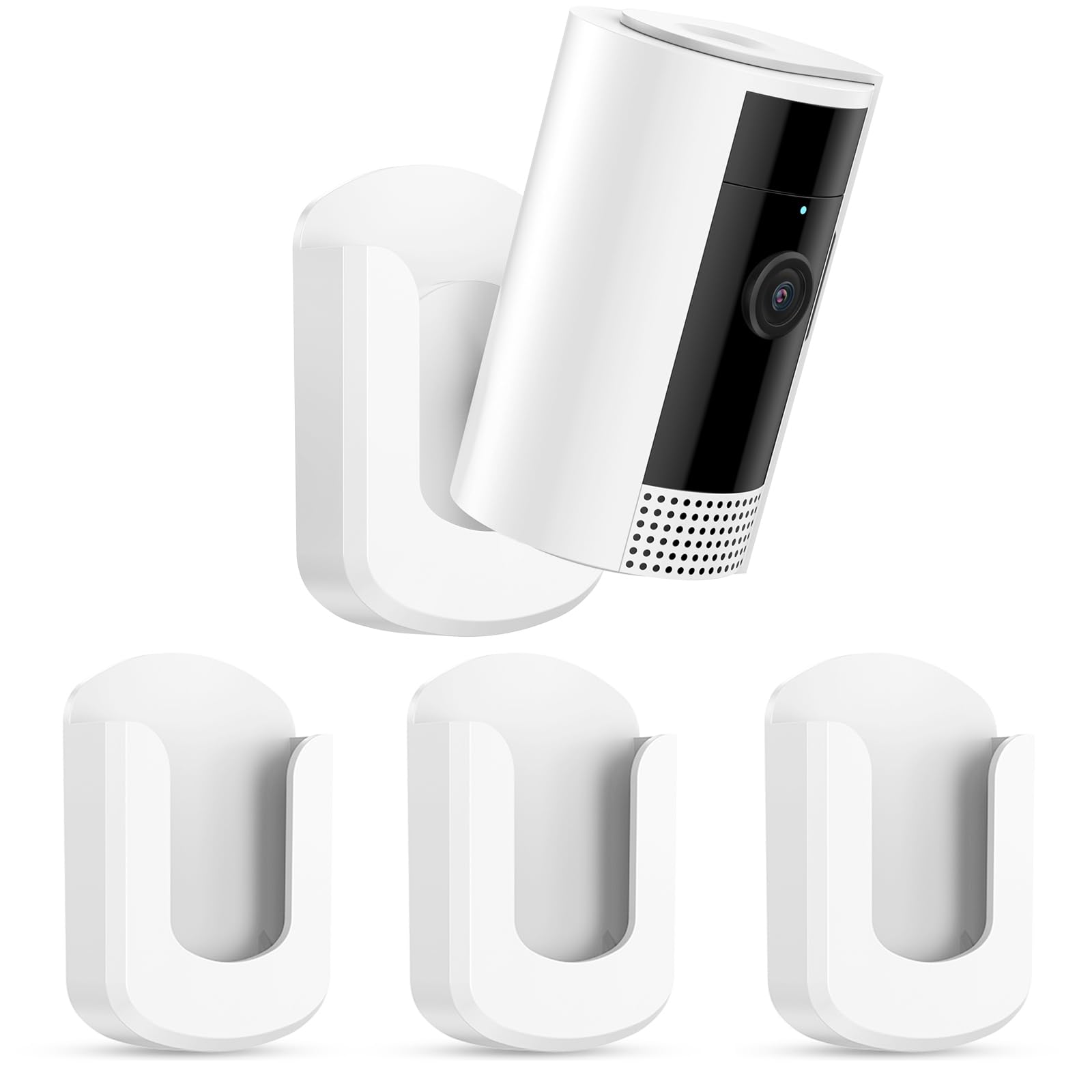
We recommend this three-pack if we want a quick way to mount a Ring Indoor Cam 2nd Gen without drilling, especially on smooth surfaces.
Pros
- Peel-and-stick setup takes little time
- Three mounts support multiple rooms
- Camera angle remains easy to adjust
Cons
- Adhesive may fail over time
- Removal can damage some painted walls
- Fit may feel loose for some cameras
We found the installation simple: clean the surface, apply the adhesive, and attach the bracket. The no-drill design suits renters and works well for walls, tile, and glass.
The plastic bracket feels light but holds the camera securely when placed on a clean, smooth surface. We also liked having three mounts and extra adhesive strips for different rooms or a later replacement.
We would avoid using it on dusty, textured, or damp walls. Some buyers reported that the adhesive detached after several weeks, while others said removal pulled paint away. We also noticed that the camera may not fit tightly in every bracket.
This mount works best when we want fast installation and accept the limits of adhesive mounting. For a permanent setup, we should use the screw opening instead of relying only on the tape.
Buying Guide
We should compare the total cost, not only the listed price. Check whether the package includes needed accessories, shipping, taxes, or a required subscription. A lower upfront price may cost more over time.
| Feature | What we should check |
|---|---|
| Video quality | Clear image in the room’s lighting |
| Night vision | Useful detail in low light |
| Audio | Two-way talk and clear sound |
| Motion alerts | Adjustable zones and sensitivity |
| Privacy controls | Options to limit recording or monitoring |
| Power | Cable length and outlet location |
| Storage | Available local or cloud recording choices |
| Compatibility | Support for our phone and smart-home system |
We should verify the camera’s viewing angle and placement before buying. A wide view can cover more space, but the camera still needs a suitable location and a nearby power outlet.
We should also review return terms, warranty coverage, and software support. These details matter if the camera develops a fault or stops receiving important updates.
When comparing sellers, we should check the item’s condition, included parts, delivery time, and seller ratings. For used or refurbished units, we should confirm that the device resets properly and that all required accessories come with it.
Editor’s picks
We recommend comparing the Ring Indoor Cam 2nd Gen at several retailers before buying. Prices can change with sales, bundles, shipping fees, and return policies.
| Pick | Best for | What we look for |
|---|---|---|
| Lowest price | Budget shoppers | The lowest total cost, including shipping and taxes |
| Best value | Most buyers | A fair price from an authorized seller with a standard warranty |
| Best bundle | Multiple rooms | A multi-camera package that costs less per camera |
| Best convenience | Fast delivery | Reliable stock, easy returns, and quick shipping |
We should check the listed model carefully. The 2nd Gen version may appear beside older Ring Indoor Cam models, and similar product names can make price comparisons difficult.
Before we choose a deal, we should review the seller, warranty coverage, delivery charges, and return window. A slightly higher price may provide better protection if the retailer offers free returns or dependable customer support.
Frequently asked questions
What is the best price for the Ring Indoor Cam 2nd Gen?
We should compare current prices across Ring, Amazon, major retailers, and authorized sellers. Discounts change often, so we should check the final price, shipping, and sales tax before buying.
Does the Ring Indoor Cam 2nd Gen require a subscription?
We can use the camera for live view and basic alerts without a Ring Protect plan. A subscription adds features such as recorded video storage, video review, and other supported tools.
Does it work with Alexa?
Yes. We can connect the camera to Alexa for voice controls and compatible Echo device announcements. We need to use the same Amazon account or link the accounts during setup.
Can we use the camera outdoors?
No. The Ring Indoor Cam 2nd Gen is designed for indoor use. We should keep it away from rain, moisture, and extreme temperatures.
What does the box include?
The package typically includes the camera, power adapter, mounting hardware, and setup materials. We should confirm the retailer’s listing because package contents can vary by region or bundle.
How do we find a legitimate deal?
We should compare the seller, warranty, return policy, and shipping costs—not just the listed price. Official stores and authorized retailers provide better protection than unknown marketplace sellers.
Conclusion
We should compare the total price, not just the listed cost. Include shipping, taxes, and any required Ring subscription before choosing a seller.
| Buying priority | What we should look for |
|---|---|
| Lowest upfront cost | A verified sale from a trusted retailer |
| Simple returns | A clear return and warranty policy |
| Best long-term value | A new camera with fair delivery costs |
We should also check the product condition and included accessories. A lower price may not offer good value if the camera is used, refurbished without a strong warranty, or missing key parts.
For most buyers, the best price is a competitive new-unit price from an authorized retailer with free shipping and a reliable return policy. Prices can change, so we should confirm the final cost before placing an order.