Do Smart Locks Work During Power Outage Everything to Know
Most smart locks run on batteries, so the lock itself keeps working during a power outage. Remote app control only fails when your router, modem, or hub loses power and internet.
Do smart locks work during power outage? Yes, for local entry. The lock itself keeps running on batteries. What stops working is the network connection that powers app features. This guide explains what survives a blackout and what does not.
The Short Answer: Yes, the Lock Works, but the App May Not
Most smart locks store access codes on the device itself. That means keypad entry works without power or internet. The motor still turns the deadbolt. The real problem is remote access. If your router and modem lose power, the app cannot reach the lock.
Your lock is not the weak link. Your network is. When the power goes out, the lock runs on batteries while the router goes dark. This creates a simple rule: local entry works, remote control does not.
What Actually Fails During a Power Outage
Three things stop working when the power goes out:
- Your router and modem. No internet means no app control, no push notifications, and no cloud logs.
- Cloud services. Even if your phone has data, the lock cannot reach the internet if its connection path is down.
- Hubs and bridges. Many smart locks rely on a separate hub that needs wall power.
Battery-powered locks keep working. Hardwired locks without backup power can fail. Check the exact model and its manual to know which type you own. Your phone may still have battery power, but the lock’s connection path is what matters.
How Smart Locks Get Power and Which Types Survive a Blackout

Battery-Powered Deadbolts: The Standard Configuration and Typical Lifespan
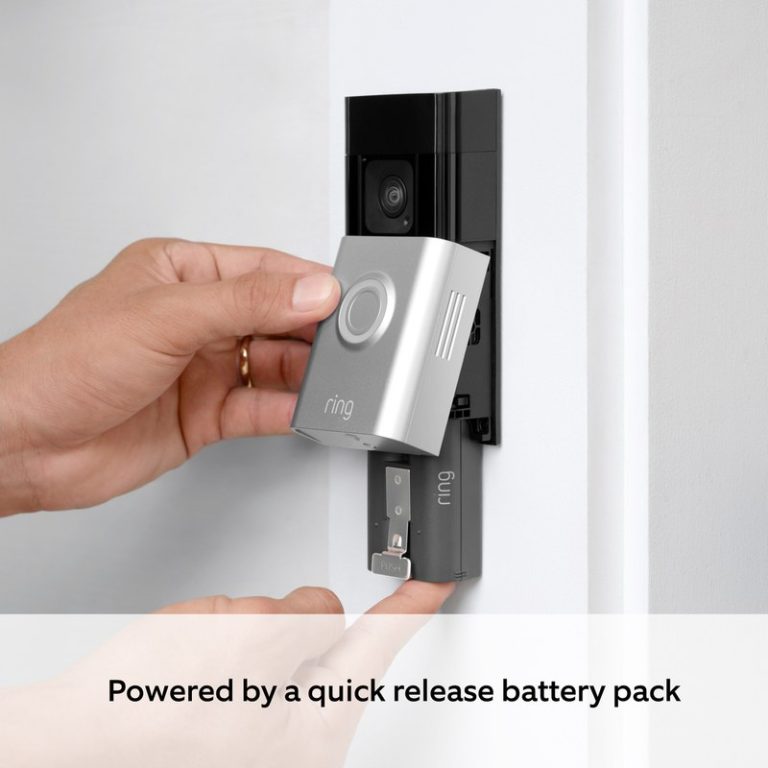
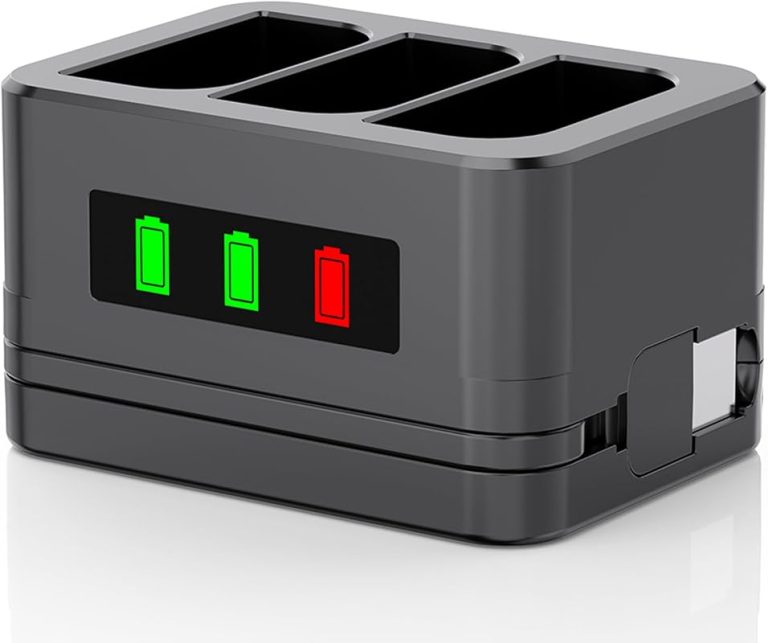
Most smart deadbolts run on batteries. Common setups use AA cells or a built-in rechargeable pack. Battery life varies by model, use, and temperature. Many locks run for months between battery changes.
Because the batteries are inside the lock, a power outage does not affect them. You can still unlock with a keypad PIN, a physical key, or an app command, as long as the network is up. If the batteries die, most locks keep a physical key override. Learn more about what happens when a smart lock battery dies.
Hardwired Smart Locks: The Models That Can Fail Without Backup Power
Some smart locks and door controllers run on household wiring. These are less common, but they exist. If they lack battery backup, a power outage can lock you out.
Read the manual before you install. Look for the words “battery backup” or “emergency power.” If the lock has neither, carry a physical key or keep a power bank with the right cable. For most households, a battery-powered smart deadbolt is the more practical choice.
Smart Lock Features That Work Offline vs. Those That Need the Internet
Offline: Keypad PIN Entry, Physical Key, and Thumb-Turn Locking
Keypad PINs are stored locally on the lock. Physical keys work mechanically. Thumb-turn locking is pure hardware. All three work during a power outage and even when the internet is down.
This is the main reason smart locks are still useful during a blackout. You are not locked out. You just need to walk to the door. For a deeper look at the network side, read our guide on whether smart locks work without Wi-Fi.
Online Only: App Remote Control, Push Notifications, and Cloud Access Logs
App control, push alerts, and cloud logs all need internet. If the router is dead, these features are gone until power returns. The same applies to voice assistants like Alexa or Google Home.
Your phone may still have cellular data. That does not help if the lock’s network path is down. The lock and the phone both need a working connection. Check your app to see which features are marked “cloud” or “remote.” Those are the ones that fail first.
Auto-Lock Behavior, Schedules, and Guest Passcodes During an Outage
Auto-lock is programmed into the lock, so it usually keeps working. Schedules and guest passcodes also live on the device. The catch is that you cannot change them remotely while the network is down.
Set your schedules and guest codes before a storm. That way, they keep running without your input.
How to Keep Remote Access Active During a Power Outage

Add a UPS to Your Router and Modem for Continuous Connectivity
A UPS, or uninterruptible power supply, is a battery backup for electronics. Plug your router and modem into one. A small UPS can keep them running for a while, often 30 minutes or more, depending on the load.
This is the cheapest way to keep remote access alive during short outages. It also protects your gear from power surges when electricity returns.
Hub-Based Locks: Z-Wave, Zigbee, and Thread Power and Placement Considerations
Some smart locks use Z-Wave, Zigbee, or Thread instead of direct Wi-Fi. These need a hub. The hub must stay powered and connected.
Place the hub on a UPS too. If the hub loses power, the lock may not respond to app commands even if the router is fine. For more detail, see our guide on whether smart locks need a hub.
Mobile Hotspot and Portable Power Station Fallbacks
A phone hotspot can provide internet when your home network is down. Some smart locks can reconnect to a hotspot, but it is not always easy. The lock may only remember one network at a time.
Portable power stations can run a router for hours. Keep one charged if you live in an area with long outages. Also consider a battery backup for your lock if it is hardwired.
Apartment vs. House: Outage Scenarios by Living Situation
Renters: No-Modification Workarounds and Landlord Coordination
Renters often cannot change wiring or install permanent backup power. A battery-powered lock is usually the easiest choice because it needs no wiring. But you should ask your landlord before installing anything.
If you rent, also think about who else needs access. Share physical keys or guest codes with your landlord or property manager. During an outage, a phone app may be the only tool they expect to use. Many apartment buildings have shared Wi-Fi or management offices that control access. Know who to call if a lock stops working. For more, read our guide on whether renters can install smart locks.
Homeowners: Permanent Backup Power and Hub Placement Options
Homeowners have more freedom. You can install a UPS, a generator, or even a home battery system. Place your router, modem, and smart lock hub on the same backup circuit.
Also think about placement. A hub near the lock reduces wireless interference. Keep it out of direct sunlight and away from metal door frames that can block the signal.
How to Troubleshoot a Smart Lock After a Power Outage
Step-by-Step Reconnection Sequence When Power Returns
Use these steps to reconnect a smart lock after the power returns:
Wait for the internet light to turn solid. This can take a few minutes.
If your lock uses Z-Wave, Zigbee, or Thread, restart the hub after the router is online.
Give the app time to sync. Pull to refresh or close and reopen it.
Send one command from the app. If it works, the lock is back online.
Dead Battery vs. Dead Router: How to Diagnose Quickly
If the keypad does not light up, the battery is likely dead. If the keypad lights up but the app cannot connect, the router or hub is the problem.
Check the lock’s battery level in the app when you can reach it. Many locks warn you before the battery dies. Do not ignore the warning.
Resetting the Lock Without Losing Access Codes and Entry History
A full factory reset erases all codes and history. Only do this as a last resort. Most locks can be rebooted without a factory reset. Check the manual for the difference.
If you must reset, write down your current codes first. Recreate them after the reset. Also update the firmware if the app offers it.
Privacy, Cybersecurity, and Subscription Realities During Outages
MFA, Account Recovery, and Shared User Permissions to Prepare in Advance
Multi-factor authentication, or MFA, protects your account. But if your phone is offline, you may not receive the verification code. Set up backup codes or a second trusted device before an outage.
Review your shared user list. Remove people you no longer trust. During an outage, a shared user with an internet connection could still control your lock if your network is on a UPS.
What Subscription and Alarm-Monitoring Features Do and Don’t Work Offline
Many smart locks work without a subscription. Local features stay free. Cloud features like access history and remote control may require a plan.
During a power outage, subscription features stop working if the network is down. Self-monitoring and local alerts also stop without a connection. Professional monitoring may have cellular backup, but that depends on the plan and hardware. Check your plan details before you rely on it.
Maintenance That Prepares Your Smart Lock for the Next Outage
Battery Replacement, Firmware Updates, and Physical Key Checks
Replace batteries on a schedule, not just when the lock warns you. Cold weather drains batteries faster. Use fresh alkaline or lithium batteries as recommended in the manual.
Update firmware when the app prompts you. Updates fix bugs and close security gaps. Also test your physical key at least twice a year. Keys can wear out or become hard to turn.
Vendor Support Lifecycle: When to Plan a Lock Replacement
Smart lock vendors stop supporting older models. Apps stop updating, and security patches stop coming. If your lock no longer receives firmware updates, plan a replacement.
Check the manufacturer’s support page for the model’s end-of-life date. A lock that cannot be updated is a security risk, especially if it is connected to your network.
Do smart locks work during power outage? Yes, for local entry. Keep the keypad, physical key, and fresh batteries in good shape. Add a UPS to your router and hub if you want remote access to survive. Test your backup plan before a storm, not during one.
Frequently Asked Questions
Yes, most battery-powered smart locks keep working. The keypad, physical key, and thumb-turn all function without household power. The lock only loses remote app control when your router and hub lose power.
Only if your router, modem, and any hub stay powered. A UPS or generator can keep them running. Without them, the lock cannot connect to the app.
Most smart locks include a physical key override. Some also have external battery contacts for a temporary power-up. Keep a spare key and fresh batteries on hand.
The lock still works locally if it has batteries. But remote access stops if the hub loses power. Place the hub on a UPS to keep it online.
Plug your router, modem, and hub into a UPS. You can also use a phone hotspot or portable power station as a fallback. Test the setup before an outage happens.
No, local features like keypad entry and auto-lock work without a plan. Subscription features like cloud logs and remote control need the internet. They stop working when the network is down.