10 Best Reolink Security Battery Camera for Reliable Home Protection
Battery security cameras offer flexible monitoring without the need to run power cables through walls. Reolink’s battery models can help monitor doors, driveways, yards, and other areas where wired cameras may be difficult to install. Many also include motion alerts, night vision, two-way audio, and app controls.
The best Reolink battery camera depends on where we plan to install it, how often it needs to record, and whether we want local storage, solar charging, or a cellular connection. We should also check battery life, video quality, detection features, weather resistance, viewing angle, and subscription requirements before buying. We compared Reolink’s battery-powered options to find the models that make home monitoring easier and more reliable.
10 Best Reolink Battery Security Cameras
We selected the best Reolink battery security cameras based on video quality, battery life, smart features, and ease of installation. Our list includes options for indoor monitoring, outdoor security, and flexible wireless setups.
Reolink Argus PT Ultra
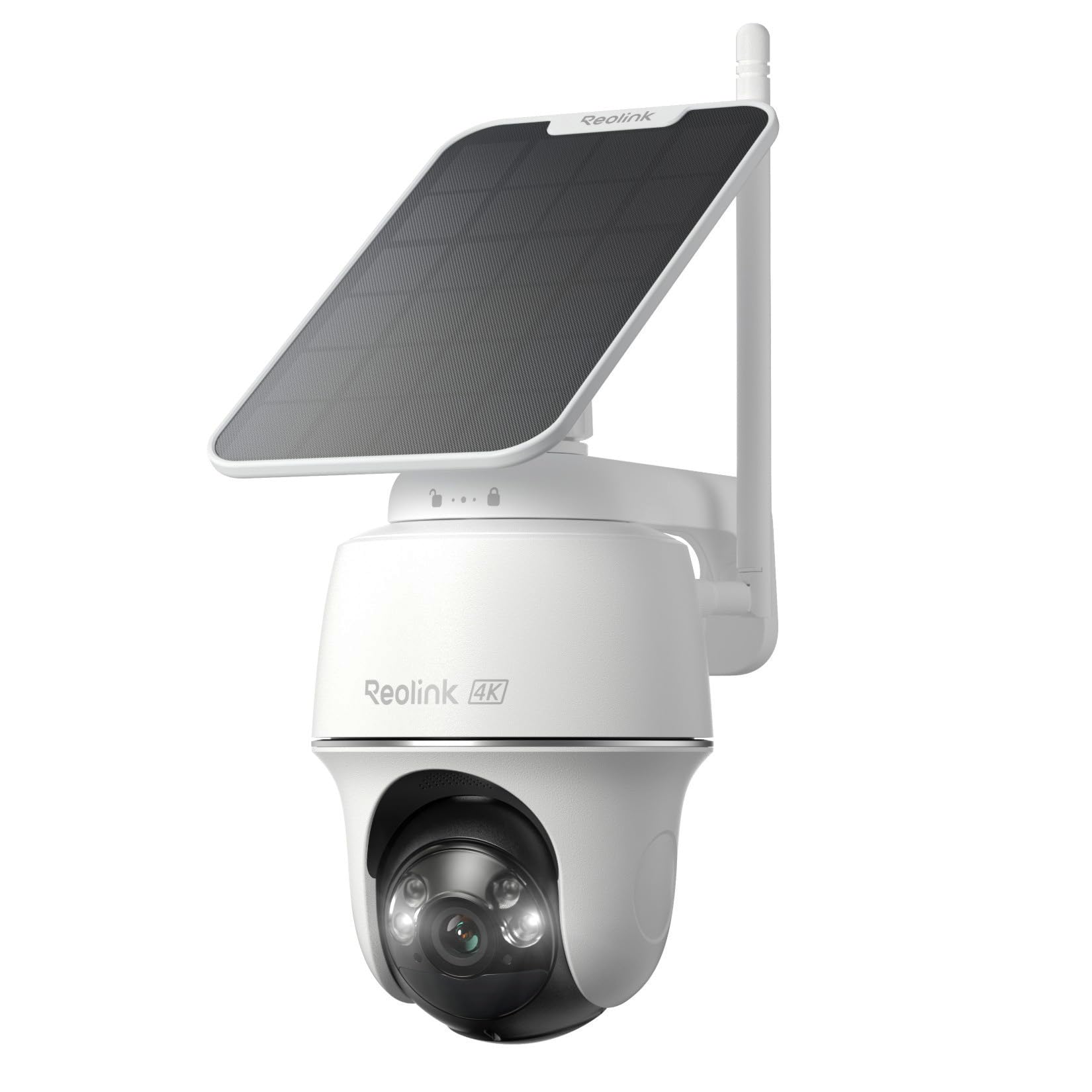
We recommend the Argus PT Ultra for outdoor monitoring when we want sharp video, broad coverage, and simple solar charging without a monthly fee.
Pros
- Clear 4K video with useful color night vision
- Wide pan-and-tilt range helps reduce blind spots
- Solar panel limits the need for battery charging
Cons
- Motion alerts can still misidentify people or animals
- Local recording requires a separate microSD card
- Wireless video is less dependable than a wired system
After setting it up, we found the camera straightforward to mount and connect through the Reolink app. The solar panel helped maintain the battery in a location with regular sunlight, while the wire-free design kept installation simple.
The 4K image showed useful detail during the day, and the spotlight added color to nighttime footage. Pan and tilt controls also made it easy for us to check more of the yard from one camera. Auto-tracking worked reasonably well, though it did not identify every subject correctly.
Person, vehicle, and pet detection helped reduce unnecessary alerts, and we could adjust sensitivity and activity zones. Still, some motion events were labeled incorrectly, so we would review the settings after installation.
The Argus PT Ultra fits homes that need flexible outdoor coverage and local recording. We would choose a wired camera instead for constant recording or areas with weak Wi-Fi.
REOLINK Argus MagiCam
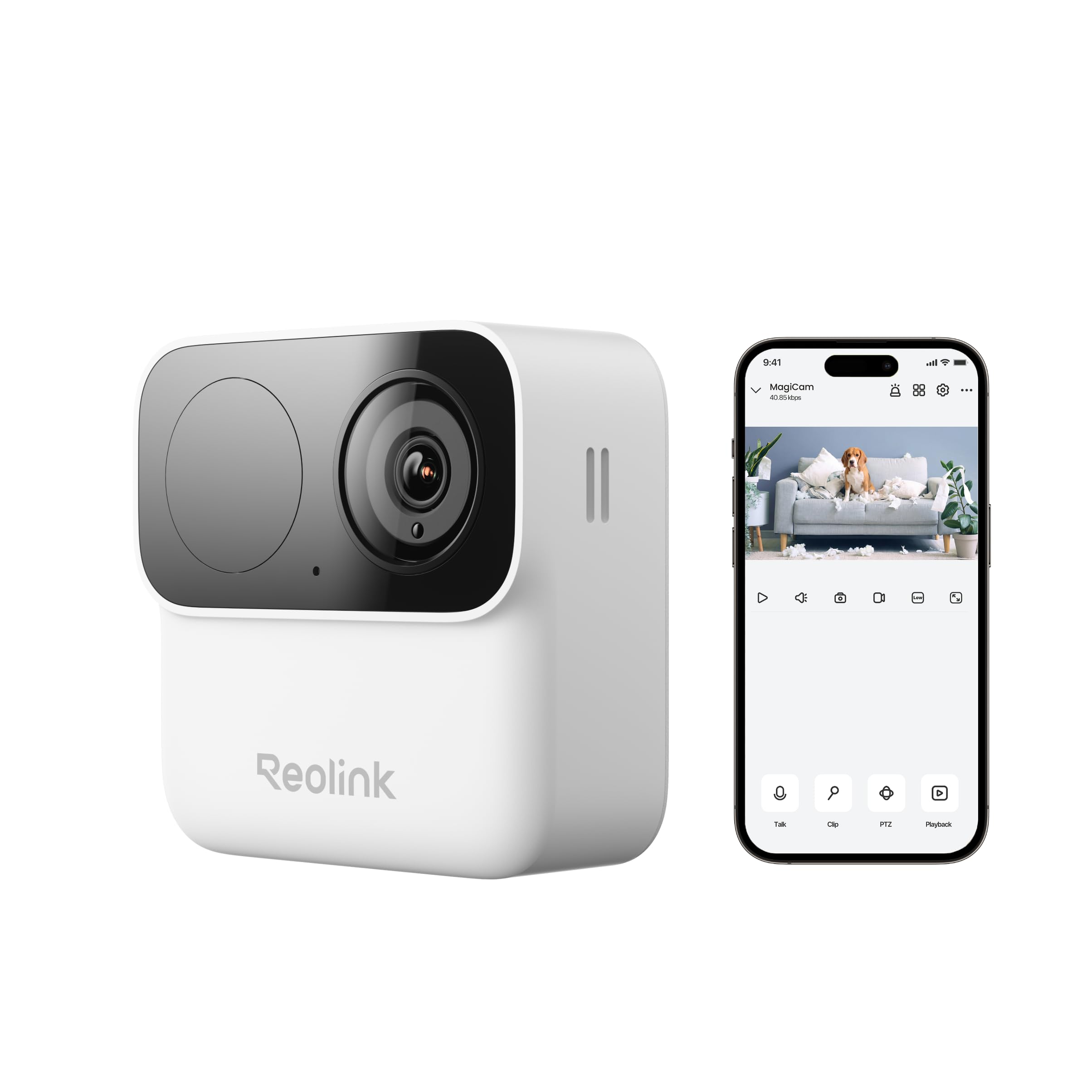
We recommend the Argus MagiCam for flexible indoor or outdoor monitoring without a required subscription.
Pros
- Magnetic mount makes repositioning quick
- Clear 1080p video with useful night vision
- Local storage avoids monthly cloud fees
Cons
- Battery life depends heavily on recording activity
- Some users report setup and Wi-Fi issues
- The microSD card costs extra
We found the magnetic mount especially useful when checking different areas, such as a garage, entryway, or RV. The camera attaches quickly, while the adjustable angle helps us aim the view without moving the base.
The video looks clear enough for everyday monitoring, and the wide view covers a useful area. Person detection helps reduce alerts from passing cars and changing shadows, though we would still adjust the detection zones during setup.
Two-way talk worked well for short conversations with visitors. The app provides live viewing and playback, but some users have found the setup process or password rules frustrating. Wi-Fi performance may also vary with distance and walls.
The replaceable AA lithium batteries can last for months with light use, but frequent motion recordings will shorten that time. Local microSD recording is a practical choice for shoppers who want to avoid ongoing cloud charges.
Reolink Go PT Ultra Solar Cellular Camera
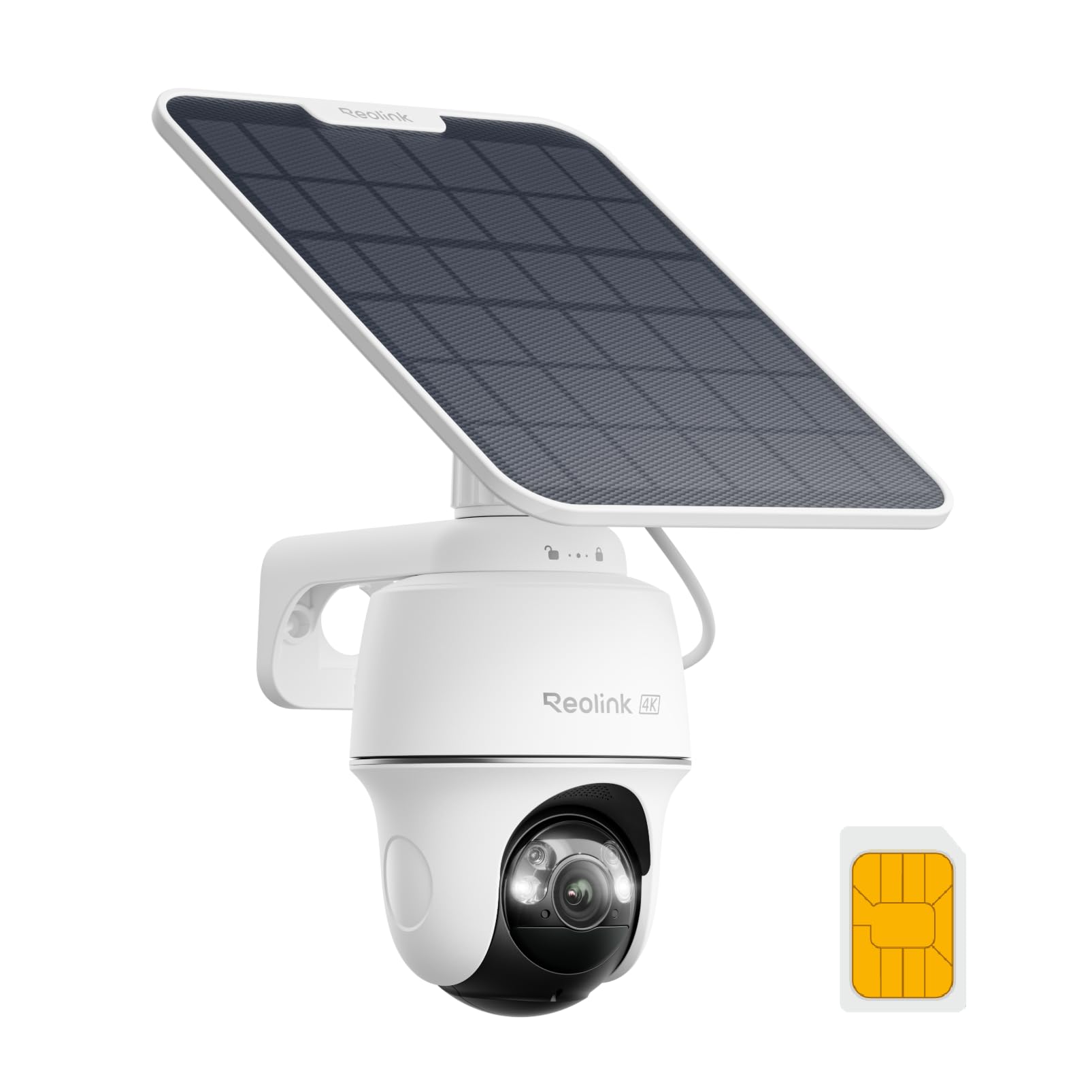
We recommend this camera for remote outdoor areas that need 4G LTE access, solar power, and broad pan-and-tilt coverage.
Pros
- Sharp 4K video with useful color night vision
- Solar power and cellular service reduce wiring needs
- Pan, tilt, tracking, and smart alerts cover wide areas
Cons
- Requires reliable cellular coverage
- Cellular service may add ongoing costs
- The app and setup can feel confusing
We found the camera especially useful for places without Wi-Fi, such as a rural property, worksite, or detached storage area. The included solar panel helps keep the battery charged, while the Reolink SIM card simplifies initial setup.
The 4K image shows clear detail during the day. At night, the color view can help us identify activity better than basic infrared footage, although the useful range remains limited in very dark areas.
Pan and tilt controls provide wide coverage, and auto-tracking follows moving subjects across the view. Person, vehicle, and animal detection also helps reduce unnecessary alerts, but we still needed to adjust the motion zones for better results.
Cellular performance depends on signal strength at the installation site. We also found that the Reolink app works well for everyday viewing, though some settings take time to locate. Buyers should confirm network coverage and review cellular service costs before ordering.
Reolink Battery Video Doorbell 2nd Gen
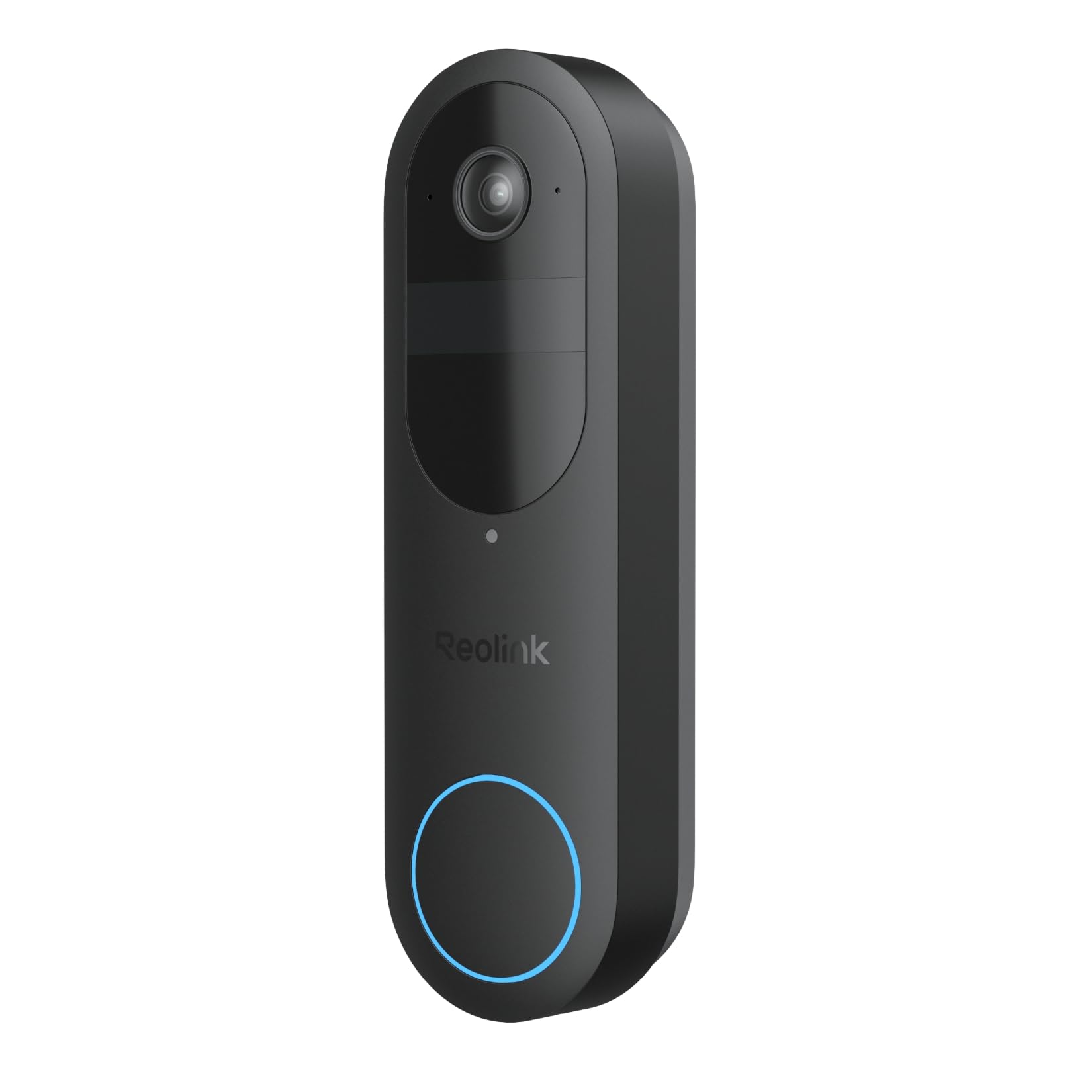
We recommend this doorbell for buyers who want a wide view, local video storage, and flexible battery or wired power without a required subscription.
Pros
- Wide head-to-toe view helps us see visitors and packages.
- Local storage works without a monthly plan.
- Battery and wired power options support flexible installation.
Cons
- Some users report Wi-Fi and firmware problems.
- Smart-home and third-party system support can be limited.
- Battery life depends heavily on recording activity.
During testing, the 1:1 view made it easier for us to see both faces and packages near the doorstep. HDR helped balance bright outdoor light, while night vision kept visitors visible after dark.
Installation was straightforward, especially for a wireless setup. We could also connect compatible doorbell wiring to reduce charging, but buyers should check their existing voltage before installing it.
The Reolink app provides two-way talk, person, vehicle, animal, and package alerts. Local microSD storage avoids a required cloud plan, though we found that advanced integrations may require a Reolink Home Hub or compatible recorder.
Our main concern is consistency. Several owners report connection drops, firmware issues, or problems with package detection, while others describe reliable setup and strong performance. The 3.4-star rating suggests that results may vary by network, wiring, and software setup.
Reolink Argus PT Solar Camera
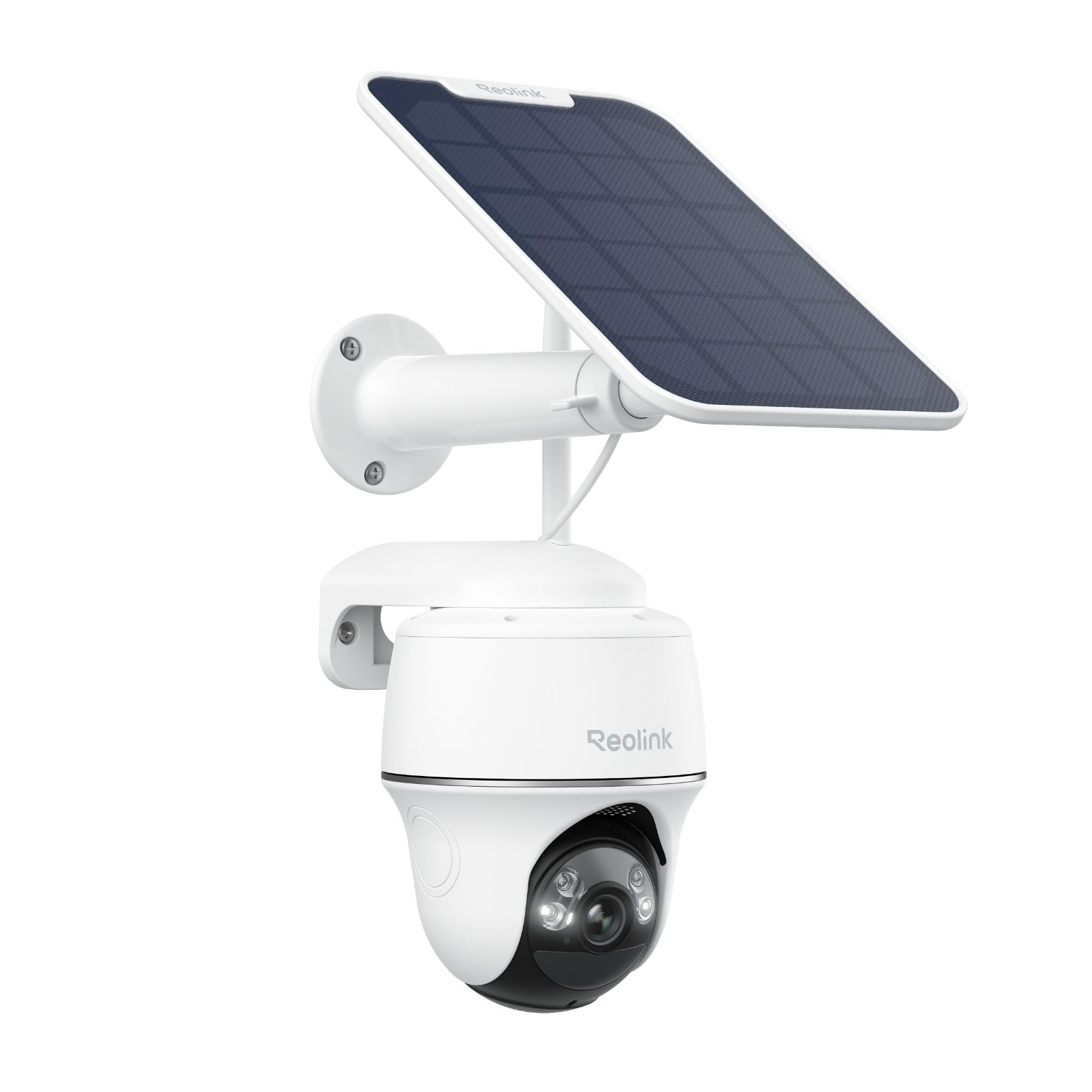
We recommend this camera for buyers who want wide outdoor coverage, local storage, and solar charging without a monthly fee.
Pros
- Solar power reduces charging needs.
- Pan-and-tilt movement covers a wide area.
- Clear 5MP video with useful color night vision.
Cons
- Motion recording can start late.
- The battery may enter an automatic sleep mode.
- The solar panel mount may offer limited placement flexibility.
We found the setup fairly simple. After mounting the camera and panel, we used the Reolink app to connect the unit and adjust the viewing angle. The camera turns widely from side to side and tilts up or down, which helps cover a driveway, yard, or entry area with one device.
Video quality looks sharp during the day, while color night vision adds useful detail when nearby lighting is available. In darker areas, the camera relies more on infrared viewing, with a shorter practical range.
Person, vehicle, and pet detection helps reduce unnecessary alerts, but motion clips may not always begin immediately. We also noticed that fast-moving subjects can appear less smooth because the camera records at a modest frame rate.
The solar panel worked well when placed in a suitable sunny position, though shaded locations may still require occasional charging. We can save recordings to a microSD card, Home Hub, or FTP server, giving us several options without a required subscription.
Reolink Argus MagiCam 2-Pack
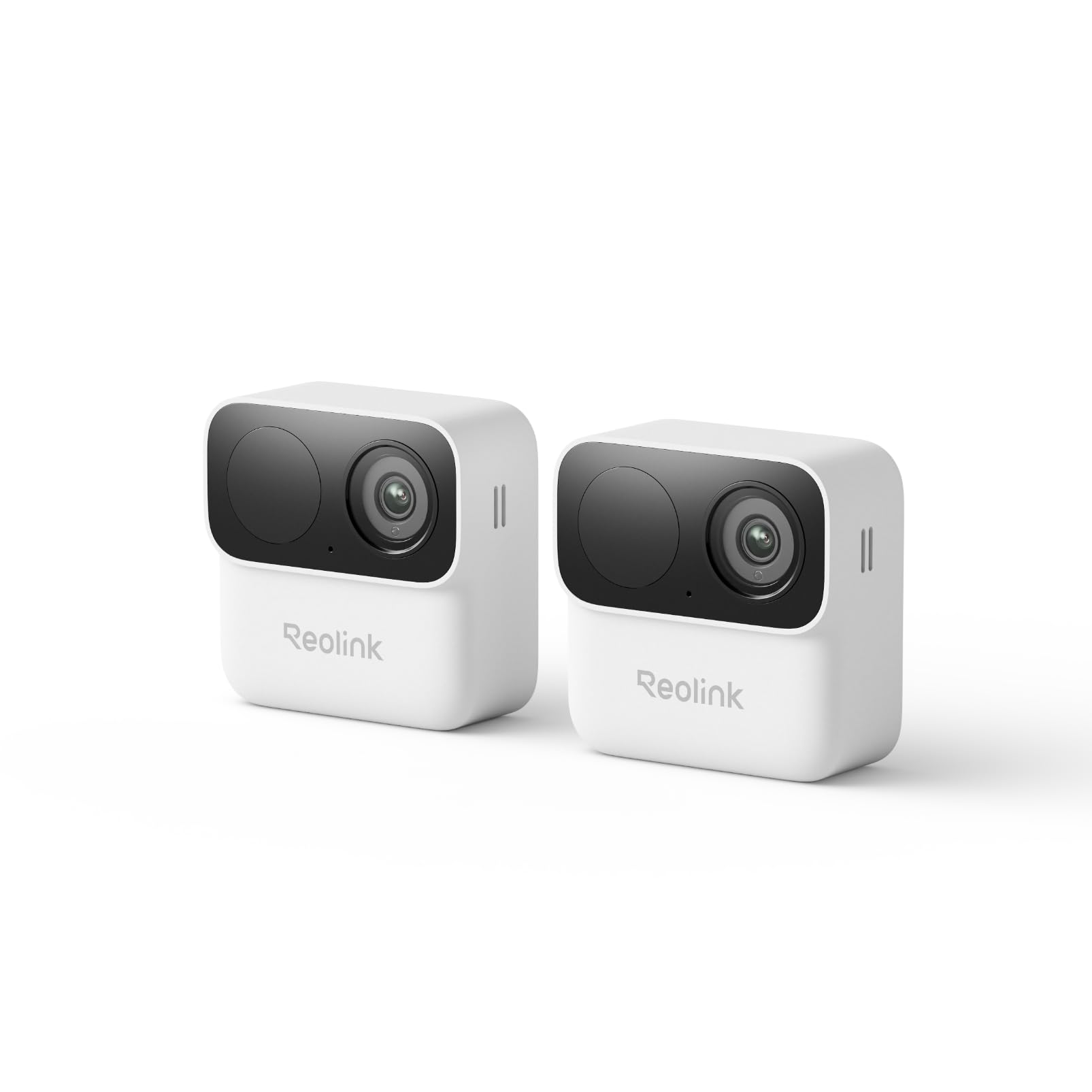
We recommend this two-camera set for simple indoor or outdoor monitoring without a required subscription.
Pros
- Quick magnetic installation with adjustable viewing angles
- Person detection, two-way talk, and dual-band Wi-Fi
- Local recording with up to nine months of battery life
Cons
- 1080p video lacks the detail of higher-resolution cameras
- microSD card is not included
- Battery life depends on recording and alert activity
We found the magnetic mounts useful for testing different positions before securing the brackets. They work well on metal surfaces, while the included screw mounts provide a firmer setup outdoors or in busy areas.
The Reolink app makes setup and live viewing straightforward. Person detection helped reduce alerts from passing cars and shadows, though we still adjusted detection zones to limit unwanted notifications. Two-way talk worked well for short conversations at the door.
Video looked clear in daylight and remained usable in dark areas with infrared night vision. The 132-degree view covered a broad section of a room, porch, or garage, but 1080p footage showed less detail when we viewed distant faces or plates.
These cameras use replaceable AA lithium batteries, which keeps installation simple. Actual battery life will vary with Wi-Fi strength, temperature, live viewing, and motion activity.
Local storage gives us control without monthly cloud fees. We needed to provide our own microSD card, or connect the cameras to a compatible Reolink Home Hub.
Reolink Battery Video Doorbell

We recommend this doorbell for shoppers who want clear video, local storage, and flexible power without a required monthly fee.
Pros
- Sharp 2K video with a useful head-to-toe view
- Person, vehicle, and package alerts
- Battery or wired installation
Cons
- Chime is not included
- No continuous recording
- Some features have limited device support
We found the 2K image clear during the day and useful at night. The square view showed both faces and packages near the door, while the wide angle covered more of the entry area than many standard doorbells.
Setup was simple with the included mounting hardware. We could use the battery or connect the doorbell to existing wiring for charging and chime support. Battery life depends heavily on traffic and settings, so busy entrances may need more frequent charging than the five-month lab estimate.
The app provides live viewing, two-way talk, and alerts for people, vehicles, and packages. Local recording through a microSD card helps us avoid a required cloud plan, though the doorbell does not support nonstop recording and will not work with third-party NVRs.
We also noticed some limits. Video calling works only on iOS, the chime costs extra, and the 3.9-star rating suggests that user experiences vary. Still, this is a practical choice for a front door when we value flexible power and local video storage.
Reolink TrackMix LTE Plus
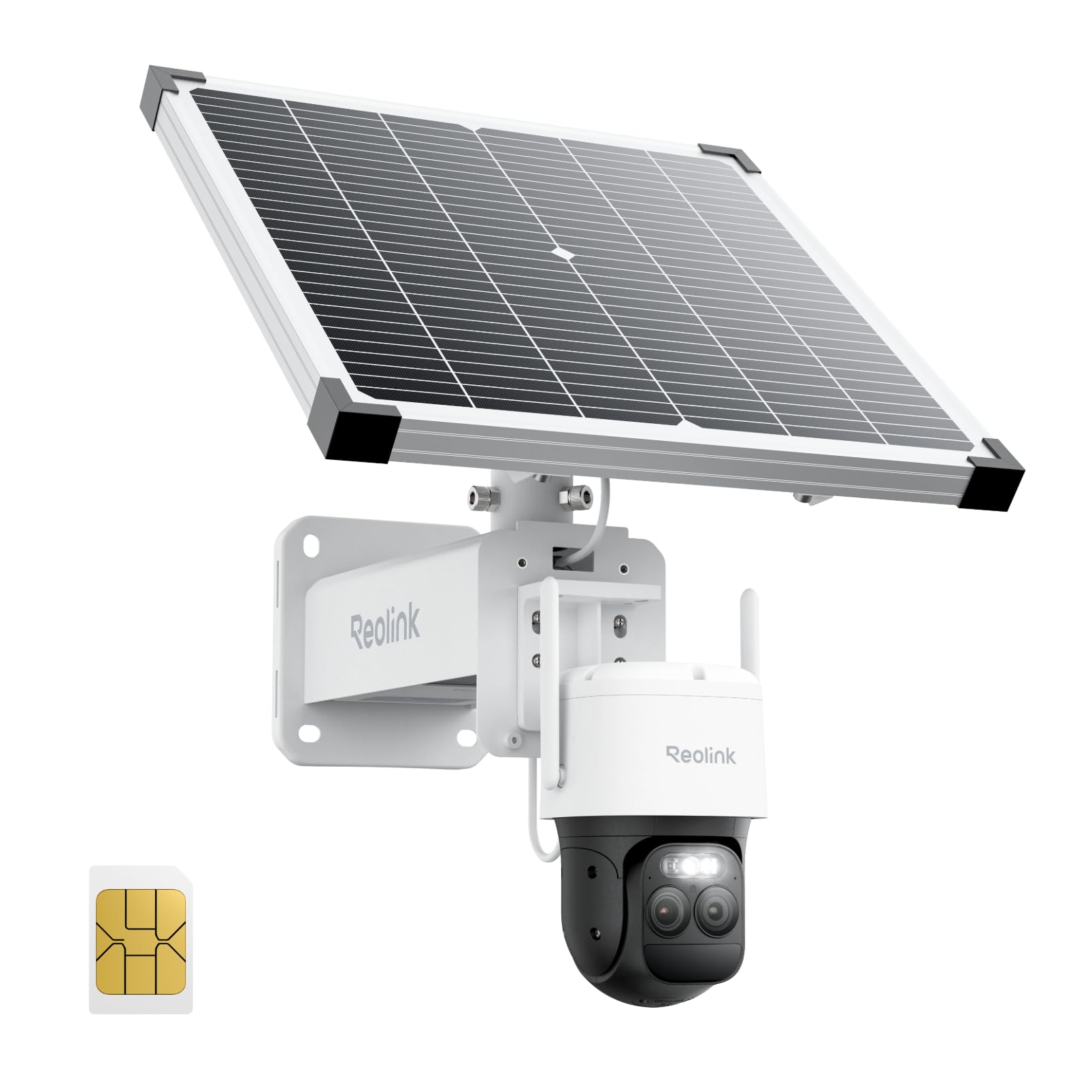
We recommend this camera for remote sites without Wi-Fi or reliable power, but its heavy build and mixed charging reports deserve attention.
Pros
- 4G connection works in places without Wi-Fi
- Dual lenses provide wide coverage and useful zoom
- Solar panel and large battery support extended outdoor use
Cons
- Heavy design limits mounting choices
- Solar charging may be unreliable in some conditions
- Setup and support may frustrate some buyers
We found the TrackMix LTE Plus useful for checking remote areas such as construction sites, farms, and work fields. Its cellular connection removes the need for a local network, while the solar panel helps reduce charging trips.
The two-lens view gave us a broad scene and closer details at the same time. Auto-tracking followed people and vehicles, although the camera’s size and weight made installation more demanding than expected.
Night viewing was another strength. We could switch between color, spotlight, and infrared modes based on the available light. The camera also supports continuous recording, but adding a microSD card increases storage and costs extra.
Several owners report dependable operation, while others describe charging problems and difficult support experiences. We would choose it for a sturdy pole or solid outdoor structure, but we would test the solar setup soon after installation.
Reolink Argus Eco Ultra
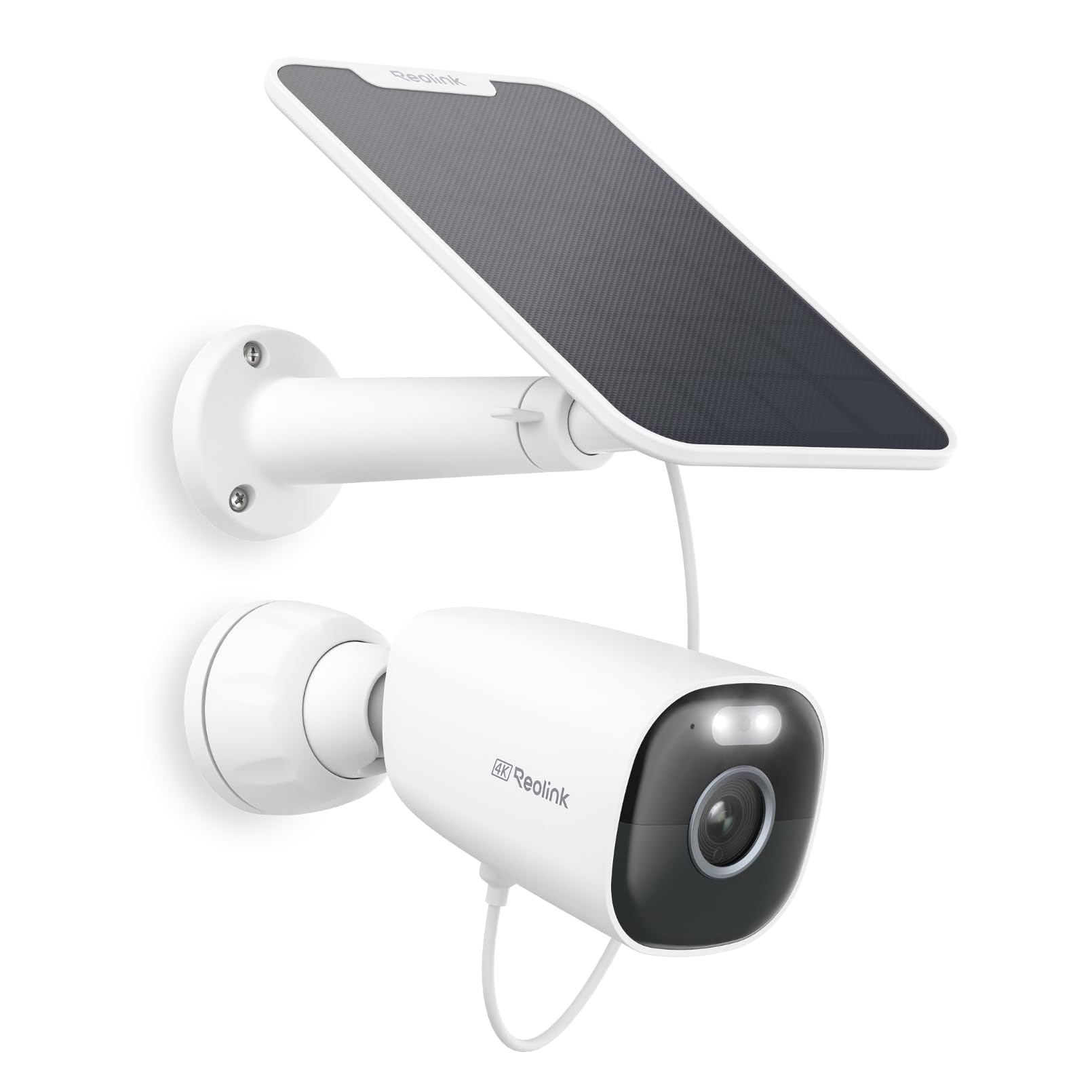
We recommend this camera for buyers who want sharp outdoor video, solar charging, and local storage without a monthly fee.
Pros
- Clear 4K video with useful color detail at night
- Solar panel reduces the need for manual charging
- Person, vehicle, and animal alerts help limit false alarms
Cons
- Motion detection may miss some activity, especially at night
- Setup can be difficult with certain Wi-Fi networks
- MicroSD storage and the Home Hub cost extra
We found the 4K image clear enough to identify people and vehicles across a yard. The 125-degree view also covered a wide section of our outdoor area, while the spotlight added helpful color after dark.
The solar panel made installation flexible because we did not need to run a power cable to the camera. Its long cable and adjustable mount helped us place the panel where it could receive more sunlight.
Reolink’s app offers person, vehicle, animal, and general motion alerts. In our testing, these settings helped reduce unnecessary notifications, though the camera did not always detect movement at night as reliably as expected.
Local recording gives us more control over footage. The camera supports a microSD card, and pairing it with a Reolink Home Hub adds more storage options without requiring a subscription. We would still check Wi-Fi strength before installing it, since some buyers report setup and connection issues.
Reolink Argus Eco Solar Camera
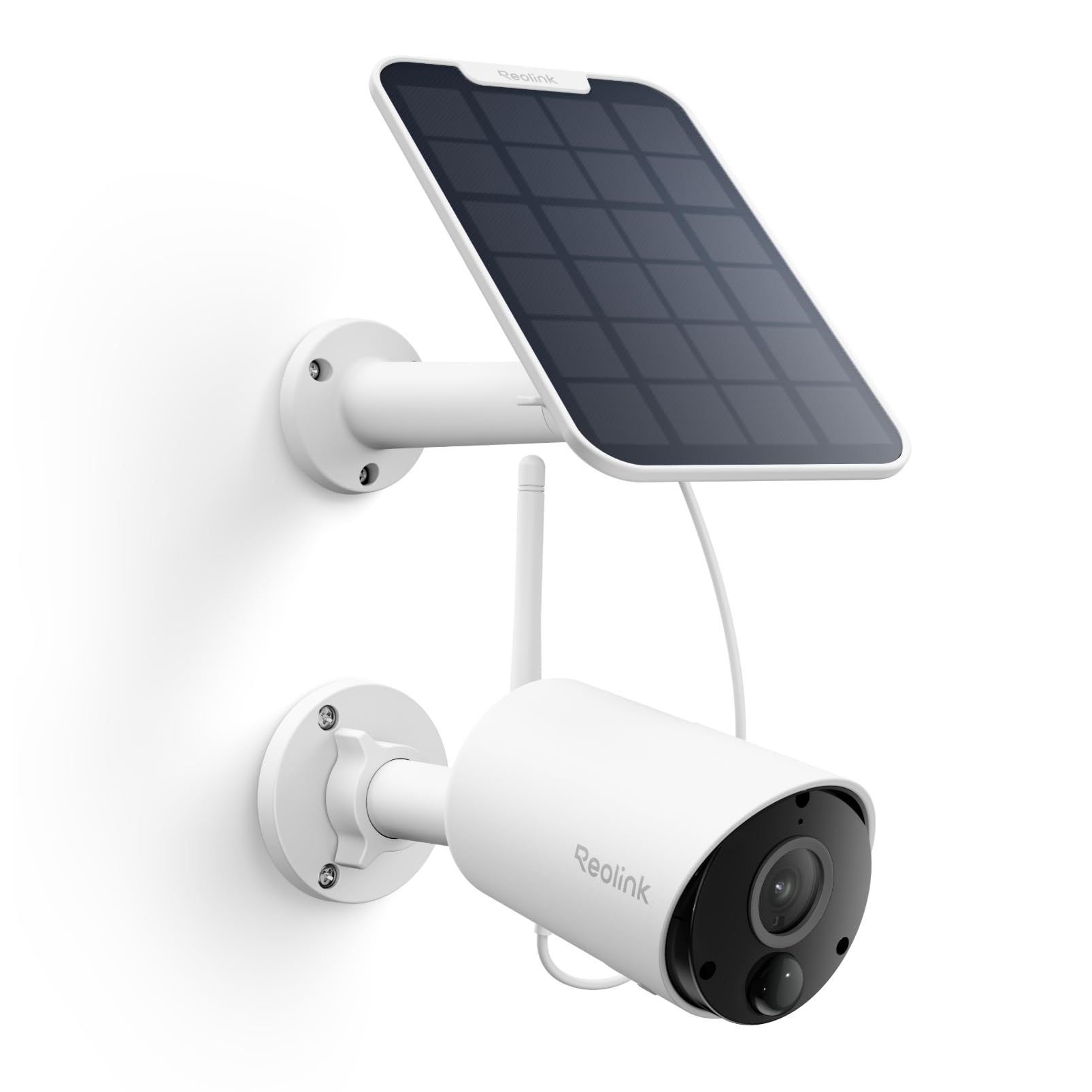
We recommend this camera for outdoor areas without nearby power, especially when we want solar charging, clear video, and local storage without a required subscription.
Pros
- Solar panel reduces the need for battery charging
- Sharp 2K video with useful person, vehicle, and pet alerts
- Local microSD storage avoids monthly fees
Cons
- Works only with 2.4GHz Wi-Fi
- Cloudy weather may limit solar charging
- MicroSD card must be purchased separately
The Argus Eco proved easy for us to mount and connect through the Reolink app. Its wireless design works well for a gate, side yard, garage, or other spot where running power would be difficult. The included solar panel adds flexibility, but we would place it where it receives steady direct sunlight.
Video quality is one of its stronger points. The 2K image gives us enough detail to recognize people and vehicles, while infrared night vision covers nearby areas after dark. Motion alerts can identify people, vehicles, and pets, which helps reduce unnecessary notifications compared with basic motion detection.
The camera stores recordings on a microSD card, so we can avoid a monthly plan. It also works with Alexa, Google Assistant, and compatible Reolink systems. We would keep expectations realistic, though: the camera uses 2.4GHz Wi-Fi only, and its connection may weaken when installed far from the router.
Its weather-resistant housing suits outdoor use, but installation still matters. We would angle both the camera and solar panel carefully, then check the app regularly to confirm charging and signal strength. Overall, this is a practical battery camera for buyers who value simple setup, local storage, and low ongoing costs.
Buying Guide
We should start by checking where we plan to install the camera. A wide viewing angle suits open areas, while a pan-and-tilt model can cover more space. We should also check whether the camera supports the required mounting method and works in the local weather conditions.
Battery capacity affects how often we need to recharge the camera. Solar charging can reduce maintenance, but it depends on sunlight and the panel’s position. We should also check whether the battery can be removed for indoor charging.
| Feature | What to check |
|---|---|
| Video quality | Choose a resolution that shows useful detail at the expected viewing distance. |
| Night vision | Check for infrared and color night-vision options. |
| Motion detection | Look for adjustable zones and alerts that help reduce false alarms. |
| Storage | Compare cloud plans, memory card support, and local recording options. |
| Connectivity | Confirm that the camera supports the available Wi-Fi network and signal range. |
| Audio | Check for two-way talk if we need to communicate through the camera. |
| App controls | Look for clear playback, alert settings, and simple device management. |
We should review privacy and security settings before buying. Strong passwords, account protection, and regular firmware updates help protect recorded footage and camera access.
Finally, we should compare the total cost, including optional solar accessories, storage fees, replacement batteries, and mounting equipment. The best choice should match our location, power needs, coverage area, and preferred storage method.
Editor’s picks
We selected these Reolink battery cameras based on image quality, battery options, smart detection, weather resistance, and setup needs.
| Pick | Best for | Key strengths |
|---|---|---|
| Reolink Argus 4 Pro | Best overall | 4K video, wide viewing angle, color night vision, and optional solar charging |
| Reolink Argus PT Ultra | Wide-area coverage | 4K video, pan-and-tilt control, auto-tracking, and local storage |
| Reolink Argus 3 Ultra | Value | 2K video, person and vehicle detection, two-way audio, and solar panel support |
| Reolink Go PT Ultra | Locations without Wi-Fi | 4G LTE connection, pan-and-tilt control, 2K video, and rechargeable battery |
| Reolink Duo 3 PoE | Not battery-powered | Dual-lens 180-degree view and 16MP video, but it requires a wired network connection |
We recommend the Argus 4 Pro for most homes. Its wide view can cover more space with fewer cameras, while its rechargeable battery and optional solar panel support flexible installation.
The Argus PT Ultra suits driveways, yards, and other areas that need active monitoring. We can adjust its view remotely and use tracking features to follow movement within its coverage area.
For a detached property or a site without Wi-Fi, we would choose the Go PT Ultra. It uses a compatible 4G LTE plan, so we should check cellular coverage and data costs before buying.
Frequently asked questions
Which Reolink battery camera is best?
We recommend the Reolink Argus 4 Pro for many users because it offers clear video, a wide viewing angle, and local storage support. We may choose the Argus PT Ultra when we need pan-and-tilt control.
How long does the battery last?
Battery life depends on motion activity, recording settings, weather, and Wi-Fi strength. With moderate use, many models can run for several weeks or months before charging.
Can we use a solar panel?
Yes. Compatible Reolink solar panels can provide regular power and reduce charging needs. We should place the panel where it receives direct sunlight for several hours each day.
Do these cameras require a subscription?
No. We can use many Reolink battery cameras without a monthly subscription. Local storage through a microSD card often supports recording, while some cloud features may require a paid plan.
Do Reolink battery cameras work without Wi-Fi?
Most models need Wi-Fi for live viewing, alerts, and remote access. We should check the specifications before buying if we need cellular or fully offline operation.
Can we record continuously?
Battery-powered cameras usually use motion-triggered recording to preserve power. For continuous recording, we should consider a wired Reolink model instead.
Conclusion
We should choose a Reolink battery camera based on the area we need to monitor, the available network connection, and how often we can recharge it. The Argus 3 Pro fits many homes because it offers clear video, night vision, motion alerts, and flexible installation.
For locations without reliable Wi-Fi, the Go Series provides cellular connectivity. If we want less manual charging, adding a compatible solar panel can help maintain the battery, although performance depends on sunlight and weather.
Before buying, we should check Wi-Fi or cellular coverage, storage options, weather protection, and mounting needs. We should also confirm that the camera supports the detection features and recording method we plan to use.